3-6 Using the Detector
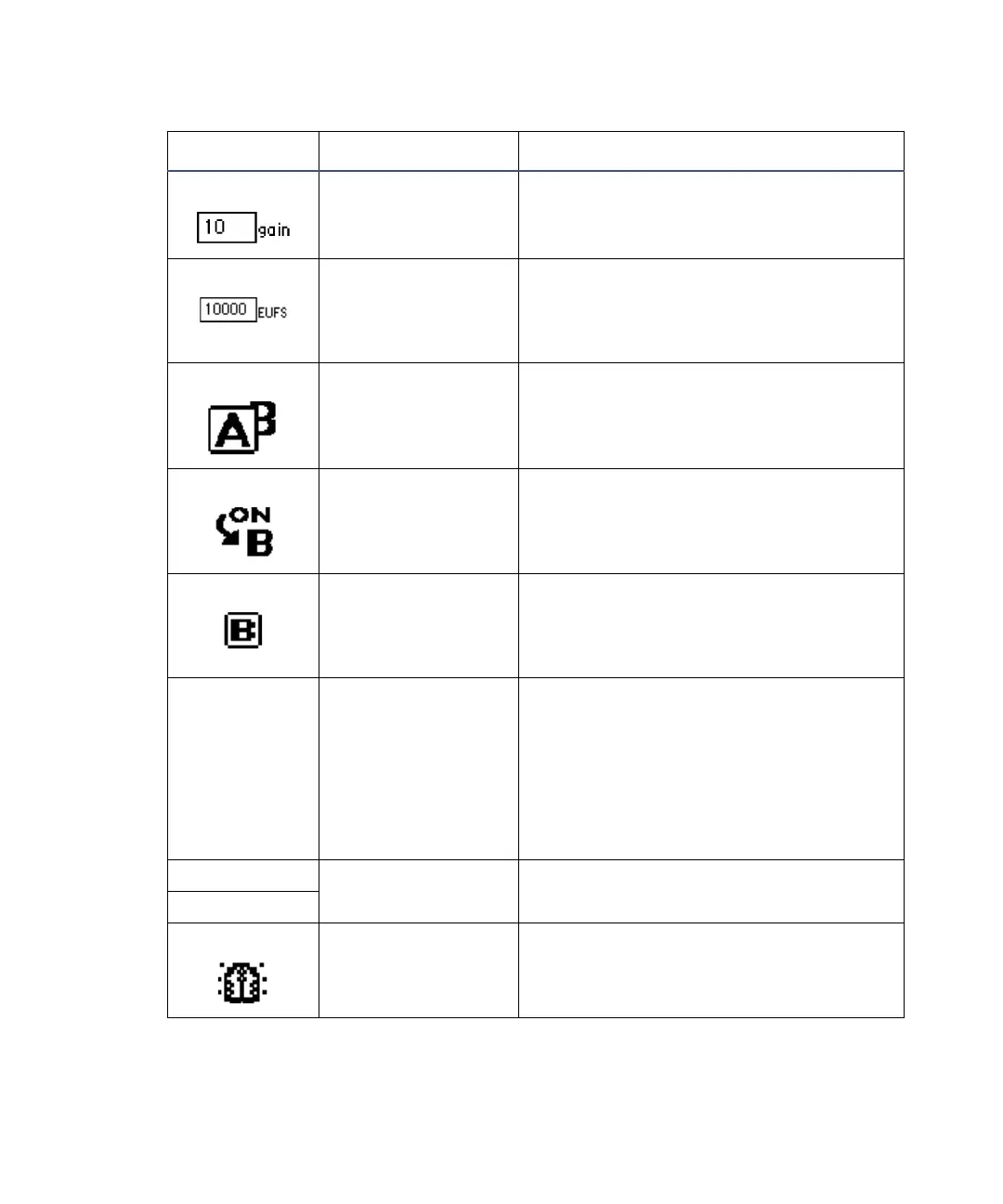
Gain Selects the PMT gain setting.
Sensitivity (EUFS) Selects the chart sensitivity in
emission or sample energy units full
scale (EUFS) for the selected channel
(digital data is not affected).
Channel selector Changes the channel when you press
A/B. The selected channel overlaps the
other channel.
Channel On Displays the ON A or ON B icon for the
channel on which a timed or threshold
event is programmed.
Channel trace When you press TRACE, displays the
fluorescence intensity, also known as
emission, for the channel indicated (A
or B).
Numerical
field (0.00)
Fluorescence in
emission units or
sample energy
units
Displays current normalized emission
units or sample energy units for the
selected channel that are not
normalized.
The displayed units depend on the
output units selected on the second
screen of the operator interface.
emission units Units indication Displays the data units selection.
energy units
Lamp on Indicates the lamp is on.
2475 detector home and message screen icons (Continued)
Icon or field Description Function



 To Next Page