3-60 Using the Detector
10. Press Run/Stop to start the zero-scan, or press Next, to return to the
first zero-scan parameter screen to review your parameter value, and
then press Run/Stop.
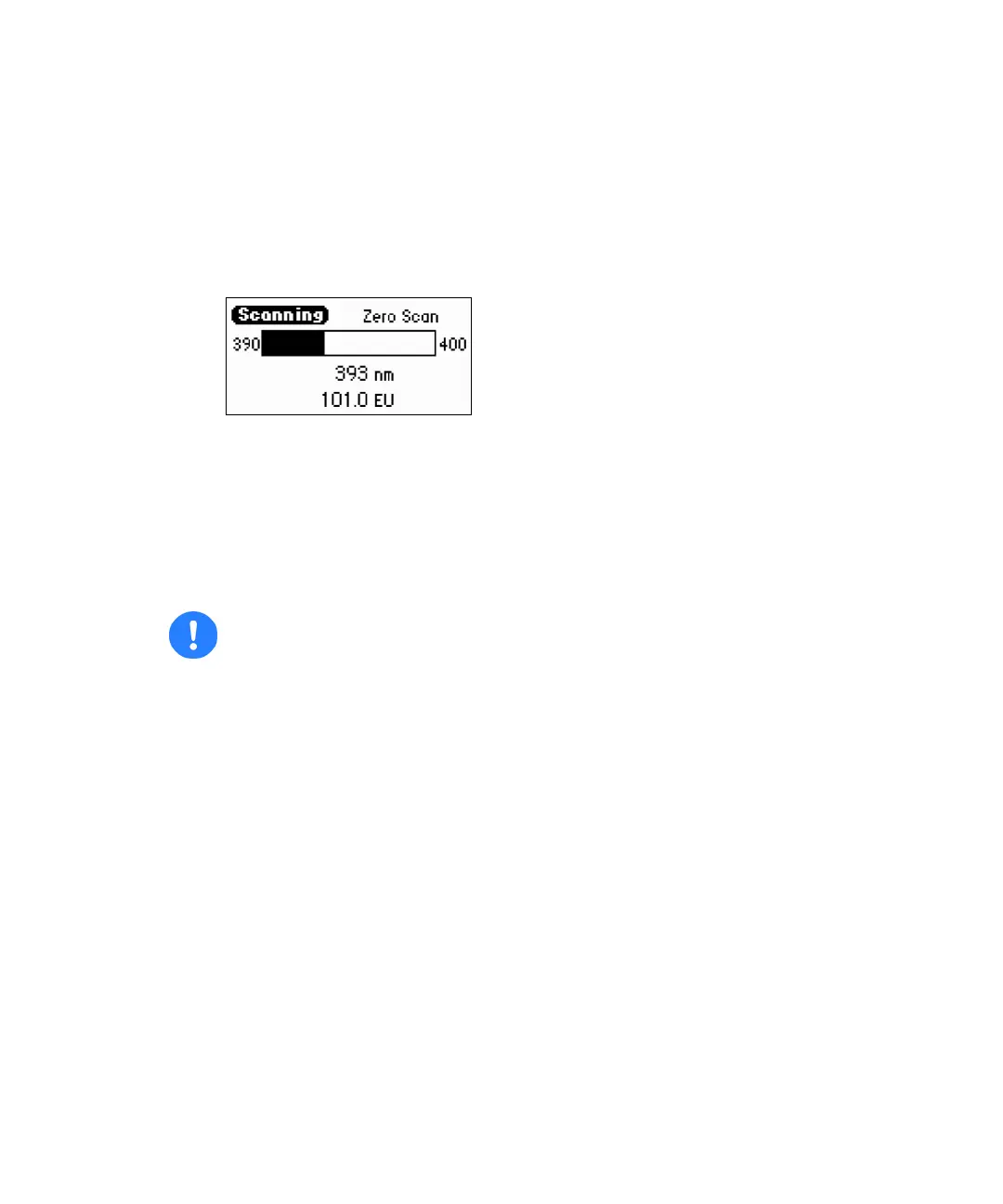
The Scanning screen displays a progress bar and instantaneous energy
(EU).
Zero-scan progress bar
When the detector completes the zero-scan, the software returns to
displaying the scan list.
Running a sample scan
To run a sample scan:
Tip: Run a zero-scan before running the sample scan. To ensure identical flow
cell and solvent conditions, run the sample scan for the corresponding
zero-scan within 15 minutes of running the zero-scan.
1. Set up and run the zero (or reference) scan (see page 3-59).
2. Return to the first New scan screen, and press 1 Sample Scan.
The parameters appear for wavelength range, EUFS, Pace, and
wavelength for stationary monochromator (tick mark) you entered for
the zero-scan.
3. Press Next to advance to the second sample scan screen.
Tip: If desired, you may change the entry in the Mark field.
4. Press Run/Stop to run the sample scan. A brief message (“Initializing”)
appears, and the Scanning screen shows the progress of the scan, in
nanometers.
Caution: Ensure your sample and mobile phase are degassed.



 To Next Page