5-12 Error Messages, Diagnostic Tests, and Troubleshooting
2. Specify a new wavelength number to change the wavelength, and then
press Enter. When the new wavelength shifts to the left, the
corresponding sample and reference energies appear.
3. If you are operating the detector in multichannel mode, press A/B to
view sample and reference energy on the other wavelength.
Raman signal-to-noise test diagnostic test
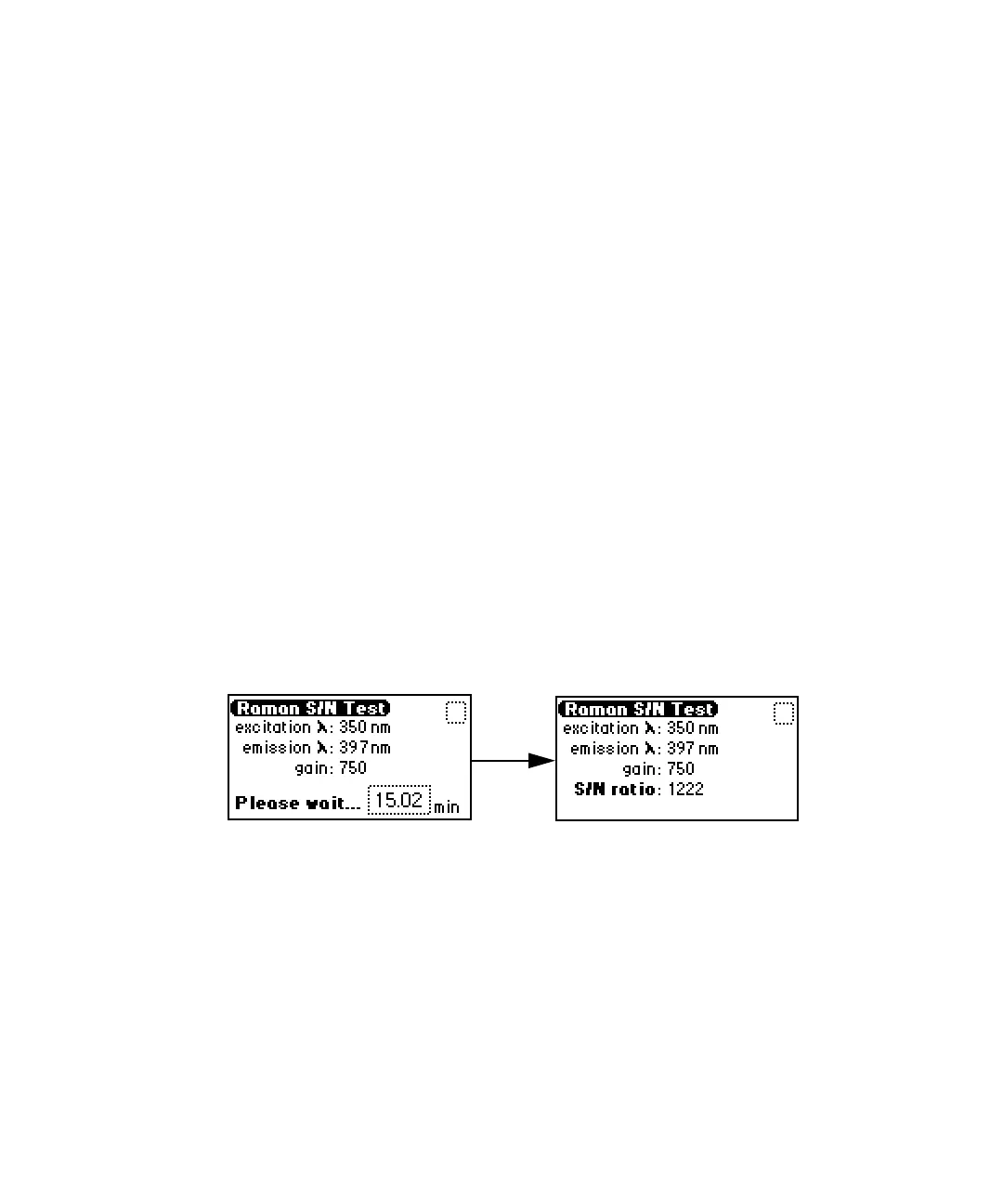
The Raman signal-to-noise test evaluates the detector’s signal-to-noise
performance. Before running the test, run the normalize units test (see
page 3-36). When you start the signal-to-noise test, the detector sets the
excitation wavelength to 350 nm, it sets the emission wavelength and gain to
the values stored during the normalize units test.
Clean, degassed water must be flowing through the flow cell for this test.
To perform the Raman signal-to-noise diagnostic test:
1. Press DIAG, then press 2 Raman S/N Test.
2. Press Enter to confirm the presence of clean, degassed water.
3. Wait 15 minutes for the detector to display the results.
Raman S/N test screen
Input and output diagnostic tests and settings
Use the input and output tests and settings for these purposes:
• Display and reset the auto-zero offsets.
• Fix (set) EU.
• Fix (set) the voltage on the 1-V output.
• Monitor contact closures and toggle event switches.
• Generate test peaks.



 To Next Page