Programming methods and events 3-49
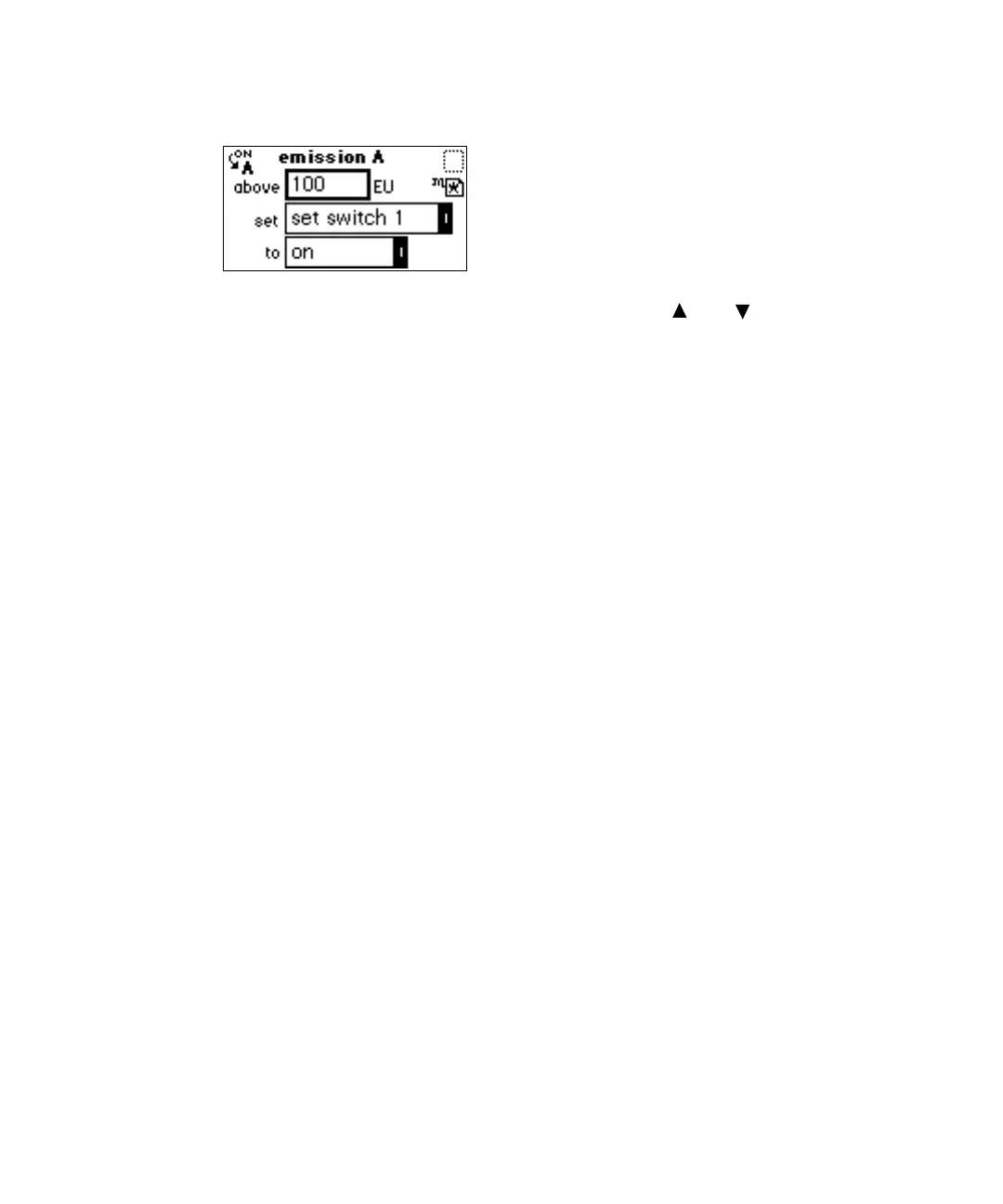
Threshold events screen
3. Press Enter to advance to the Set field, or press and to move among
the three fields.
4. When the Set field is active, press Enter to display the threshold events
list, or press the number corresponding to the event you are
programming (see the table titled “Threshold events “Set” parameters”
on page 3-48).
5. When the To field is active, press Enter to display the options shown in
the table titled “Threshold events “To” parameters” on page 3-48.
As an alternative, press the number corresponding to the threshold
parameter you are programming.
6. Press A/B to set the threshold on the other channel, and repeat the
procedure.
Storing a method
A method consists of all programmable parameters shown on the home and
associated screens as well as timed and threshold events.
You can store the current method by selecting a location numbered 1 through
10.
To store a method:
1. Select METHOD (Shift, A/B).
2. From the method list, select 4 Store method *. A method number field
appears.
Tip: No warning message appears when the method number you specify
in the method number box is already assigned a previously stored
method. When you enter a number and press Enter, the current method
conditions are stored, overwriting any previous method stored in the
same slot.



 To Next Page