Inspecting, cleaning, and replacing the flow cell 4-7
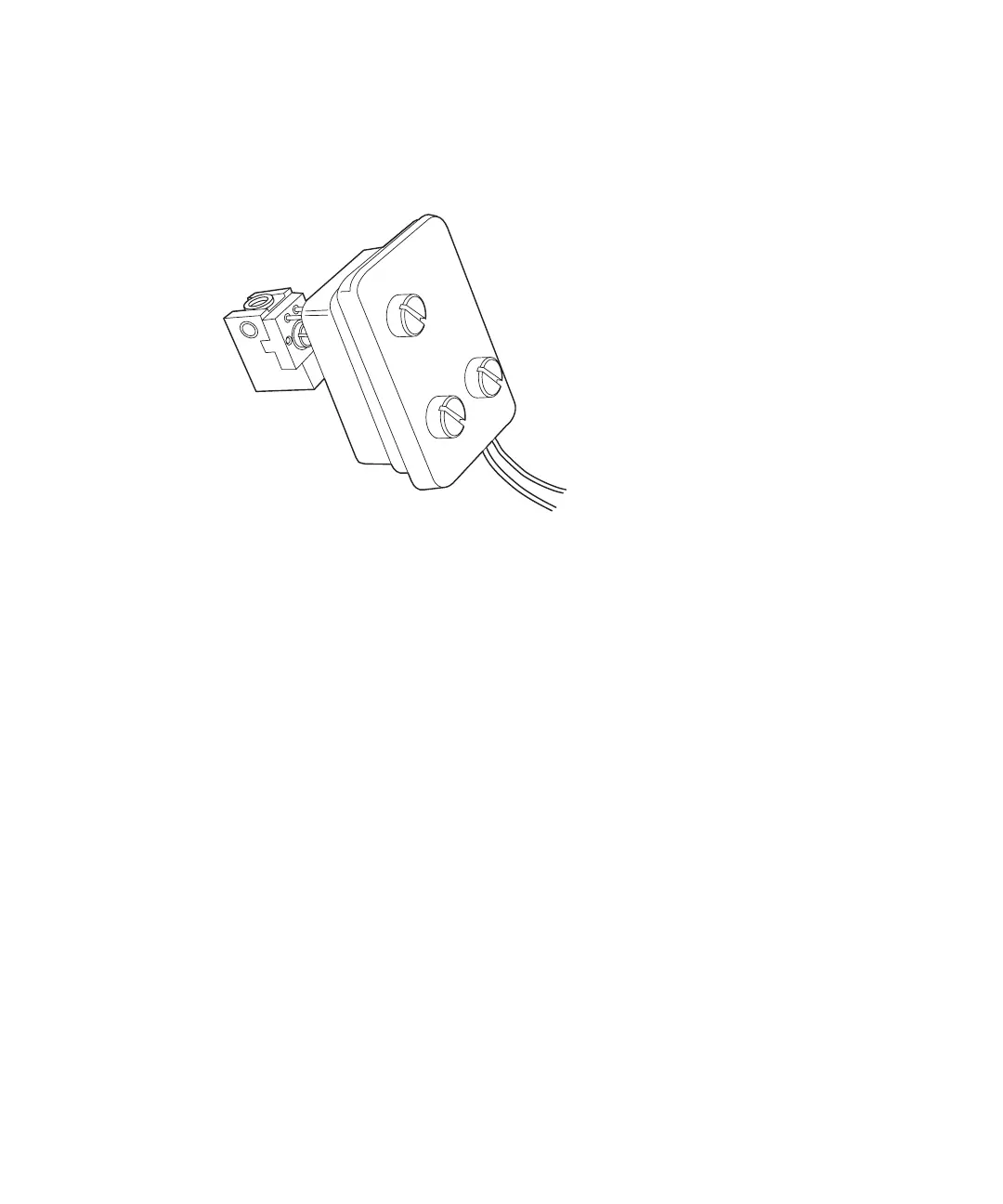
5. Pull the assembly gently toward you, tilting the bottom of the cell
upward to avoid disturbing the cell mask.
2475 detector flow cell assembly
6. Place the flow cell assembly on a flat clean surface.
Replacing the flow cell
The detector is shipped with a standard analytical flow cell installed. Replace
the flow cell when it becomes damaged.
Before you begin:
1. Unpack and inspect the new flow cell.
2. Shut down the detector.
3. Remove the front-left-hand panel cover.
4. Disconnect the detector inlet/outlet tubing from the main column
connection and cap.
To replace the flow cell:
1. Use a 1/4-inch flat-blade screwdriver to loosen the three captive screws
on the flow cell assembly front plate (see the figure “Unscrewing the flow
cell assembly’s captive screws” on page 4-6).
2. Pull the assembly gently toward you.



 To Next Page