2-24 Setting Up the Detector
Connecting a data system using a Bus SAT/IN module
You can acquire data from the detector with the Empower system or the
Millennium
32
chromatography workstation using the Bus SAT/IN module
instead of the RS-232 bus (see page 2-18). This method requires connections
between the detector and a satellite interface (SAT/IN) module.
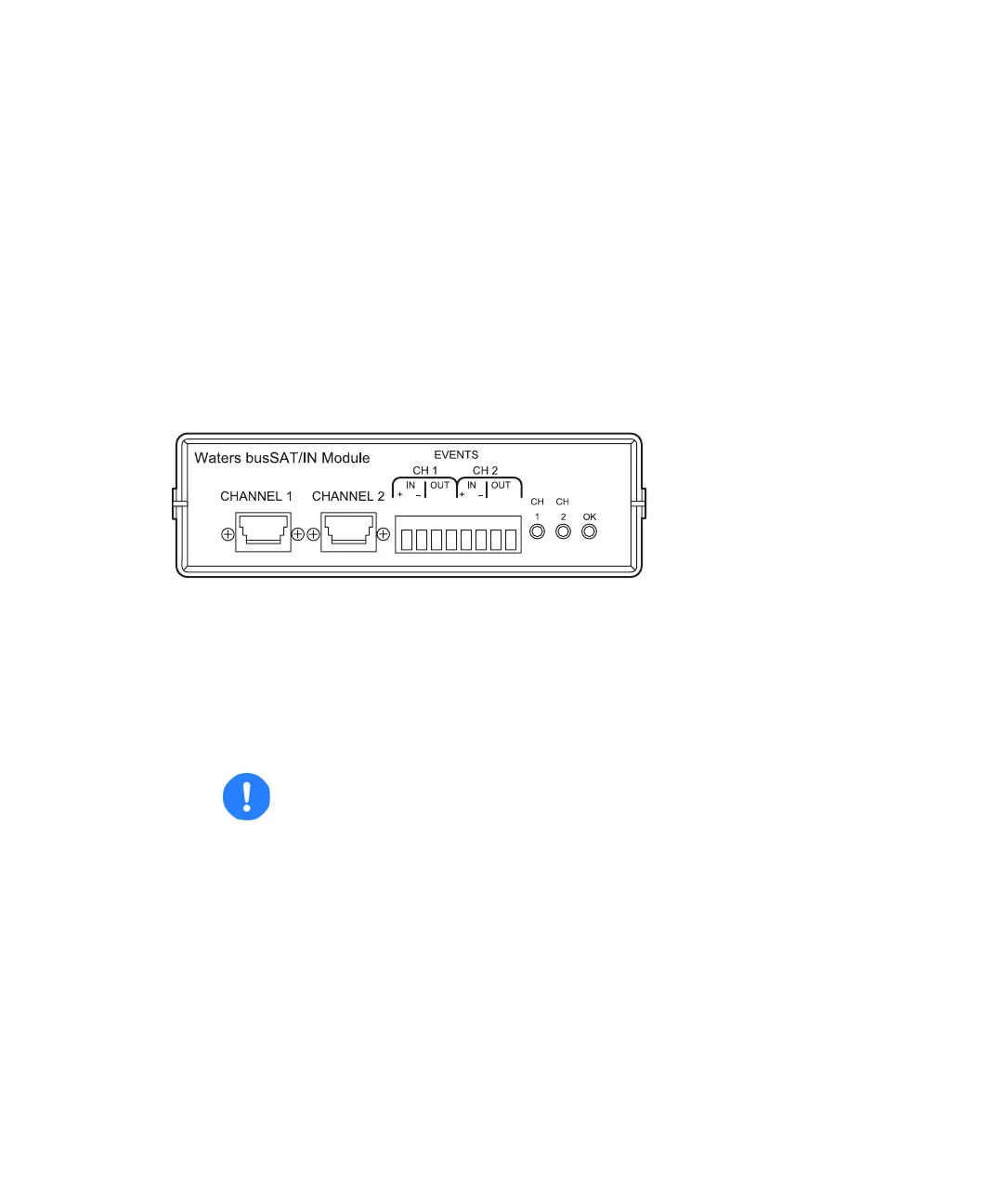
The bus SAT/IN module translates analog signals from the detector into
digital form. It then transmits them to the busLAC/E™ or LAC/E
32
card
installed in an Empower system or Millennium
32
chromatography
workstation.
Bus SAT/IN module (front panel)
To connect an Empower system or Millennium
32
chromatography
workstation to the detector:
1. Connect the Bus SAT/IN module to the busLAC/E or LAC/E
32
card in an
Empower system or Millennium
32
computer according to the
instructions in the Waters Bus SAT/IN Module Installation Guide.
2. Connect the Bus SAT/IN module to the B (Inputs and Outputs) terminal
on the detector’s rear panel.
Caution:
• Do not turn start the Bus SAT/IN module until you perform all
procedures in the Waters Bus SAT/IN Module Installation
Guide. Improper startup can damage the unit and void the
warranty.
• The Bus SAT/IN module does not have a power switch. To
prevent damage to the module, always disconnect the power
cord at the wall outlet or the power supply before attaching or
removing the power connection to the module.



 To Next Page