Conserving lamp life 3-69
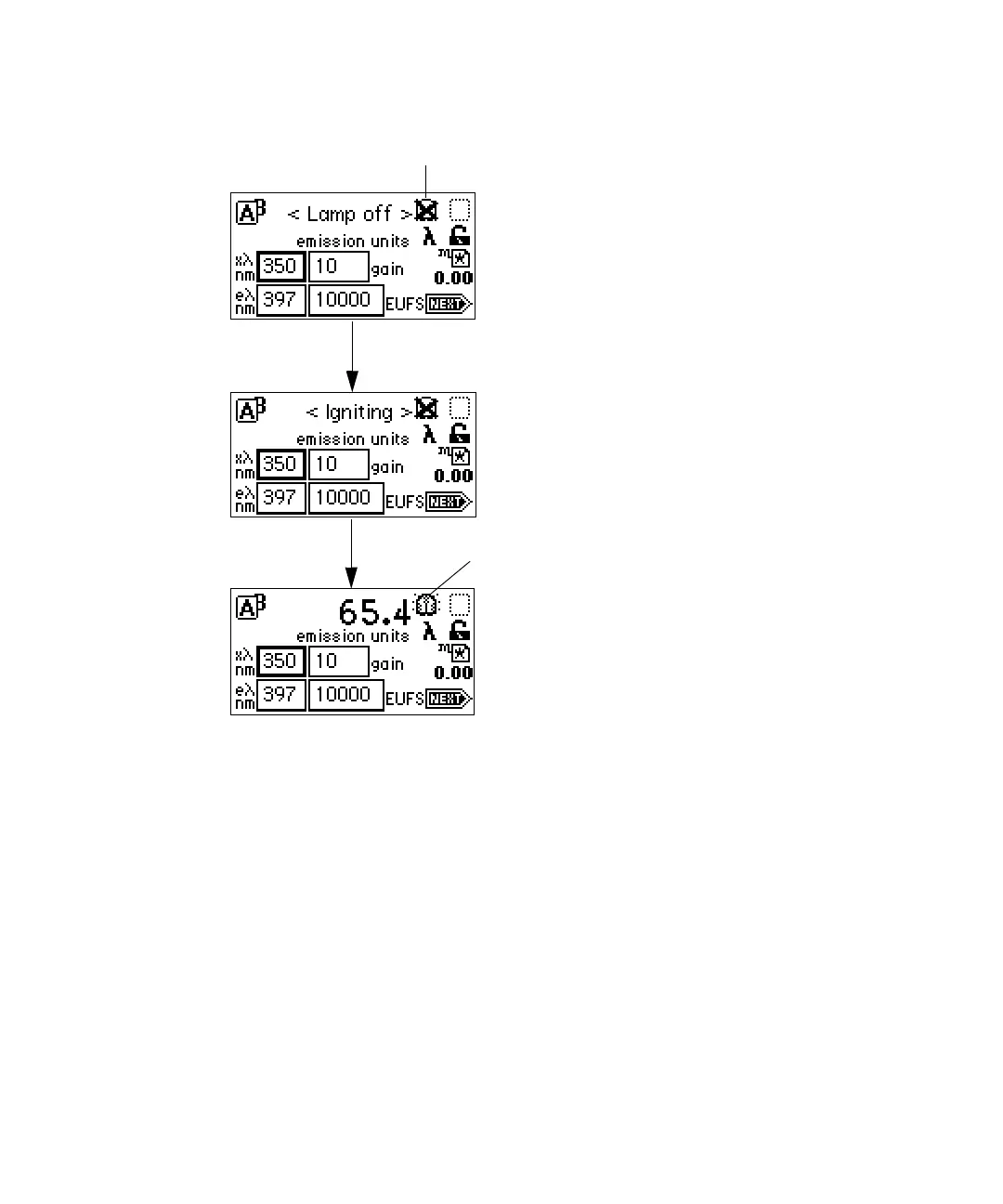
Lamp off/on sequence
Manually lighting the lamp
To manually light the lamp:
1. Select Lamp (Shift, 1).
The lamp control screen appears with 0 hours and 00 minutes in the
“Lamp has been on” field.
2. Select Lamp (Shift, 1) again to light the lamp.
Tip: When the lamp is lit, the “X” no longer covers the lamp icon on the
home screen.
Lamp off indicator
Lamp on indicator



 To Next Page