Using the operator interface 3-9
Using the keypad
The keypad (see the figure “2475 detector keypad” on page 3-11) consists of 24
keys, which provide these functions:
• Full numeric entry – 10 digits and a decimal point.
• Global functions – Enter, Shift, CE (Clear Entry), Next, and ? (Help).
• Navigation – and (used for navigation only; pressing can also
move you to the previous column, to the subsequent column). On
screens with a scrollable list, these keys move the highlight upward
(toward the beginning of the list) or downward (toward the end).
• A/B – Toggles between channels A and B.
• Direct access to specific screens – HOME, METHOD, CONFIGURE,
DIAG (Diagnostics), TRACE, and SCAN.
• Primary functions – Chart Mark, Auto Zero, and Run/Stop. Primary
function keys take effect immediately, with no further entry required.
• Secondary functions – SCAN, λ/λλ (single or multichannel), Reset
(clock), Lamp, Lock, Calibrate, System Information, Contrast, Previous,
Cancel, +/–, and Clear Field. Secondary function keys require you to
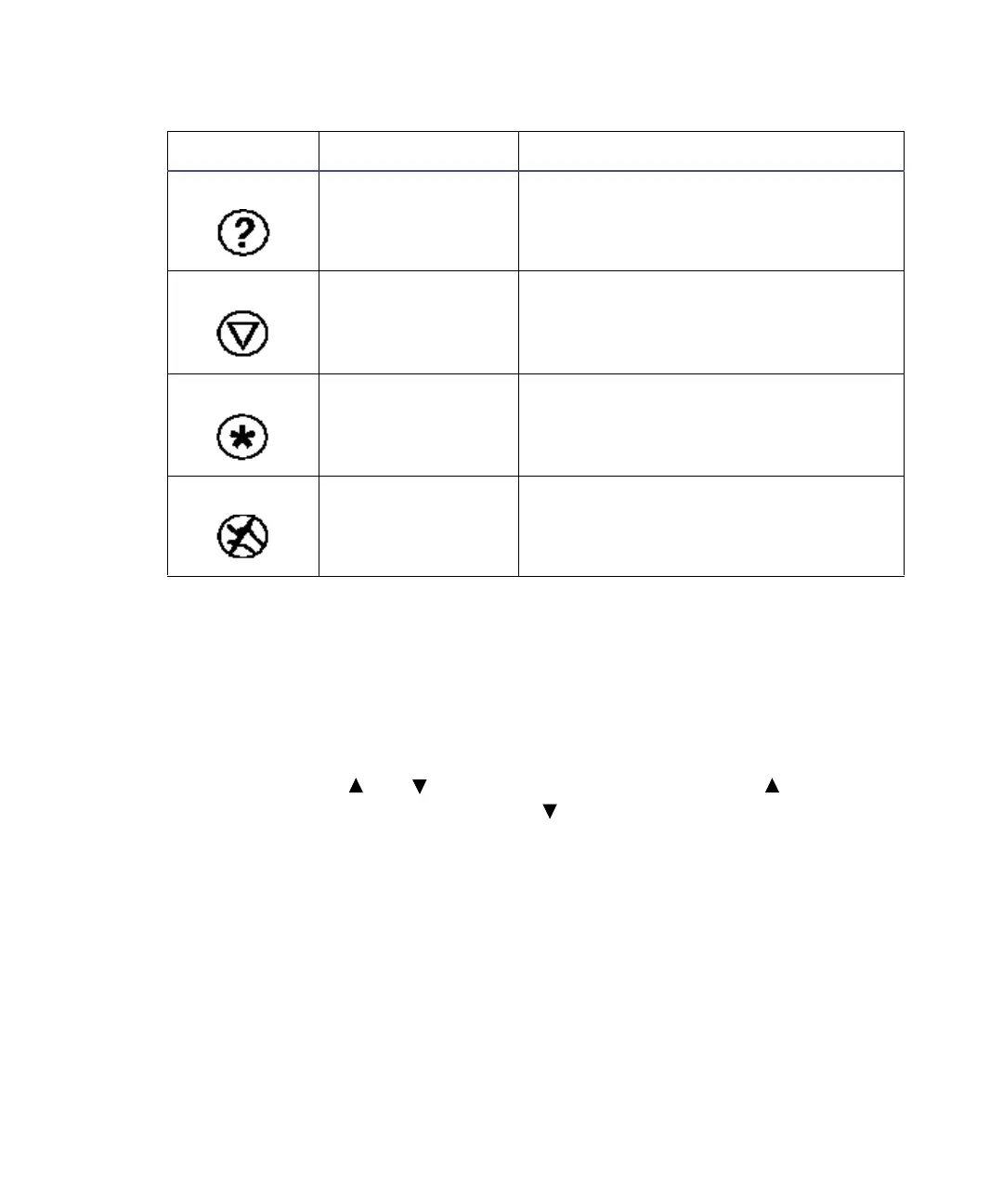
Message screen
icon.
Indicates a question.
Message screen
icon.
Indicates a warning message.
Message screen
icon.
Indicates information is being
displayed.
Message screen
icon.
Indicates that you should standby.
2475 detector home and message screen icons (Continued)
Icon or field Description Function



 To Next Page