Using the operator interface 3-11
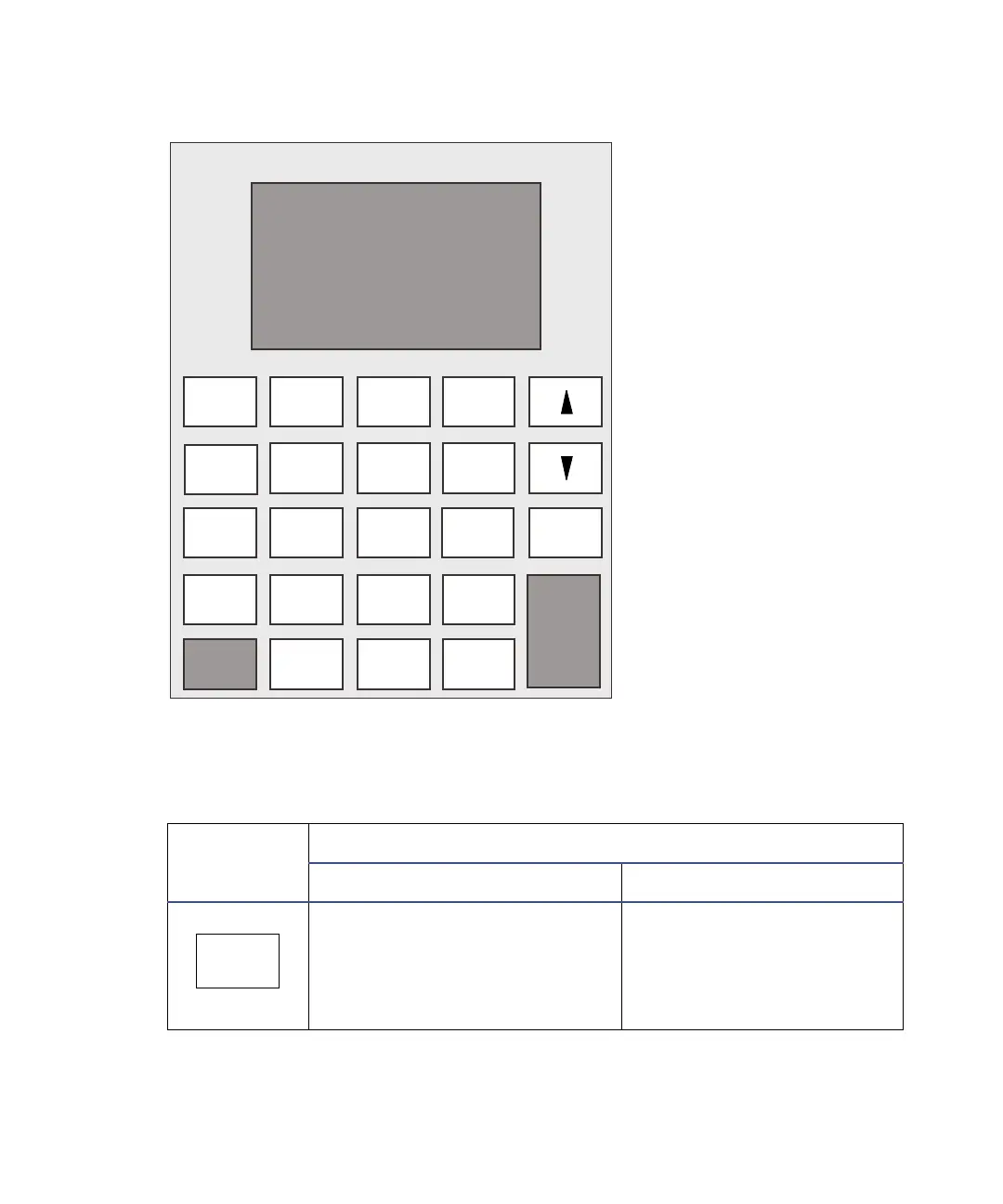
2475 detector keypad
The following table explains the functions of the primary and secondary keys.
To initiate a secondary function, press Shift and then the key.
2475 detector keypad description
Key
Description
Unshifted After pressing shift
HOME – Displays the home
screen, which displays icons,
excitation and emission
wavelengths, EUFS, and Gain
fields.
? – Displays
context-sensitive Help,
when available.
Enter
Shift
0
12
45
8
7
3
6
9
CE
Chart Mark
Auto Zero
Run/Stop
TRACE
DIAG
Next
λ/λλ
Lamp Lock
Reset
?
METHOD Calibrate
CONFIGURE
Previous
Cancel
System Info
.
A/B
Scale
SCAN
HOME
+/−
Clear Field
Contrast
?
HOME



 To Next Page