3-12 Using the Detector
Chart Mark – Causes a
momentary pulse to the analog
output (A and B, depending on
specified settings). This key has
no effect if the chart mark
function is disabled on both
channels.
1
SCAN – Displays the list of
options for generating and
manipulating spectra.
Auto Zero – Sets the
fluorescence offset so that the
analog output (A and B,
depending on specified
settings) reads 0 EU. This key
has no effect if Auto Zero is
disabled on both channels. You
can enable or disable Auto Zero
from the fourth home screen
(see the figure “Secondary
functions of the home screen”
on page 3-17).
1
λ/λλ – From the home
screen, use this key to
toggle between single and
multichannel modes. The
current mode is indicated
by an icon on the display.
Run/Stop – Starts or stops
(freezes) the run clock and
initiates scans. The elapsed
time appears near the
lower-right-hand side of the
home screen. The shutter opens
when you press Run while the
idle mode function is enabled.
Reset – Resets the detector
run clock to zero minutes
and returns the detector to
initial conditions for a
current method. Closes the
shutter and displays Idle
Mode when the idle mode is
enabled.
and – On screens with entry fields (edit, check box, or
list), the active field has a thick border. You can use the
arrow keys to make a different field active. ( moves up or
leftward; moves down or right.) On screens with a
scrollable list, these keys move the highlight upward (toward
the beginning of the list) or downward (toward the end).
Other screens can have special instructions for using the
and keys (for example, the display contrast screen).
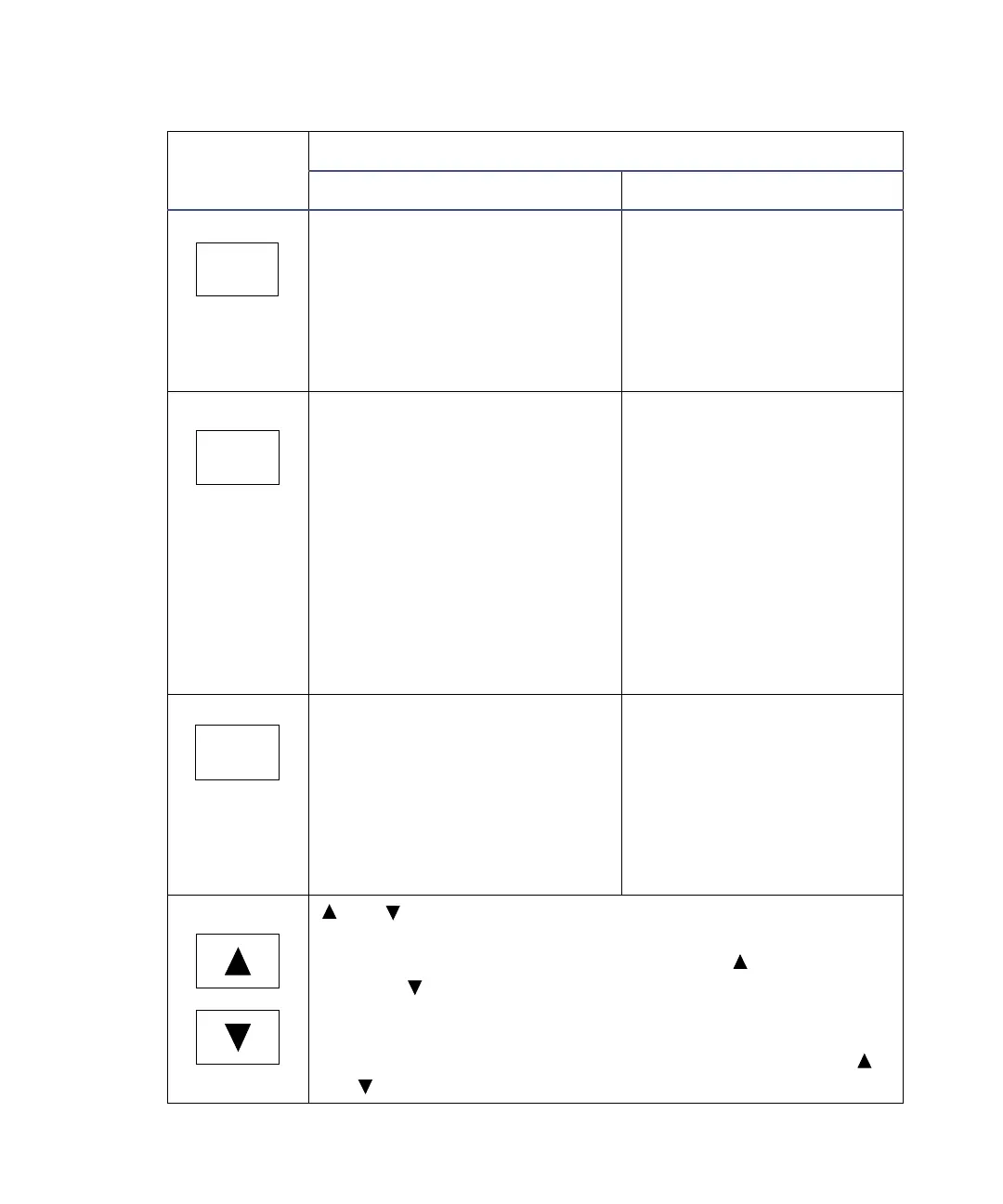
2475 detector keypad description (Continued)
Key
Description
Unshifted After pressing shift
SCAN
Chart Mark
λ/λλ
Auto Zero
Reset
Run/Stop



 To Next Page