Making signal connections 2-11
• RS-232 Interface – The RS-232 connection allows remote control and
direct data acquisition from an Empower system or a Millennium
32
workstation (version 3.2 and later) in 474 emulation mode.
Making I/O signal connections
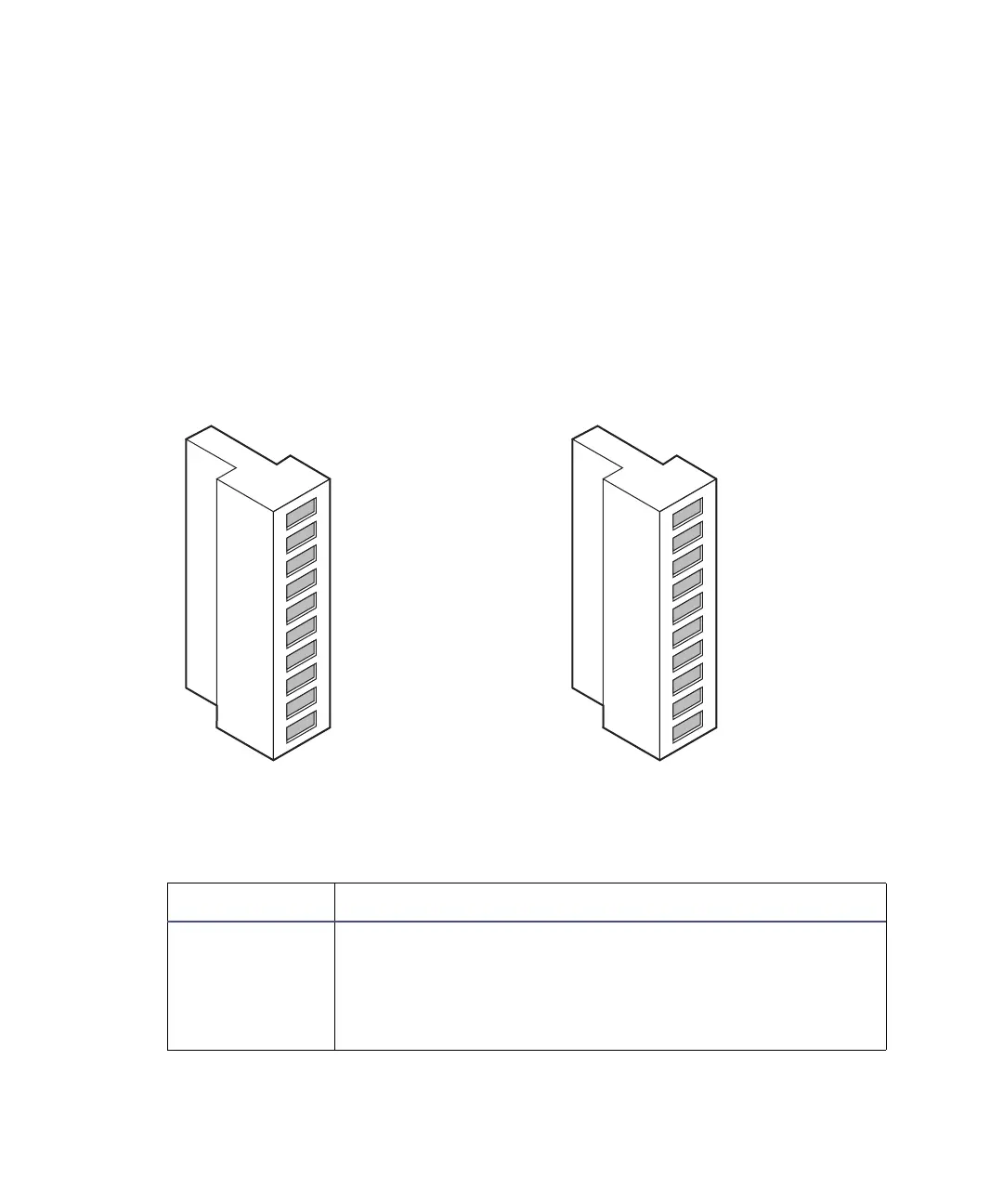
The rear panel includes two removable connectors that hold the pins for the
I/O signals (see the following figure). These connectors, A and B, are keyed so
that you can insert them only one way.
I/O signal inputs and outputs
The following table describes each signal available on the I/O connectors. See
Appendix B for the signal’s electrical specifications
I/O signals for the detector
Signal Description
Inject Start
1
TTL contact closure. Configurable input to initiate
sequencing of time-programmed events. Defines the
start of a run (typically an injection) and resets and
starts the runtime clock at 0.00 minutes. Initial
conditions apply immediately.
B (inputs and outputs) A (inputs)
1
2
3
4
5
6
7
8
9
10
1
2
3
4
5
6
7
8
9
10
+
−
+
−
+
−
+
−
Detector out 1
Detector out 1
Ground
Detector out 2
Detector out 2
Switch 1
Switch 1
Ground
Switch 2
Switch 2
+
−
+
−
+
−
+
−
Inject start
Inject start
Ground
Lamp on/off
Lamp on/off
Chart mark
Chart mark
Ground
Auto zero
Auto zero



 To Next Page