Starting the detector 3-3
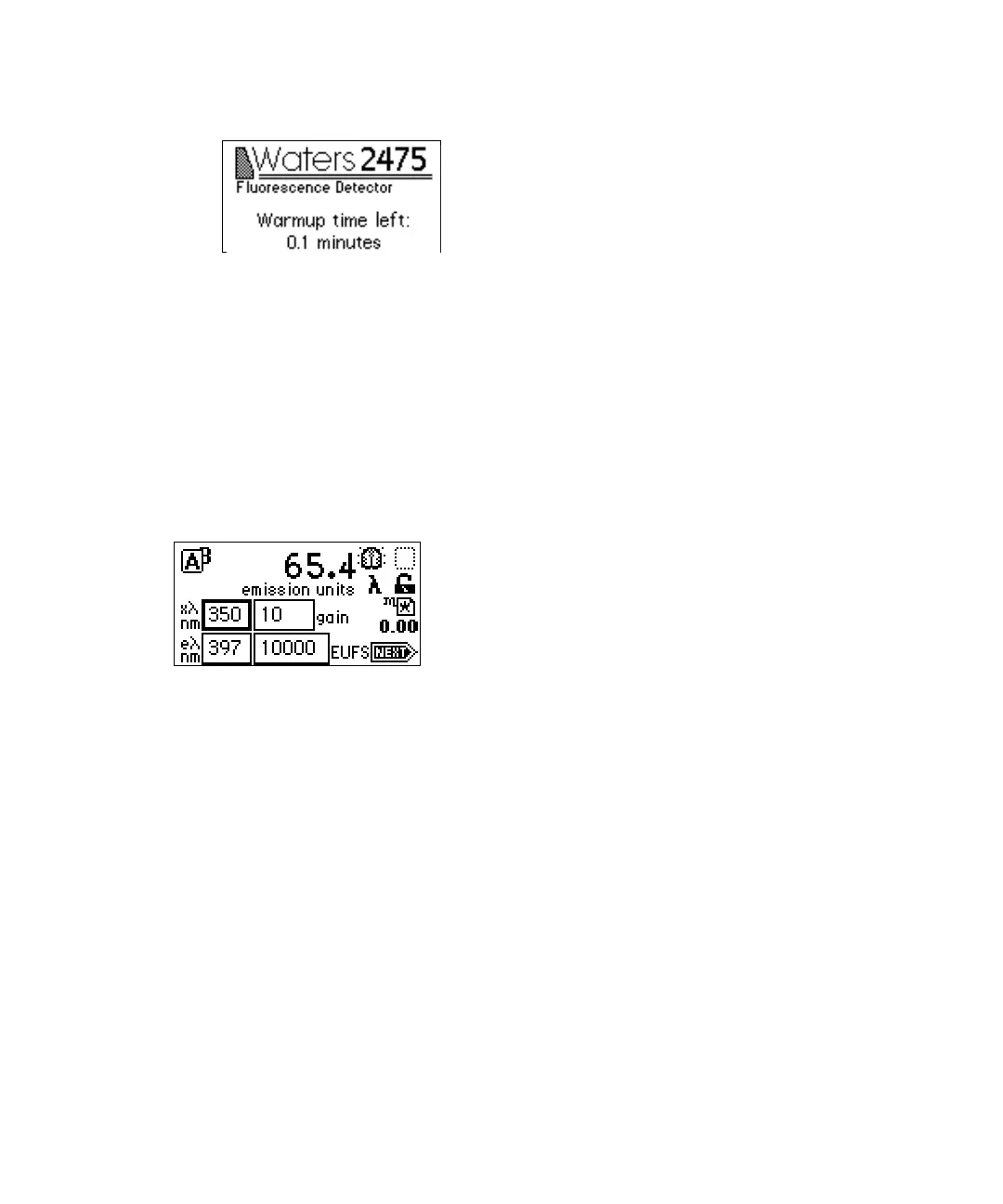
2475 detector startup screen
5. Homing optical filter
6. Searching for Zero Order Peaks
7. Finding erbium calibration peaks
8. Restoring last setup
When initialization is complete, the 2475 detector displays the Fluorescence
home screen. See page 3-9 and page 3-16 for more information.
Fluorescence home screen
Tip: For normal use, allow the detector to warm at least 60 minutes before
operating.
Startup failure
If one or more of the internal startup checks fails, the detector beeps and
displays an error message. For serious errors, the detector displays the word
“Error” in brackets (<Error>) in place of the runtime emission units on the
home screen.
“Startup error messages” on page 5-2 lists startup diagnostics failures, error
messages, and recommended recovery actions. The table titled “Error
messages preventing operation” on page 5-4 displays operational error
messages and suggested corrective actions. “Hardware troubleshooting” on
page 5-21 displays hardware-related causes of startup diagnostics failure and
corrective actions.



 To Next Page