4-6 Maintenance Procedures
Removing the flow cell assembly
To remove the flow cell assembly:
1. Shut down the detector.
2. Flush and dry the flow cell (see page 4-5), and then disconnect and cap
the inlet and outlet LC tubing.
3. Remove the front-left-hand panel cover.
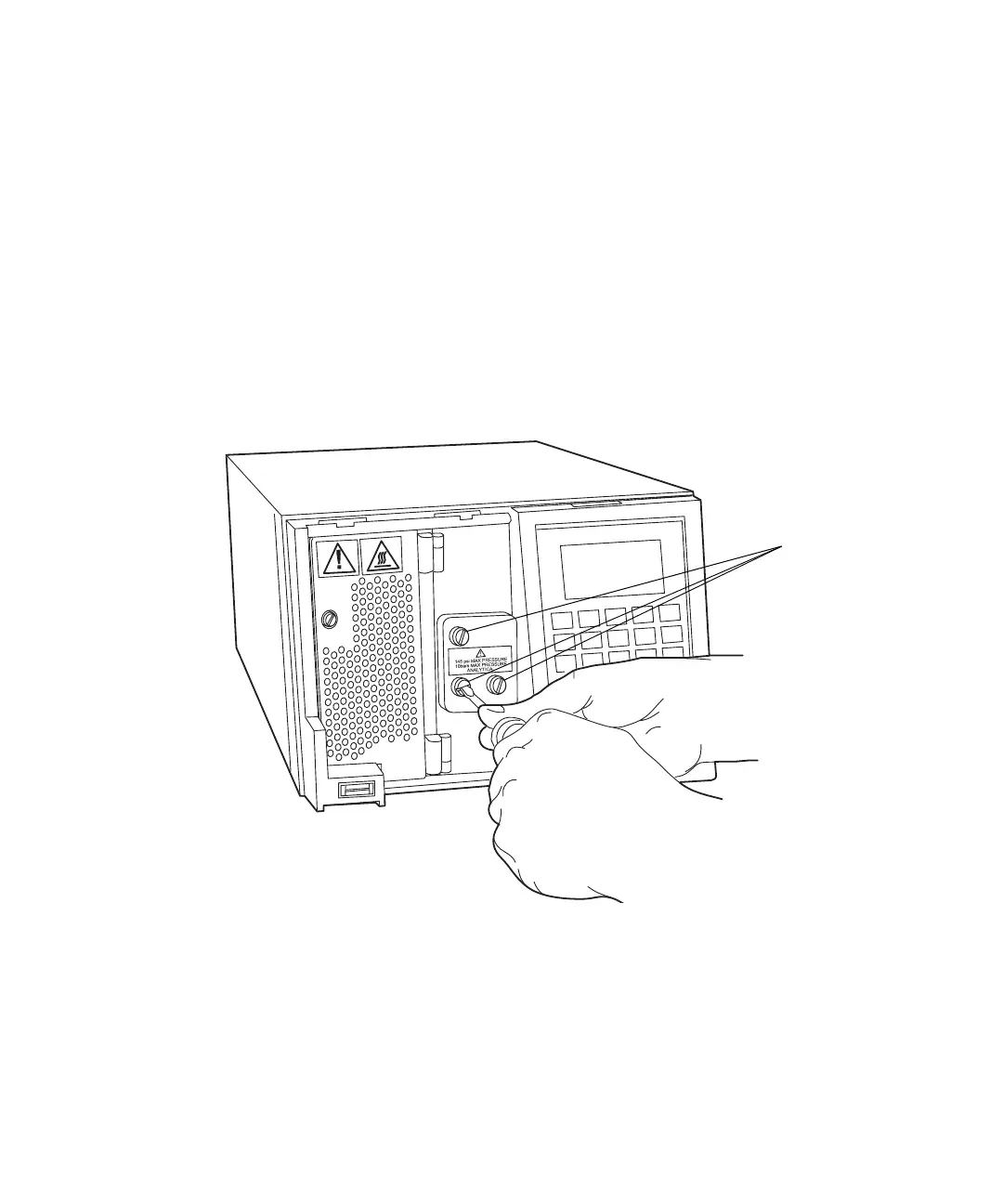
4. Use a 1/4-inch, flat-blade screwdriver to loosen the three captive screws
on the flow cell assembly front plate.
Unscrewing the flow cell assembly’s captive screws
Captive screws



 To Next Page