Connecting other devices 2-29
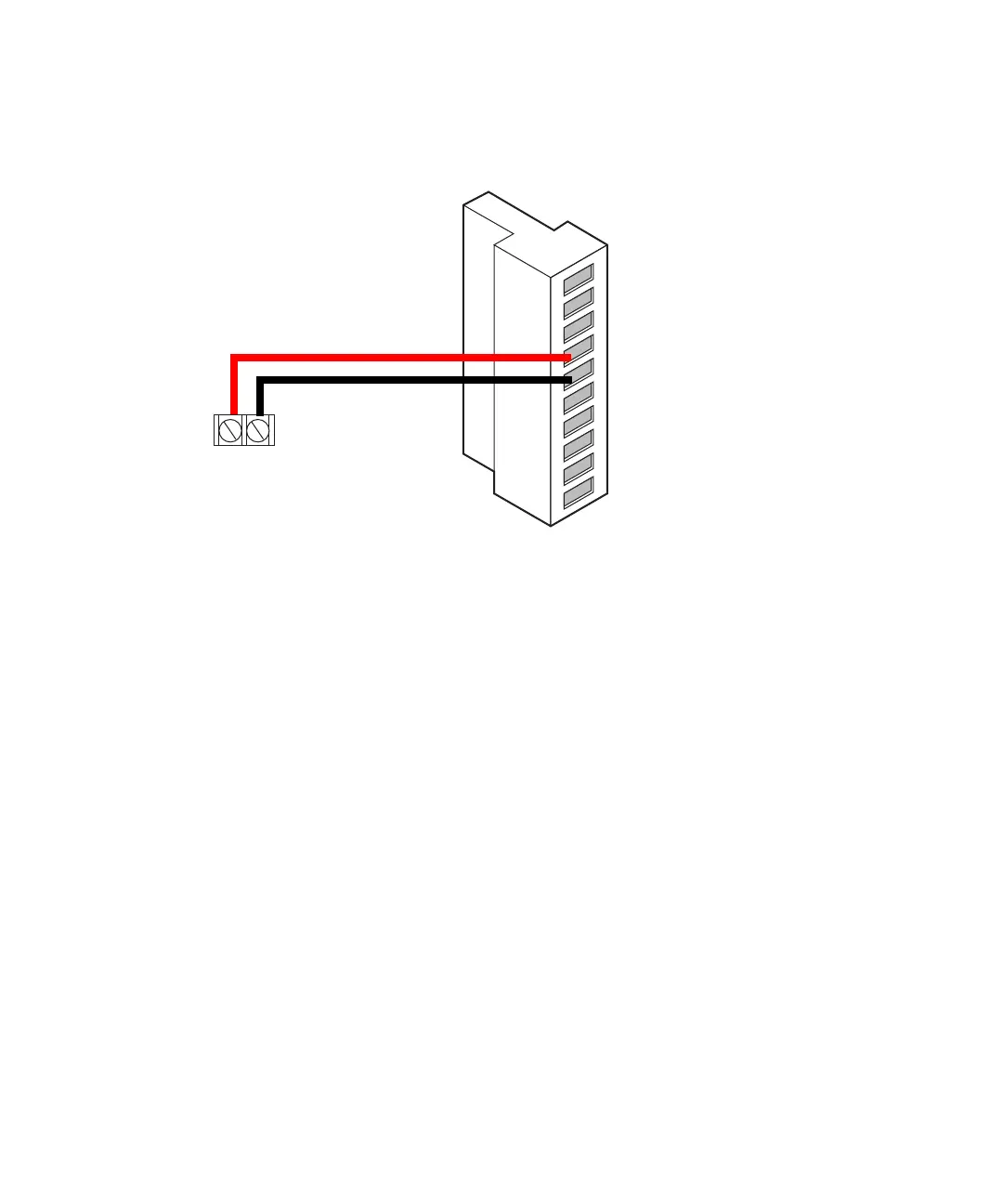
Connecting a chart recorder to the detector
Chart marks
You can also generate a chart mark from the detector’s front panel whenever
you perform these actions:
• Press Chart Mark on the detector’s keypad.
• You program a timed event to generate a chart mark.
• A chart mark signal is generated at the chart mark inputs on the analog
connector.
Connecting a 600-series pump
To connect a 600-series pump:
1. Place the detector on a level surface.
2. Make the plumbing connections described on page 2-3.
+
2475 detector
B (inputs and outputs)
1
2
3
4
5
6
7
8
9
10
+
−
+
−
+
−
+
−
Detector out 1
Detector out 1
Ground
Detector out 2
Detector out 2
Switch 1
Switch 1
Ground
Switch 2
Switch 2
Chart recorder
terminals
Red
Black



 To Next Page