Operational error messages 5-3
Operational error messages
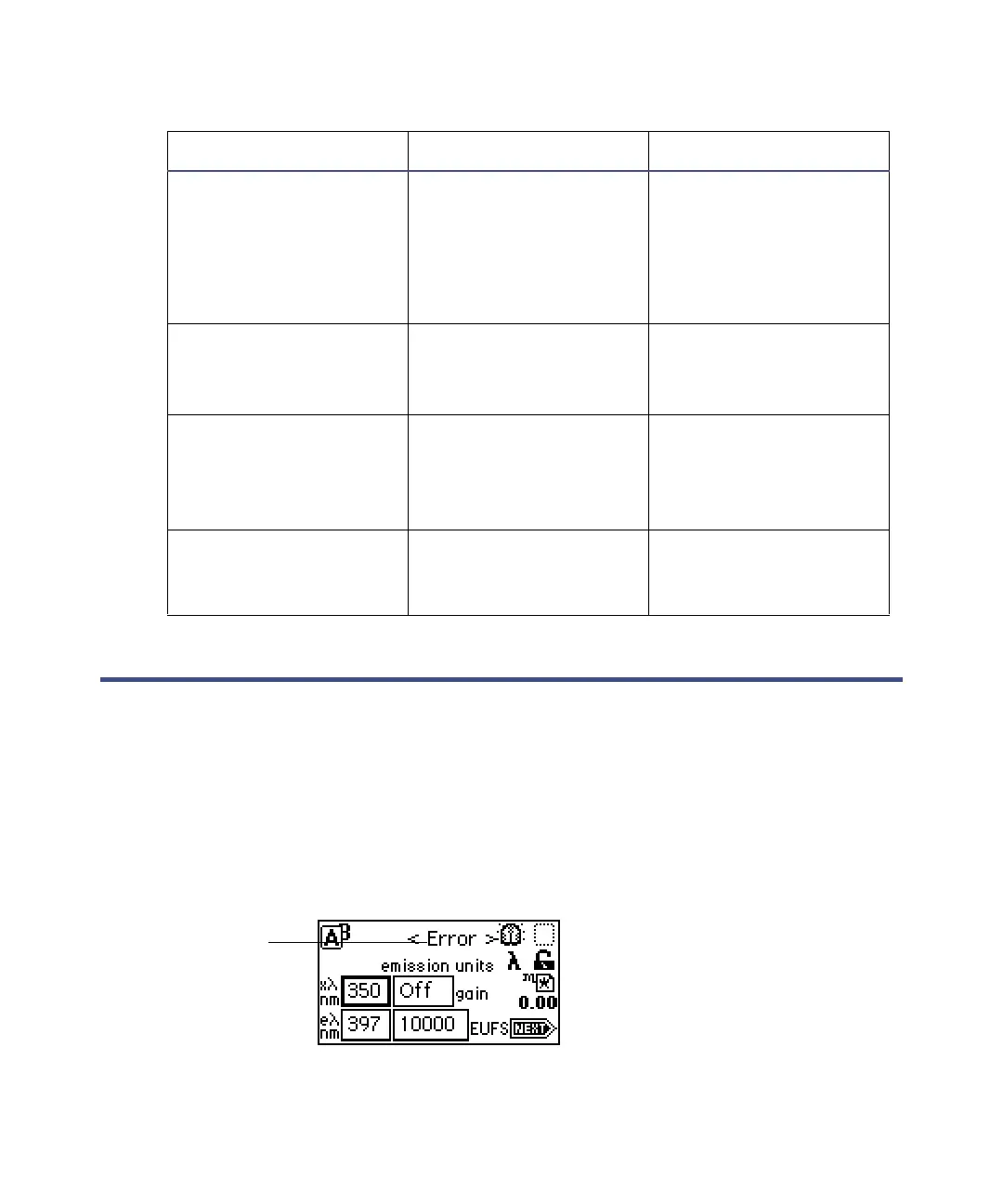
During initialization, calibration, and operation, the home screen may
sometimes displays “<Error>”. This type of error is usually catastrophic,
preventing further operation, halting the fluorescence output, and suspending
the display. In most cases, you can cycle power (shut down, wait 10 seconds,
then restart) to correct the error. However, if the error persists, contact
Waters Technical Service (see page 4-2).
Catastrophic error display on the home screen
If a catastrophic error appears
Lamp external input
conflict
A timed event or front
panel action attempts
to change the lamp
state in conflict with
enabled lamp input
contact closure.
• Check contact
closure status.
• Check timed events.
•Cycle power.
Lamp failure Lamp indicates Off
when it should indicate
On
• Check lamp icon.
•Cycle power.
• Replace lamp.
Lamp lighting failure The lamp failed to
ignite
•Cycle power.
•Check lamp power
connection.
• Replace lamp.
Peak not found:
Erbium n nm
No local maximum in
the erbium filter
calibration range
• Flush flow cell with
water.
• Replace lamp.
Startup error messages (Continued)
Error message Description Corrective action
Catastrophic
error



 To Next Page