5-18 Error Messages, Diagnostic Tests, and Troubleshooting
To generate test peaks:
1. Press DIAG, then press 8 Other diagnostics.
2. Press 1 Generate test peaks to generate test peak.
Tip: Every 100 seconds, the detector generates a 100-EU peak with a
standard deviation of 10 seconds on the trace, chart, or data system
display. The amplitude of the test peaks is affected by your choice of
filter time constant. The gain is automatically set to 1000.
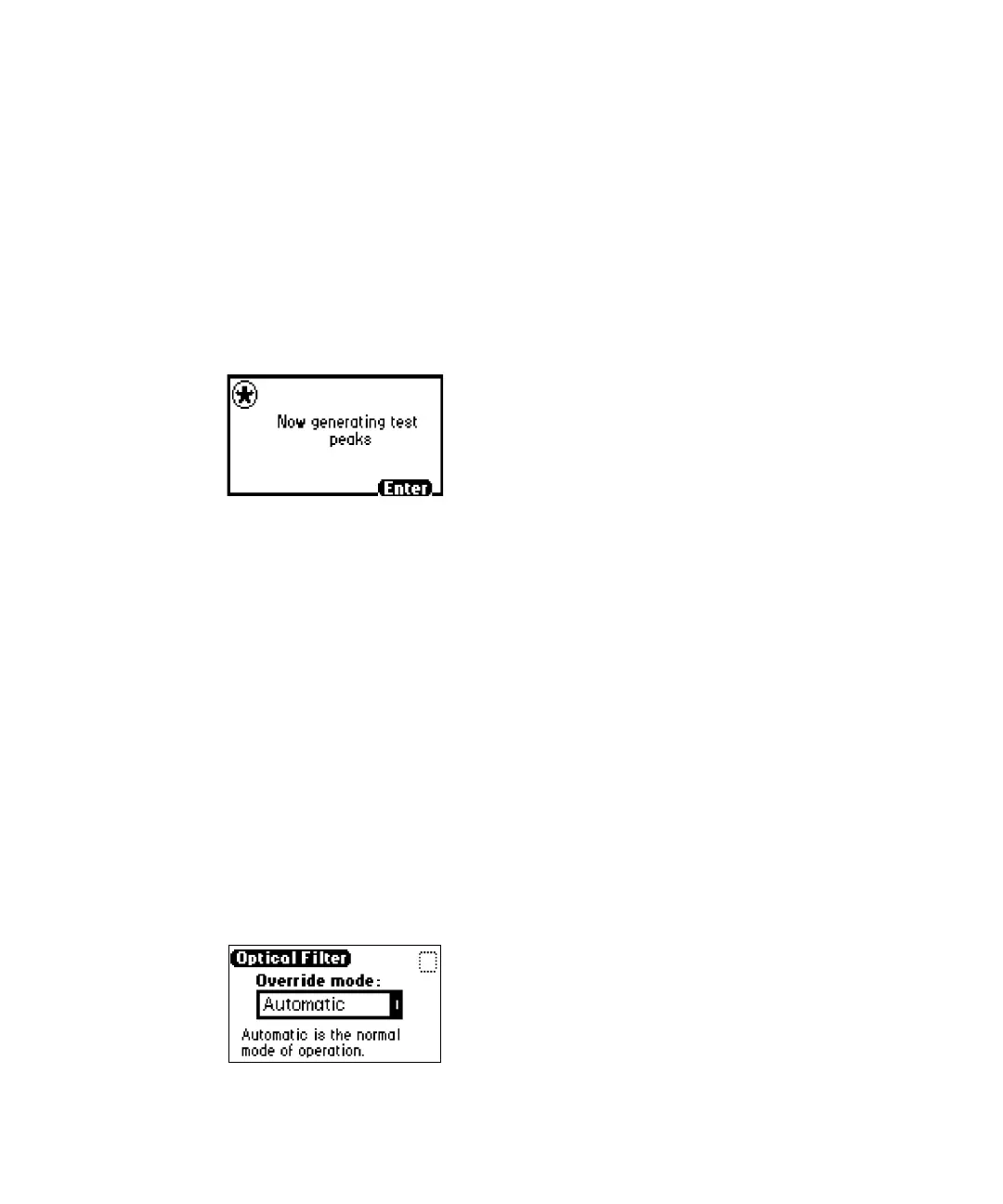
Generate test peaks message
Tip: You must manually disable the Generate test peaks function to stop
it.
3. Press 1 Disable test peaks to stop generating test peaks.
Overriding the optical filter setting
The detector normally operates with the filter in the Automatic position. Use
this function to override the default setting.
To override the optical filter setting:
1. Press DIAG, then press 8 Other diagnostics.
2. Press 2 Optical filter override to manually override the detector’s
automatic filter choice. The Optical Filter screen appears.
Optical filter setting screen



 To Next Page