5-16 Error Messages, Diagnostic Tests, and Troubleshooting
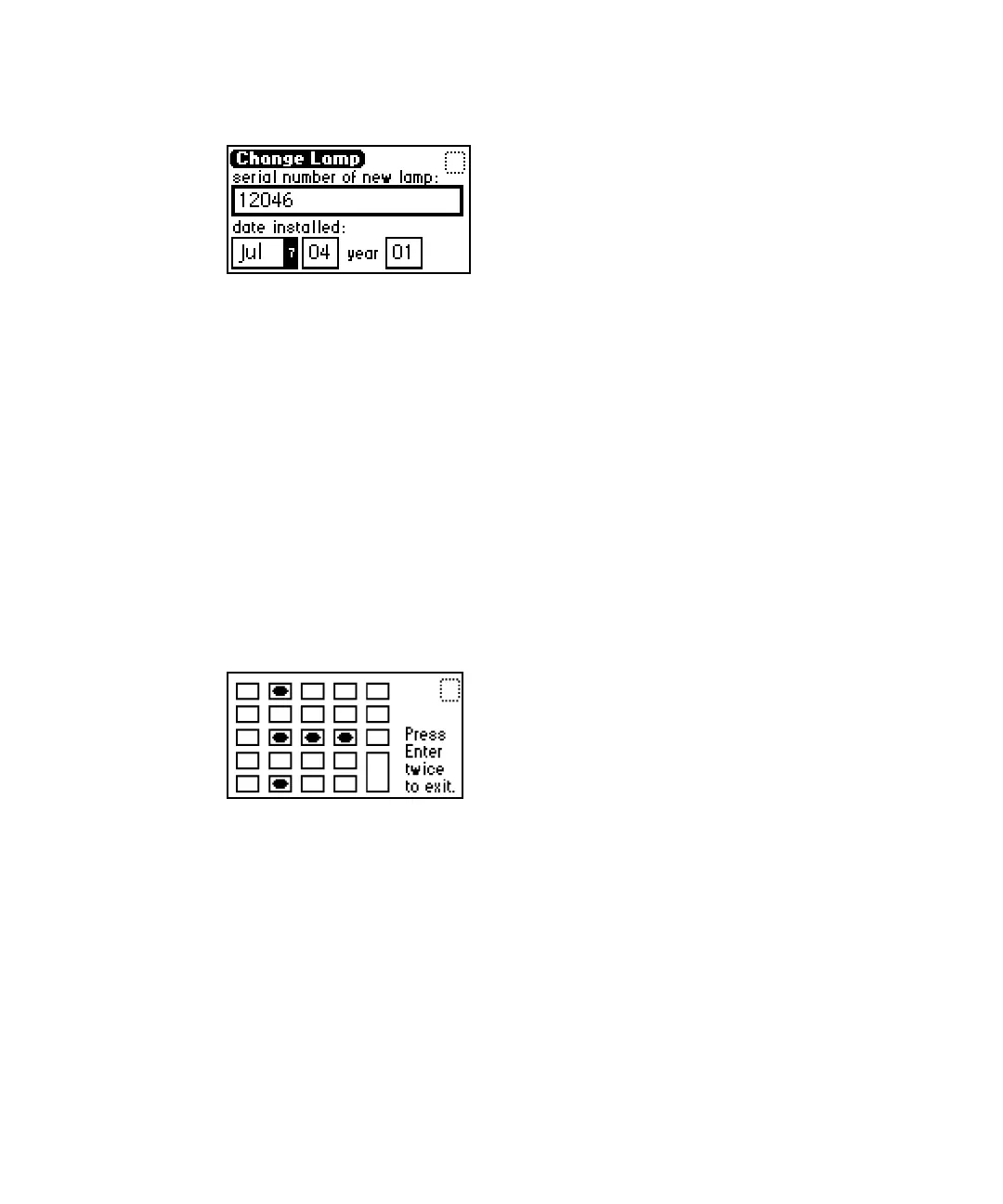
Change lamp screen
3. On the Change Lamp screen, specify the serial number, and then press
Enter.
Tip: Be sure to specify the lamp’s serial number and not its part number.
4. Specify the date of installation for the new lamp, and then press Enter.
Testing the keypad
To test the keypad:
1. Press DIAG, and then press 7 Lamp, display & keypad >>.
2. Press 2 Test keypad.
Keypad test
3. Press any key to begin the test, and then press each key until you try all
of them.
Tip: If the keypad is operating properly, each key location is filled in and
then cleared with a second press of the key. If any key does not respond
when pressed, contact your Waters service representative.
4. Press Enter twice to exit the keypad test.



 To Next Page