4-4 Maintenance Procedures
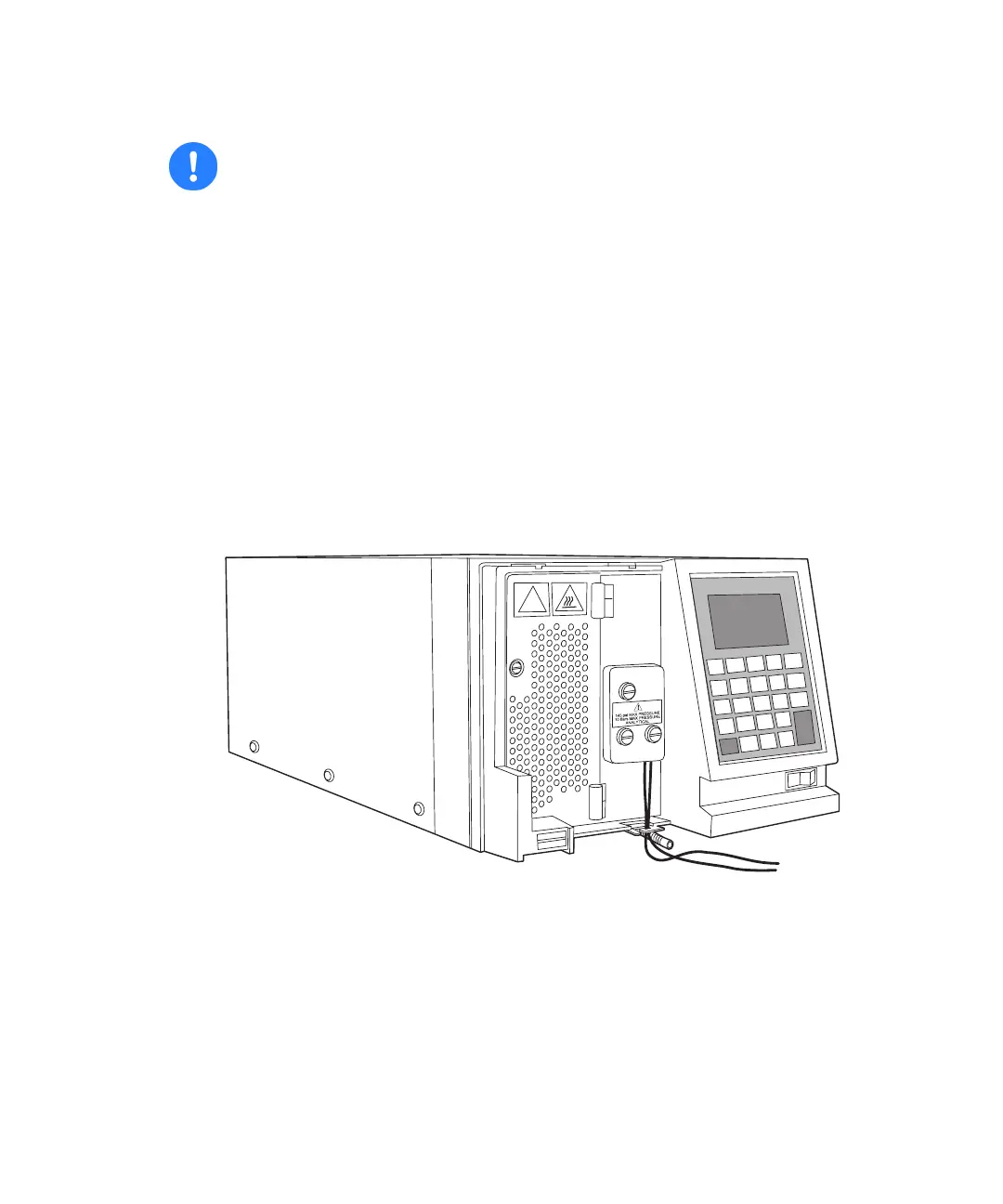
Removing the front-left-hand panel cover
To remove the front-left-hand panel cover:
1. Pull the bottom of the cover away from the detector gently, all the while
holding on to the cover’s top.
2. Withdraw the top of the cover gently, and store the cover nearby.
2475 detector with the front-left-hand panel cover removed
Caution:
• Because no user-serviceable parts are housed inside the detector,
never remove the top cover. However, some procedures require you
to remove the front-left-hand panel cover.
• To maintain optimum system performance, be sure to refit the
front-left-hand front panel cover before resuming normal
operation.
!



 To Next Page