3-8 Using the Detector
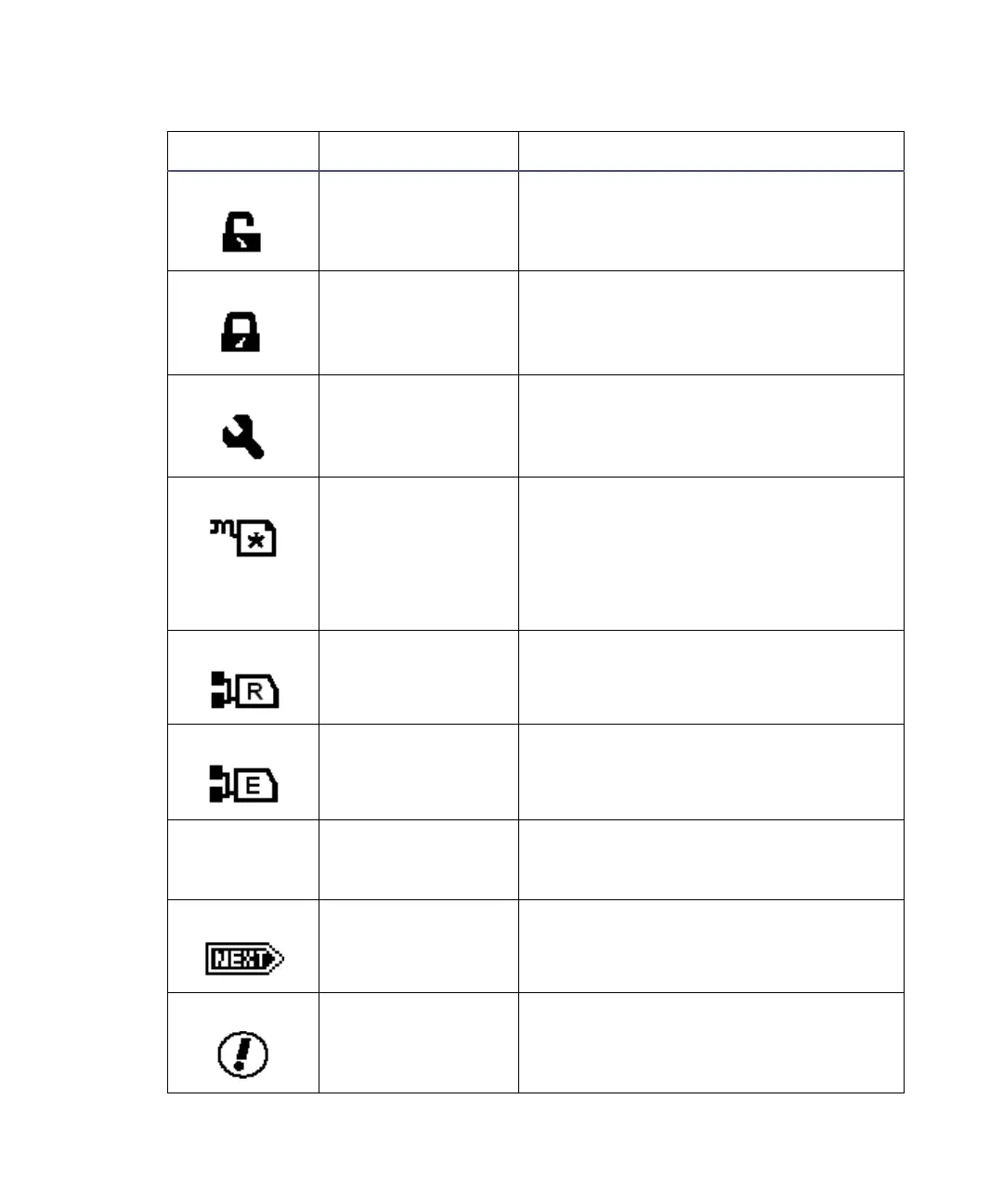
Keypad unlock Indicates unrestricted keypad entry.
Keypad lock Indicates parameter changes are not
allowed; instrument is under control of
an external data system (remote mode
only).
Sticky diagnostic
on
Indicates a sticky diagnostic setting is
active. See page 5-8, for an explanation
of sticky diagnostic settings.
Local method
number
Indicates that the 2475 detector is not
controlled by a data system. It displays
either a cursive “m” and the current
method number or an asterisk (*),
which indicates current conditions are
not stored as a method.
RS-232 control Indicates that the 2475 detector is
controlled by a data system, and
displays a remote control icon.
Ethernet control Indicates that the 2475 detector is
controlled by a data system, and
displays a remote control icon.
Numerical
field (0.00)
Run time (minutes) Displays the time elapsed since you
pressed Run, or since an inject-start
signal was received.
Next Indicates that pressing Next displays
additional screens.
Message screen
icon.
Indicates an error message.
2475 detector home and message screen icons (Continued)
Icon or field Description Function



 To Next Page