Using the operator interface 3-7
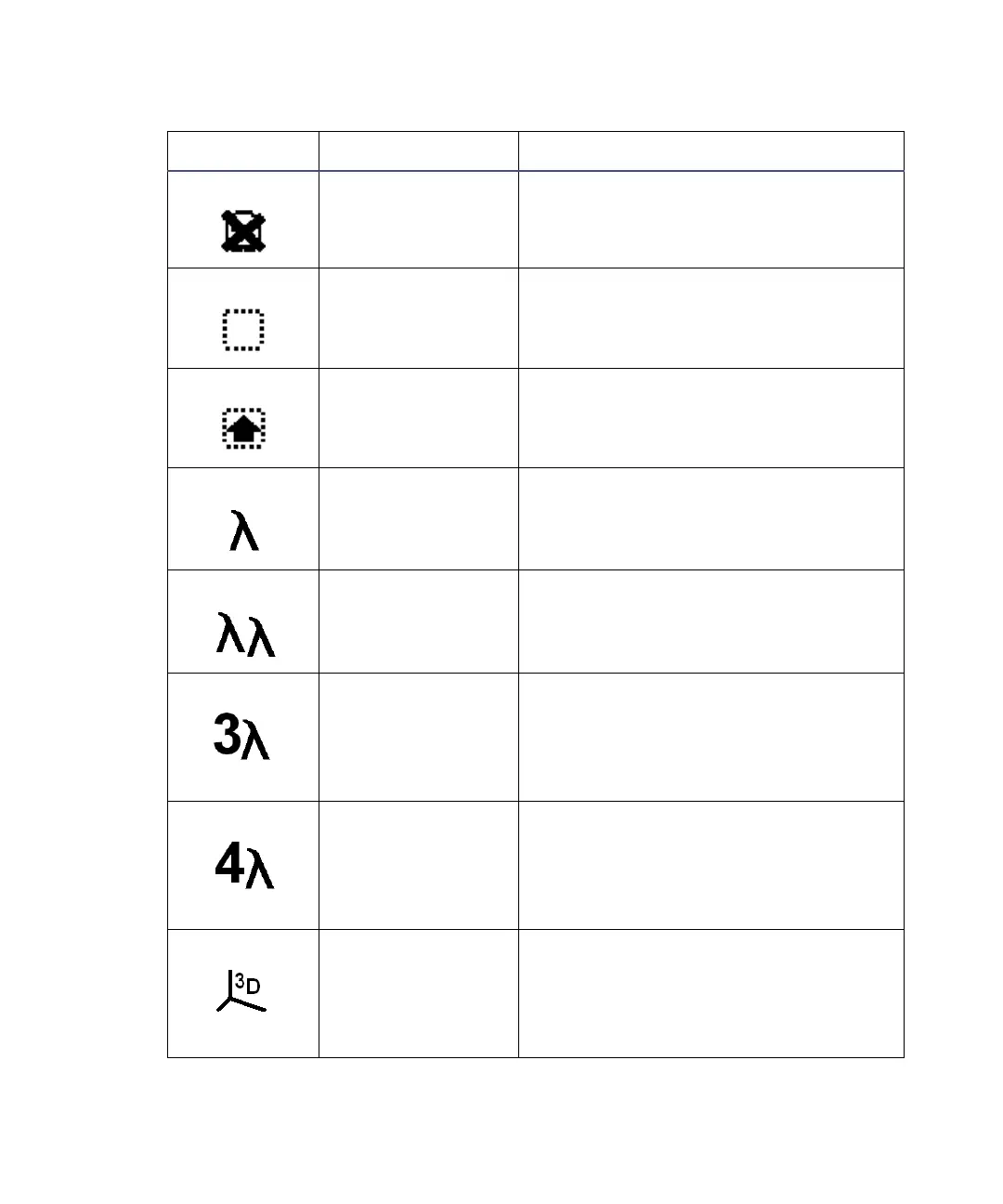
Lamp off Indicates the lamp is off.
Shift off Blank = Shift off
Shift on Indicates the shift is on for one key
press.
Single wavelength Indicates the detector is operating in
single-channel mode.
Multiwavelength Indicates the detector is operating in
dual-channel mode.
Triple wavelength Indicates the detector is operating in
triple-channel mode. Icon only appears
if instrument is under control of an
external data system (remote mode
only).
Quad wavelength Indicates the detector is operating in
quadruple-channel mode. Icon only
appears if instrument is under control
of an external data system (remote
mode only).
3D wavelength Indicates the detector is operating in
3D-scan mode. Icon only appears if
instrument is under control of an
external data system (remote mode
only).
2475 detector home and message screen icons (Continued)
Icon or field Description Function



 To Next Page