3-46 Using the Detector
To program a new timed event:
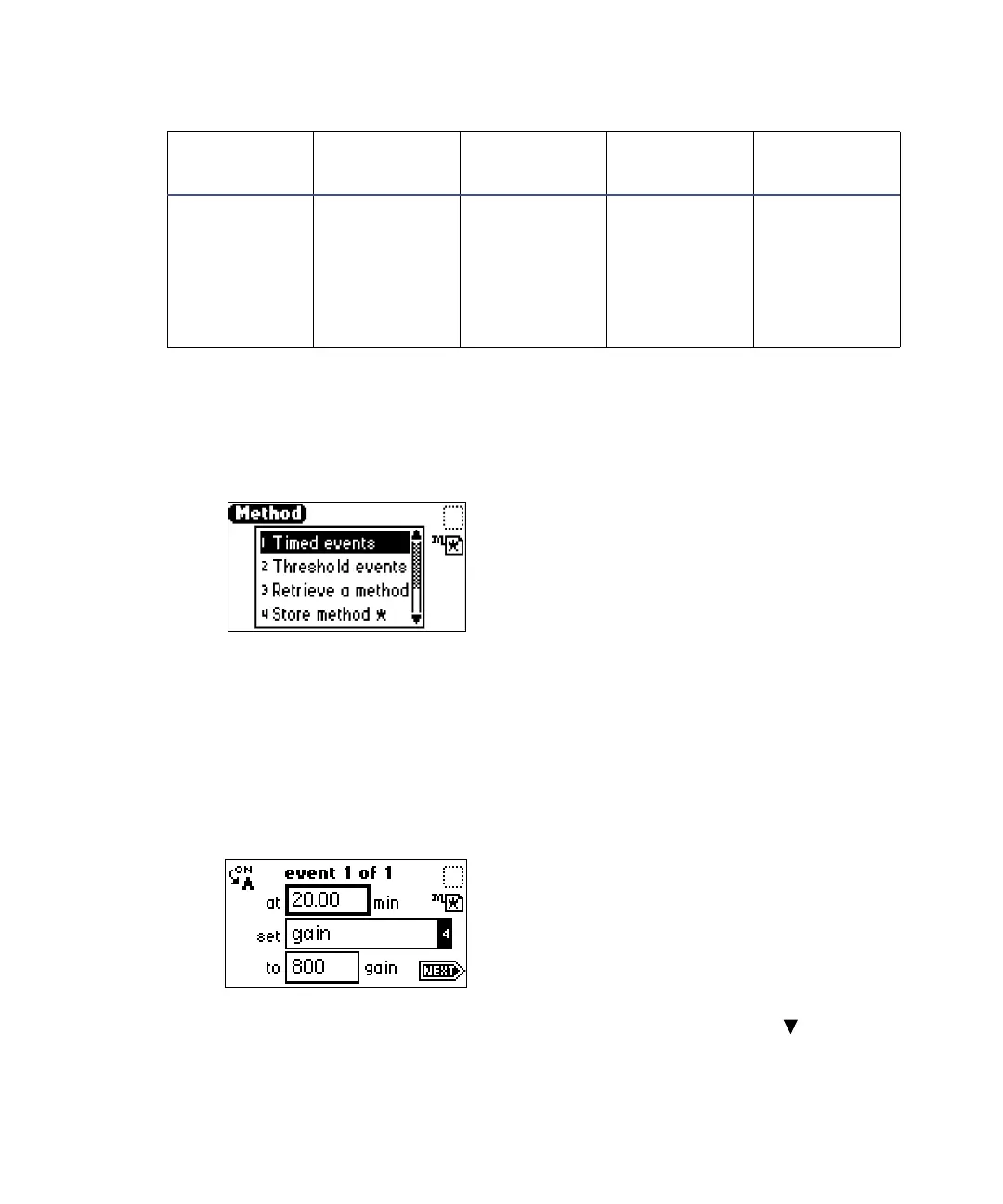
1. Select METHOD (Shift, A/B).
Method list
2. From the method list, select 1 Timed events.
An active field for specifying the time of the event appears.
3. Specify the time for the event.
Tip: When you begin, additional fields appear.
Timed events screen
4. Press Enter. To advance to the Set field (Events list), press .
12 Threshold EU –100.0 to
1100.0 EUs
or variable,
depending on
output
selection
Yes
Timed event parameters (Continued)
Number Event Units
Range or
default
Specify
channel



 To Next Page