2-8 Setting Up the Detector
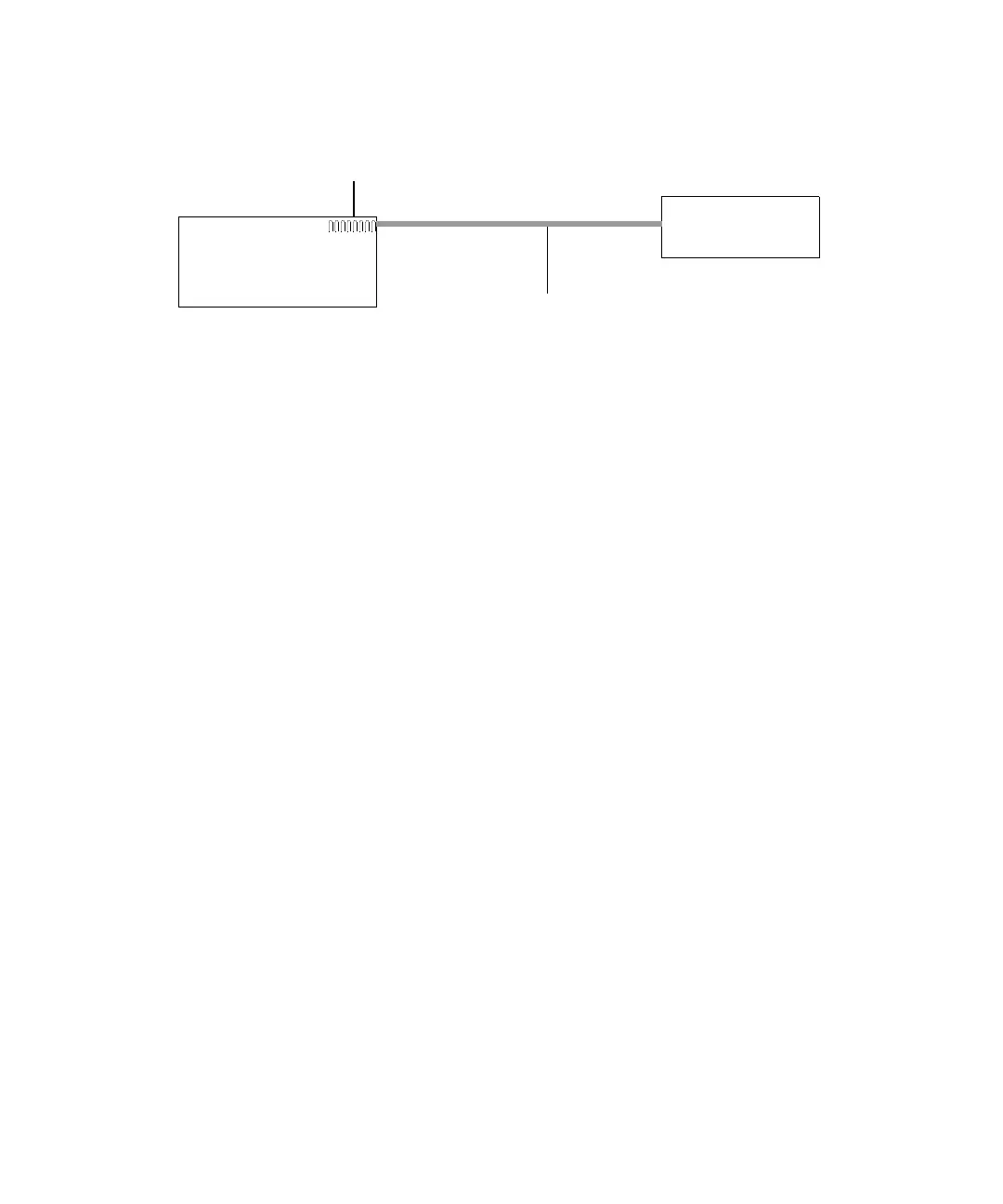
Single Waters instrument connection
Multiple Waters instrument connections
In a system configuration that includes many Waters Ethernet instruments,
an Ethernet switch communicates between Waters instruments and the
acquisition computer.
Connection hardware requires one standard, CAT 5, shielded, Ethernet cable
per Waters instrument and a standard, CAT 5, shielded, Ethernet cable
between the network switch and the acquisition computer. See the figure
“Multiple Waters ethernet instrument connections” on page 2-9.
You must install the Waters instrument control software in the acquisition
computer so that the computer can control the Waters instrument. (Consult
the software installation instructions that accompany the driver disk.)
Network installation guidelines
Configurations for multiple Waters instruments use a dedicated local area
network (LAN). See the figure, below. The LAN requires a design based on the
following guidelines:
• 100-base-T, 100-Mbps, CAT 5, shielded, twisted-pair (STP) cable
• A maximum distance of 100 meters (328 feet)
Tip: You must use a network switch with multiple Ethernet instruments. A
network hub in place of a network switch is not supported.
Waters
instrument
Ethernet
cross-over cable
Instrument LAN
network card
Acquisition computer



 To Next Page