Making signal connections 2-19
workstation, to the detector (see the following figure). The RS-232 connector
mates with a standard RS-232 cable.
Tip: With the RS-232 cable connected, the detector operates in remote mode.
When you connect to an Empower system or Millennium
32
Chromatography
Manager (version 3.2 and later), you must enable the Emulate 474
configuration option for multichannel operation.
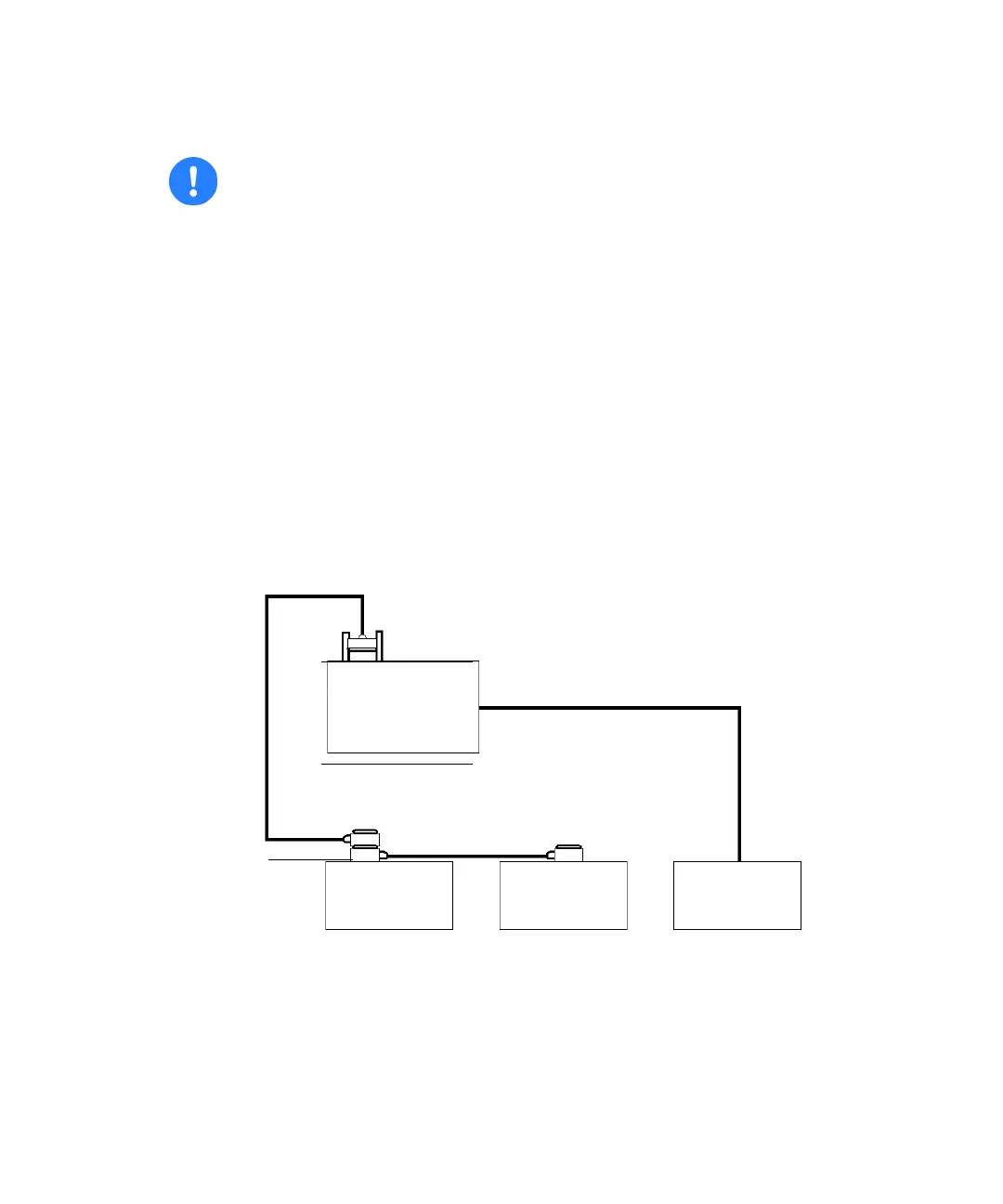
IEEE-488 and RS-232 connections in an Empower system
Tip: RS-232 communication does not support multichannel mode.
Tip: When connecting the detector to a Waters data system, all detector
parameters not configurable by the data system in use defer to local control.
Caution:
• To avoid possible damage to components, shut down all instruments
already on the RS-232 control bus before you connect an RS-232
interface cable to an additional instrument.
• The maximum total cable length between RS-232 devices in a system
is 65 feet (20 meters). The maximum recommended cable length
between two RS-232 devices is 10 feet (3 meters). Longer total cable
lengths can cause intermittent RS-232 communication failures.
Empower
PC
busLAC/E or LAC/E
32
Card
COM or equinox card port
(9-pin)
RS-232 cable
2475
detector
717plus
autosampler
600-series
pump
IEEE-488
connector



 To Next Page