2-22 Setting Up the Detector
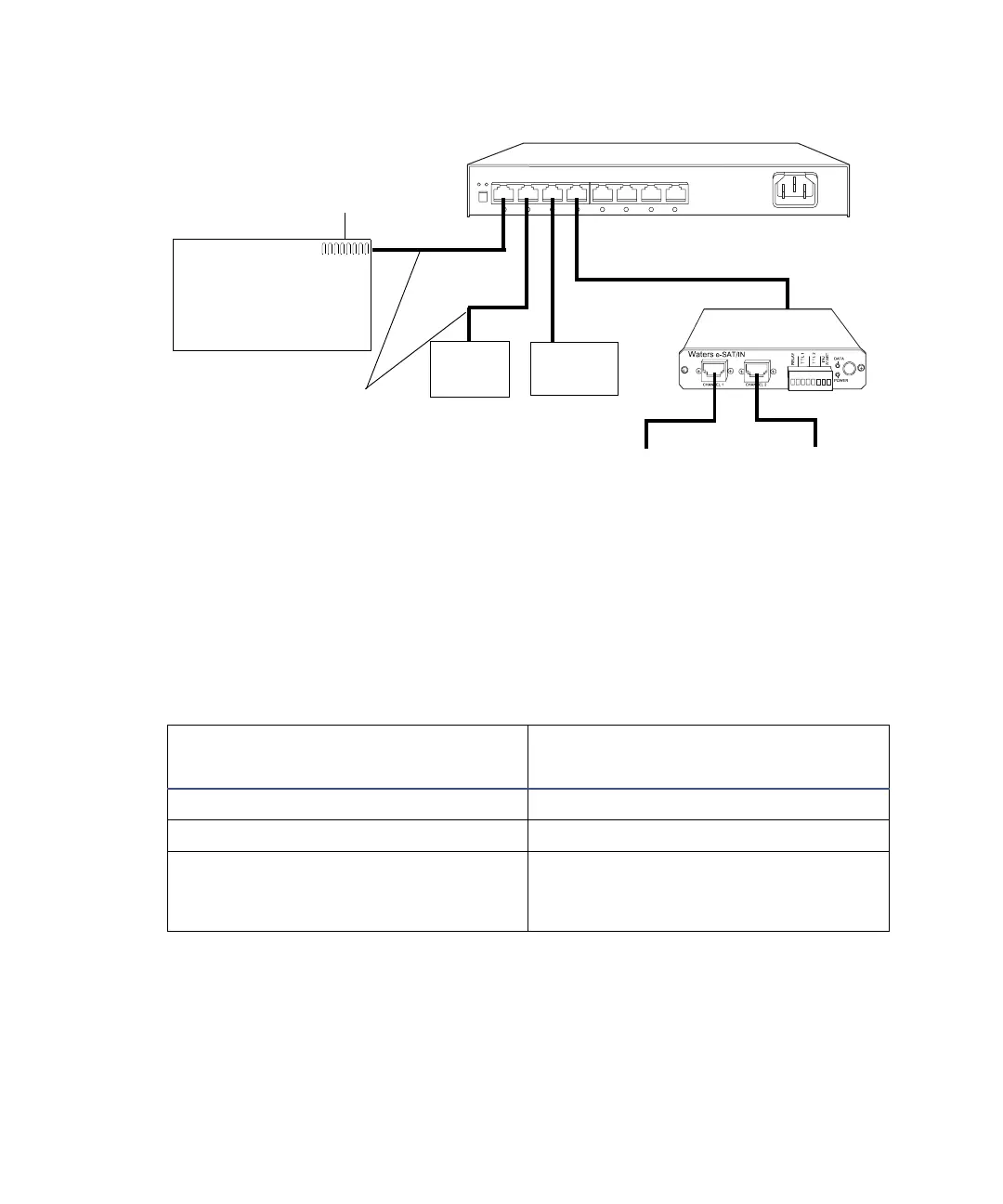
Multiple Waters ethernet instrument connections
Making inject-start signal connections
When you are using an Ethernet data system with the 2475 detector, the data
system or controller must receive an inject-start signal from the autosampler
or manual injector to initiate the data collection and time-based programs.
The following table summarizes the inject-start connections for different
system configurations.
Tip: For pin-out connections to the 2475 detector, see the figure “I/O signal
inputs and outputs” on page 2-11.
2475 detector inject-start connections
Inject-start output source
Inject-start input connection
(on the 2475 detector, connector A)
Waters 700 Series Autosampler Inject Start + / –
Waters Alliance Separations Module Inject Start
Waters manual injector, or
third-party manual injector or
autosampler
Inject Start + / –
TP02075
Switch
eSAT/IN module
100-base-T
ethernet cable
Instrument
network card
Workstation
Analog output
Analog input 1
Analog input 2
2475
detector
ZQ/EMD
1000



 To Next Page