138 Running PowerLine Methods
Accessing Initial Operate Method Screen
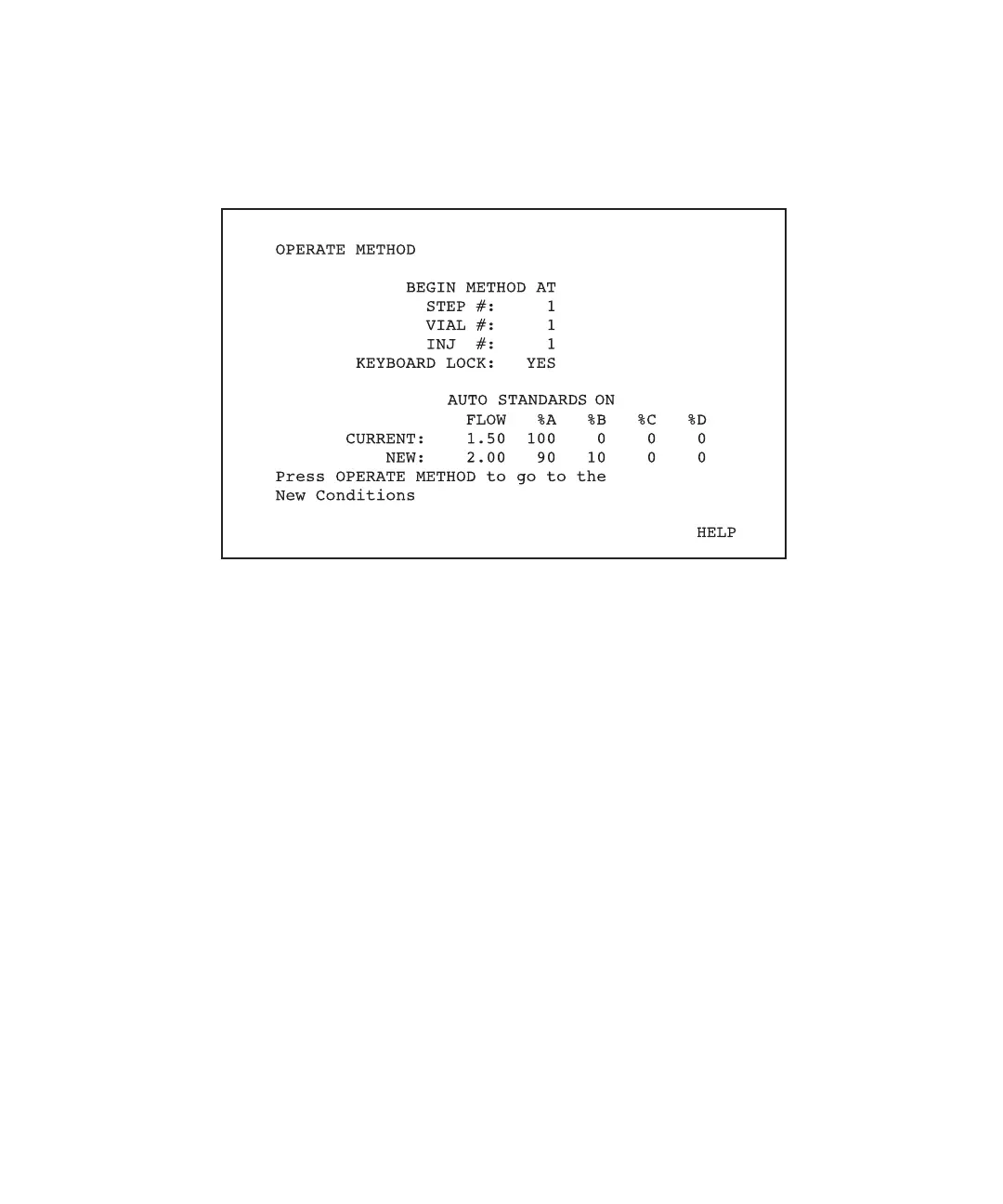
Press the Operate Method function key. The initial Operate Method screen appears with
the cursor at the Step # field (Figure 7-3).
Figure 7-3 Initial Operate Method Screen
This screen displays the following:
• Step number, vial number, and injection number at which the run will start, and the
keyboard status (locked or unlocked) during the run. These fields are modifiable.
• Current pump conditions in the Current line.
• Initial conditions of the first gradient table listed in the method table in the New line.
•
Auto Standards On message in the middle of the screen if you enabled Auto
Standards from the Autoinjector Setup screen (see Section 4.4.2, Setting
Autoinjector Setup Parameters).
•
Dissolution On message at the top of the screen if you enabled Dissolution from
the Autoinjector Setup screen (see Section 4.4.2, Setting Autoinjector Setup
Parameters ).
Setting Parameters
The following changes are necessary only if you do not want to begin the run using the
current parameters.



 To Next Page