52 Setting PowerLine Controller Operating Parameters
Accessing the Pump Configuration Screen
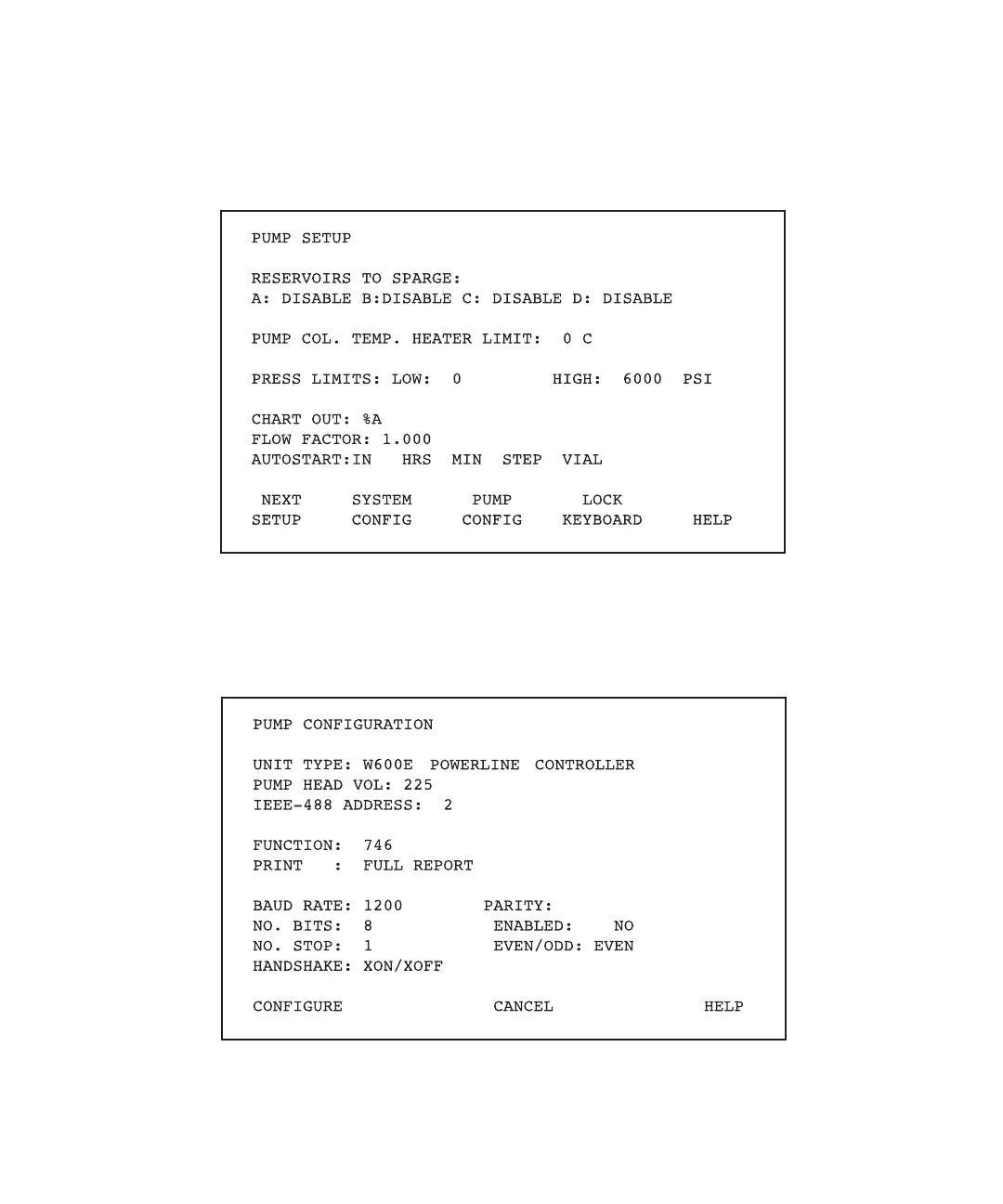
1. Press the Set Up function key from the PowerLine Controller Powerup screen. The
PowerLine Controller Pump Setup screen appears (Figure 4-6).
Figure 4-6 PowerLine Controller Pump Setup Screen
2. Press the Pump Config screen key. The PowerLine Controller Pump Configuration
screen appears (Figure 4-7).
Figure 4-7 PowerLine Controller Pump Configuration Screen



 To Next Page