70 Setting PowerLine Controller Operating Parameters
Sample Method Table
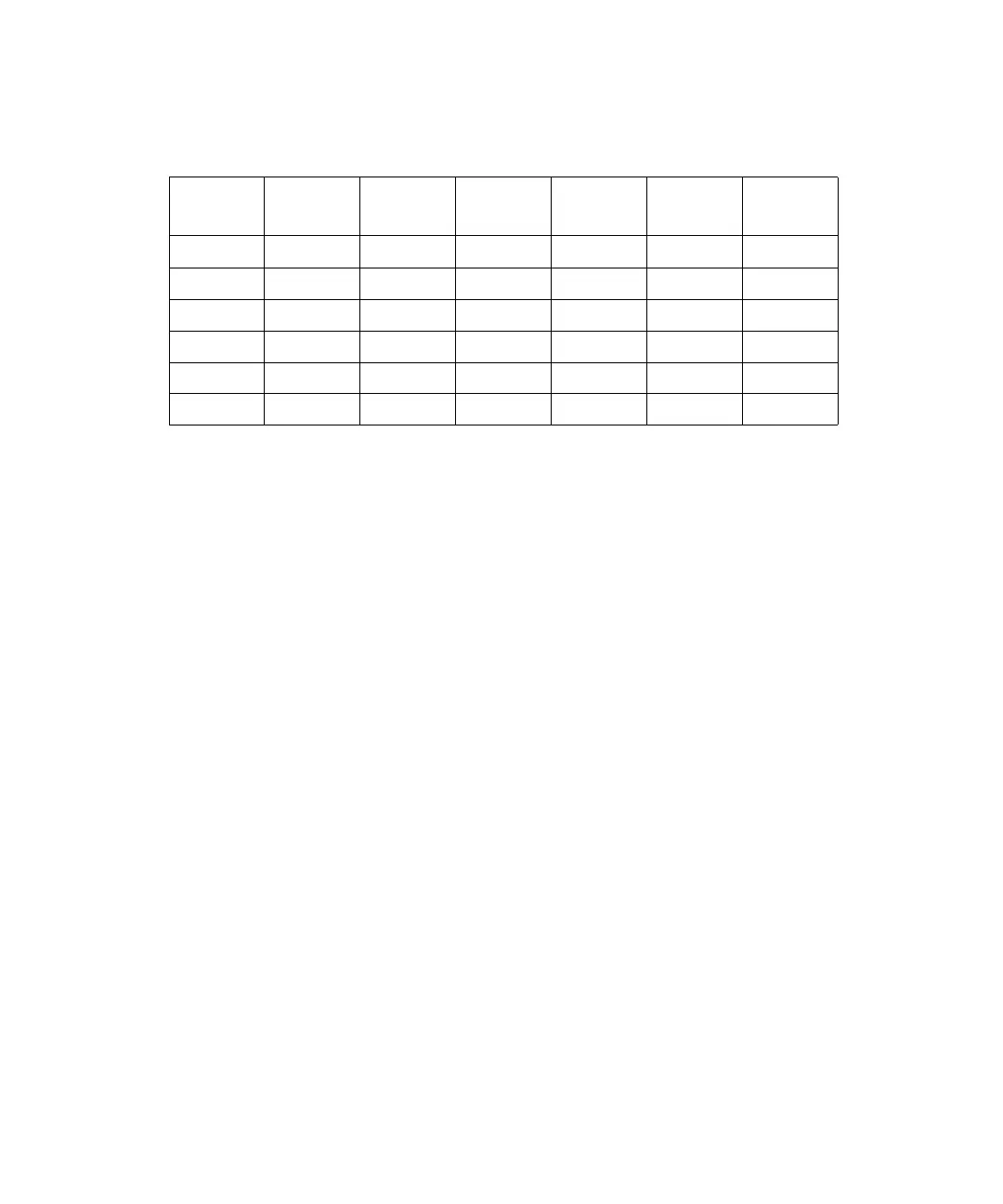
For example, your Method table may appear as shown in Figure 4-14.
Figure 4-14 Example of a Method Table
If you want to equilibrate your system 12 hours from now and start on vial 15, type
the following in the Autostart field:
In 12 Hrs 0 Min Step 3 Vial 15
6. Activate autostart by pressing the Lock Keyboard screen key. The countdown time
appears on the Pump Setup screen.
Note: When the keyboard is locked, pressing the function keys will display screens,
but you cannot use the screens to make changes. Make sure you have
programmed all gradient, event, and detector tables before locking the keyboard.
Canceling Autostart
To cancel a countdown in progress, unlock the keyboard by pressing the Unlock Keyboard
screen key.
Keyboard Lock/Unlock
Locking the keyboard:
• Prevents accidental alteration of gradient flow conditions
• Starts the autostart condition
When the keyboard is locked, the screen key legend changes to Unlock Keyboard.
Unlock Keyboard, which is the only operational key on the Pump Setup screen, cancels
the Autostart condition.
STEP
FIRST
VIAL
LAST
VIAL
# INJ INJ VOL
RUN
TIME
TABLE #
1 PRG 1 4.5 3
2 EQUIL 3
35172358.53
4 PRG 1 4.5 5
5 EQUIL 12 5
62031150115



 To Next Page