Use
28.03.2022 69 / 112
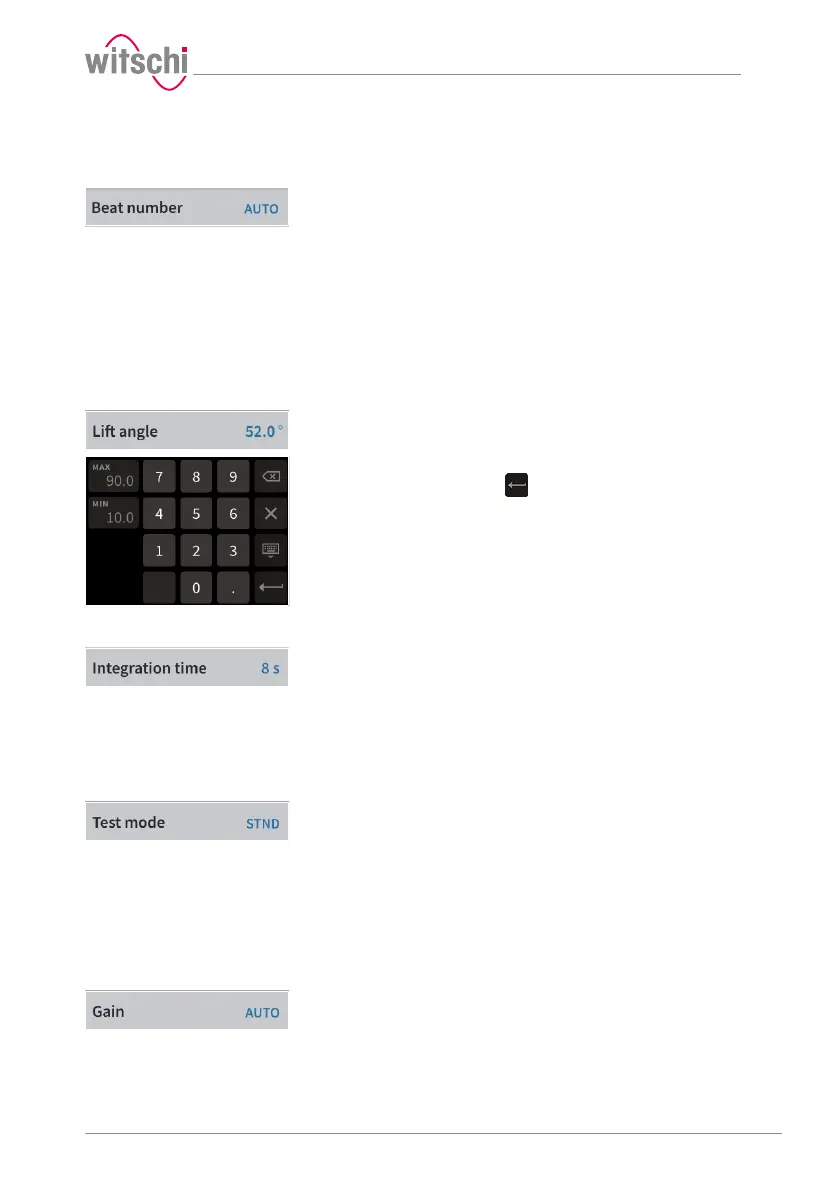
Beat rate
a) Press Beat rate.
ð The selection of the test beat rate appears.
Auto: Automatic determination of beat rate;
Freq: Automatic determination of beat rate for rate deviation
= 0s/d;
Manual: Manual determination of beat rate. Range from
3600 to 7200A/h;
Fixed: 18000; 19800; 21600; 25200; 28800; 36000; 72000A/
h.
b) Press the required beat rate or press Auto, Freq or Manual.
ð The selected beat rate (Auto) is displayed.
Lift angle
a) Press Lift angle.
ð A number field appears.
b) For an individual lift angle, enter the desired value between 10°
and 90° and then press to confirm the entry.
Integration time
a) Press Integration time.
ð The selection of the integration time appears. Here, you can
select the integration time for which the numeric results are
calculated in the diagram.
ð 4A: 4 vibrations/hour;
2s to 60s: Value in seconds.
b) Press the required integration time.
Test mode
a) Press Test mode.
ð The selection of the test modes appears.
ð STND: Mode for watches with a Swiss lever escapement;
GANG: Mode for rate measurement on watches with cylinder
escapement, duplex escapement or detent escapement, as
well as watches making unusual noises while beating;
SPE1: Mode for watches with a coaxial escapement;
SPE2: Mode for watches with an AP escapement.
b) Press the required test mode.
Increase
a) Press Increase.
ð The selection of the test increase values appears.
b) Press the required increase.
ð For watches with no particular measurement problems, we
recommend using the AUTO function.



 To Next Page