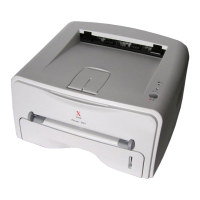
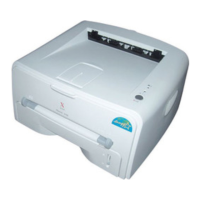
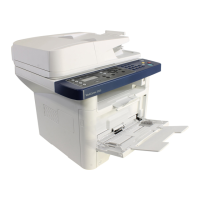
Phaser 3140/3155/3160 Printer Service Manual 8-61
Service Parts Disassembly
Pick Up Solenoid
PL6.0.18
1. Remove the Print Cartridge (page 8-6).
2. Remove the Paper Tray (page 8-7).
3. Remove the Rear Cover (page 8-26).
4. Turn the printer over.
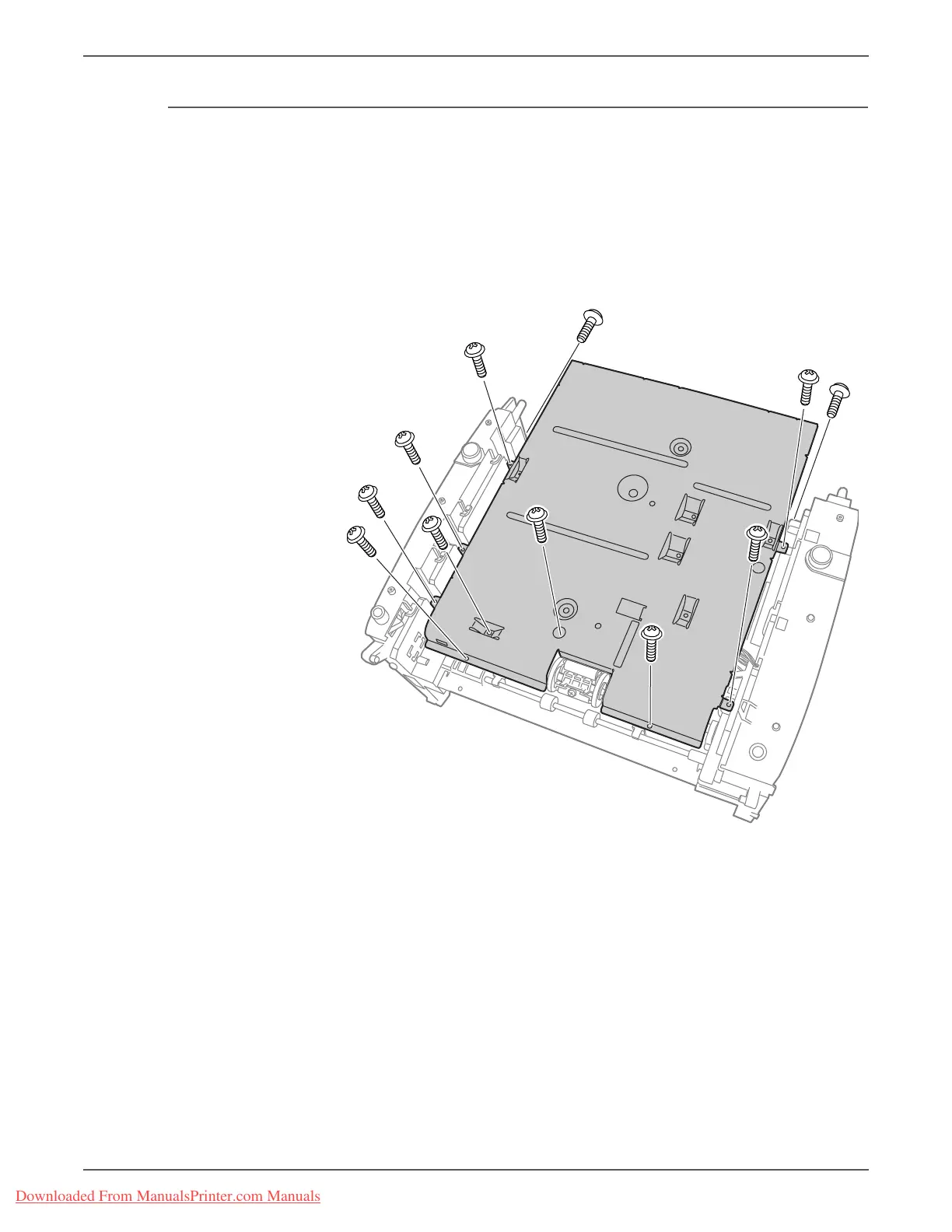
5. Remove 11 screws (10 mm, silver, tap) on the Engine Shield assembly.
Downloaded From ManualsPrinter.com Manuals



 To Next Page
 Loading...