SEQTRAK User Guide
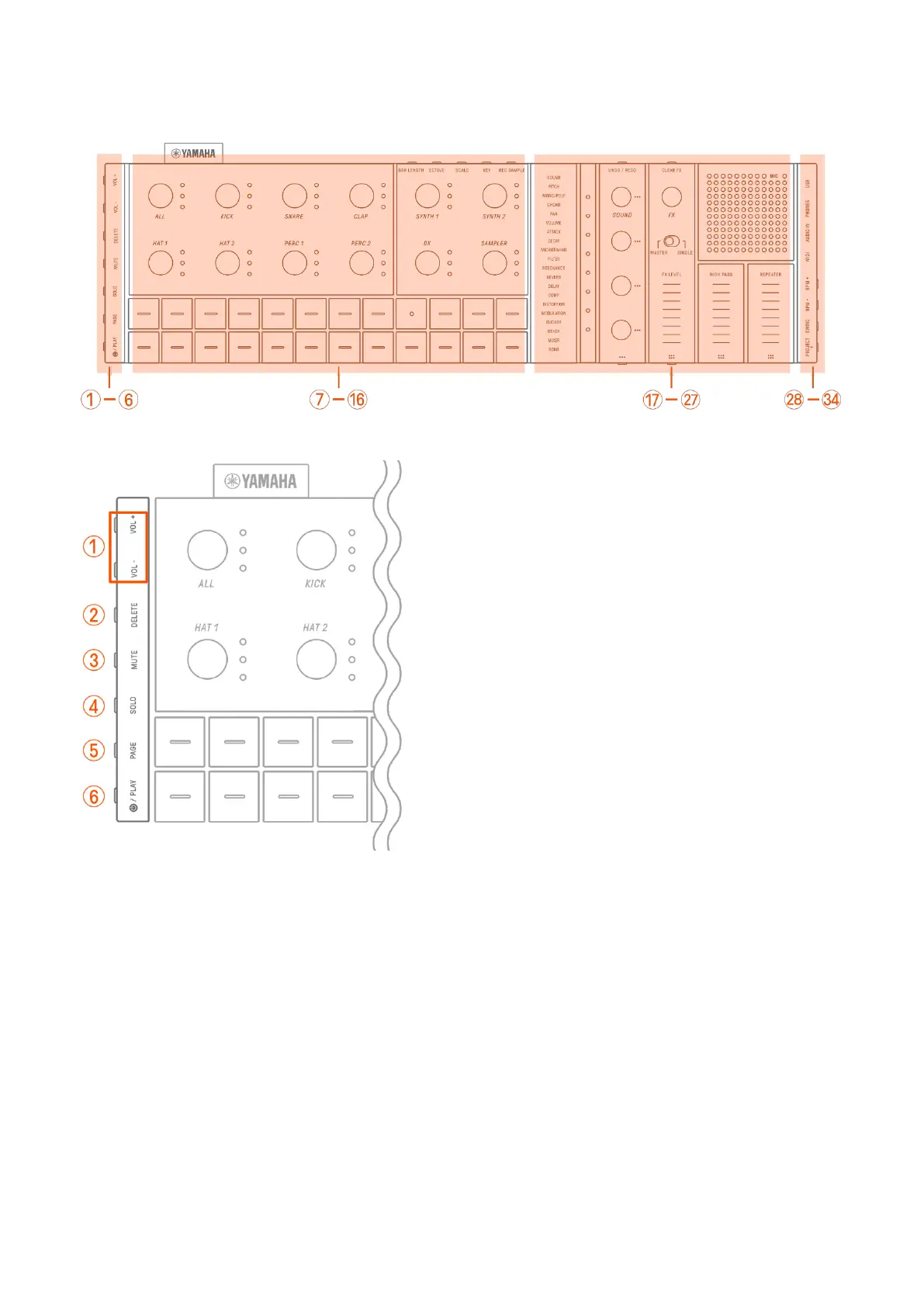
2. Panel Sections and Main Functions
a–f Left side
a [VOL+]/[VOL−] buttons
Used to adjust the volume of sound coming from the built-in speaker or headphones
connected to the [PHONES] jack.
b [DELETE] button
Used to delete a pattern or project.
c [MUTE] button
Used to mute a specific track.
d [SOLO] button
Used to solo a specific track.



 To Next Page