SEQTRAK User Guide
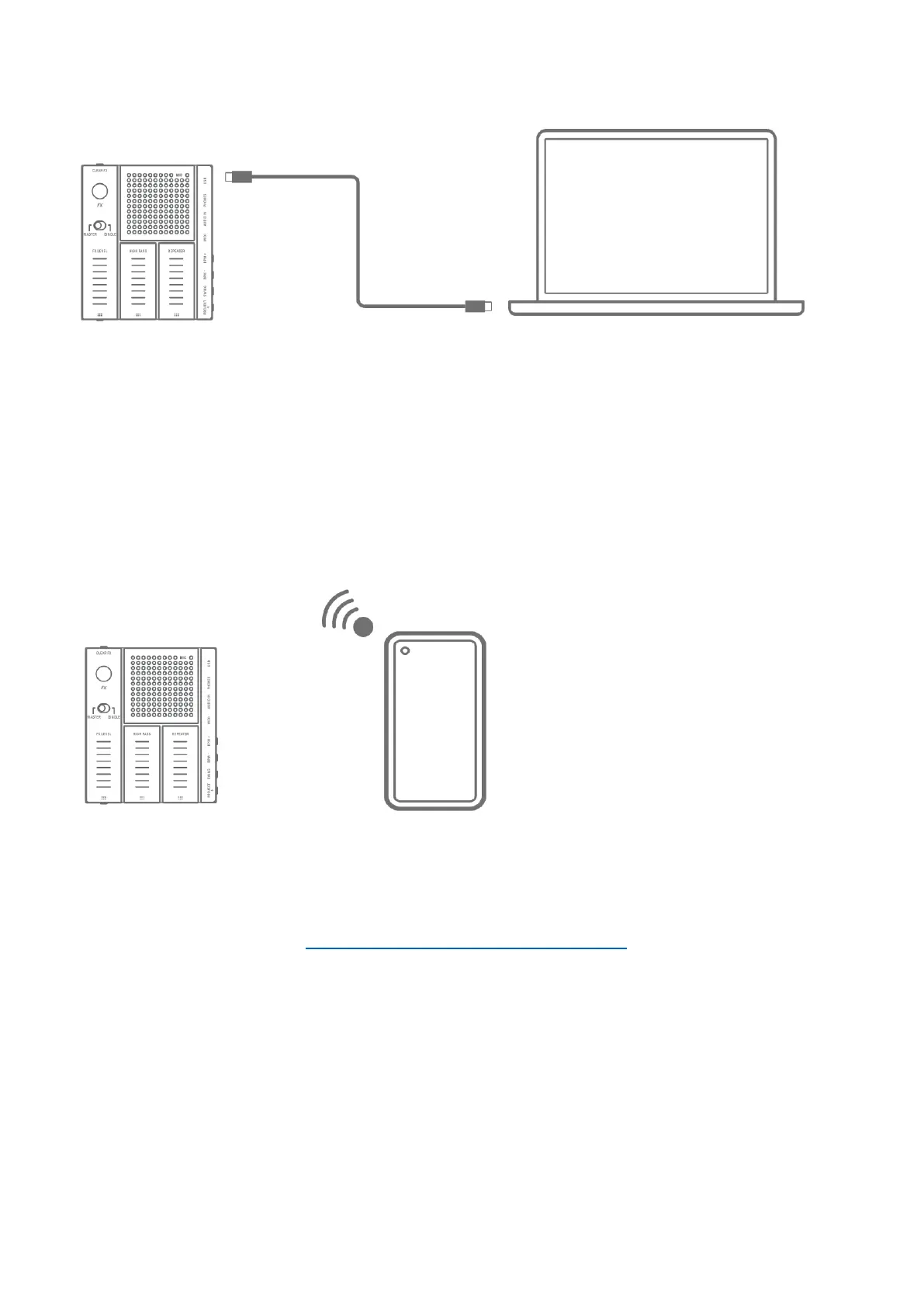
16.2 Using the SEQTRAK App (for a Wired Connection)
Update procedure
1. Use the included USB-C to USB-C cable to connect the smart device or computer to
SEQTRAK.
2. Open the SEQTRAK app on your smart device or computer.
3. Follow the onscreen instructions in the SEQTRAK app to perform the update. If the update
fails, try updating again.
16.3 Using the SEQTRAK App (for a Wireless Connection)
Update procedure
1. Open the SEQTRAK app on your smart device.
2. Connect the smart device and SEQTRAK via Bluetooth. For details about how to make a
wireless connection, see “14.1.2 Wireless connection (Bluetooth)”.
3. Follow the onscreen instructions in the SEQTRAK app to perform the update. If the update
fails, try updating again.



 To Next Page