SEQTRAK User Guide
9. Sound Design
9.1 Adjusting Sound Parameters
Press a Track knob to select the track for which you want to adjust the sound parameters.
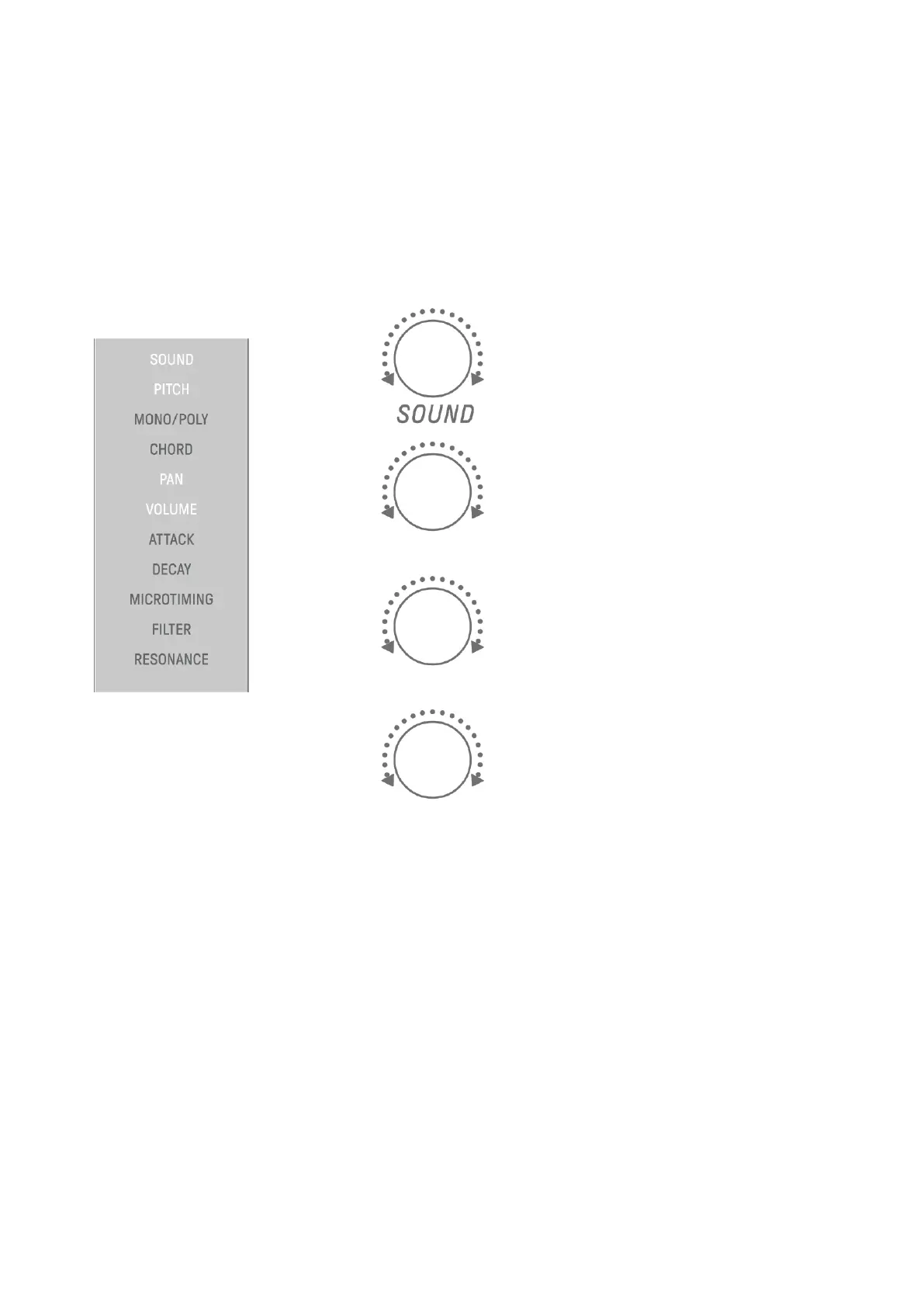
Turn Sound Design knobs to adjust the sound parameters of the selected track. To make
greater changes to the parameters, simultaneously press and turn the Sound Design knobs.
The sound parameters to be adjusted are displayed in the index.



 To Next Page