SEQTRAK User Guide
9.1.1 Switching between the sound parameter operation pages
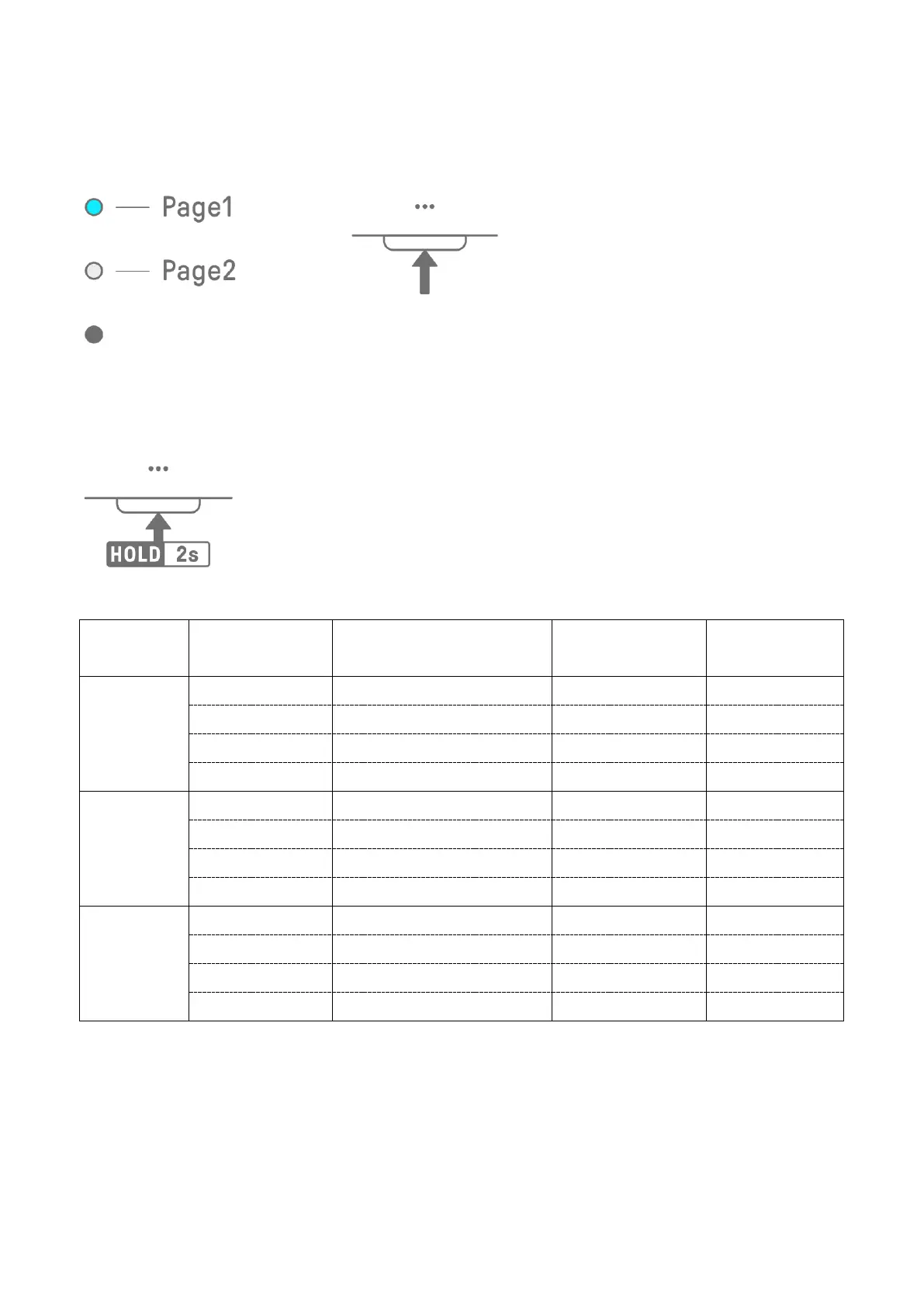
Press the Sound Design Page button to switch between the sound parameter operation
pages. Different sound parameter adjustment items are assigned to each page.
Press and hold the Sound Design Page button for at least 2 seconds to enter the advanced
settings. Use the same procedure to exit the advanced settings. In the advanced settings,
more operation pages and sound parameter adjustment items are available.
9.1.2 Drum track sound parameter adjustment items
Page Sound Design Knob Adjustment Item
Parameter Lock/
Motion Recording
Index Display
1
1 SOUND SELECT - SOUND
3 PAN ✓ PAN
2
1 AEG ATTACK ✓ ATTACK
3 LP-HP FILTER CUTOFF ✓ F I LT ER
3
(ADVANCED)
1 REVERB SEND ✓ REVERB
3 EQ HIGH GAIN ✓ OTHER



 To Next Page