SEQTRAK User Guide
12.3 Adding Scenes
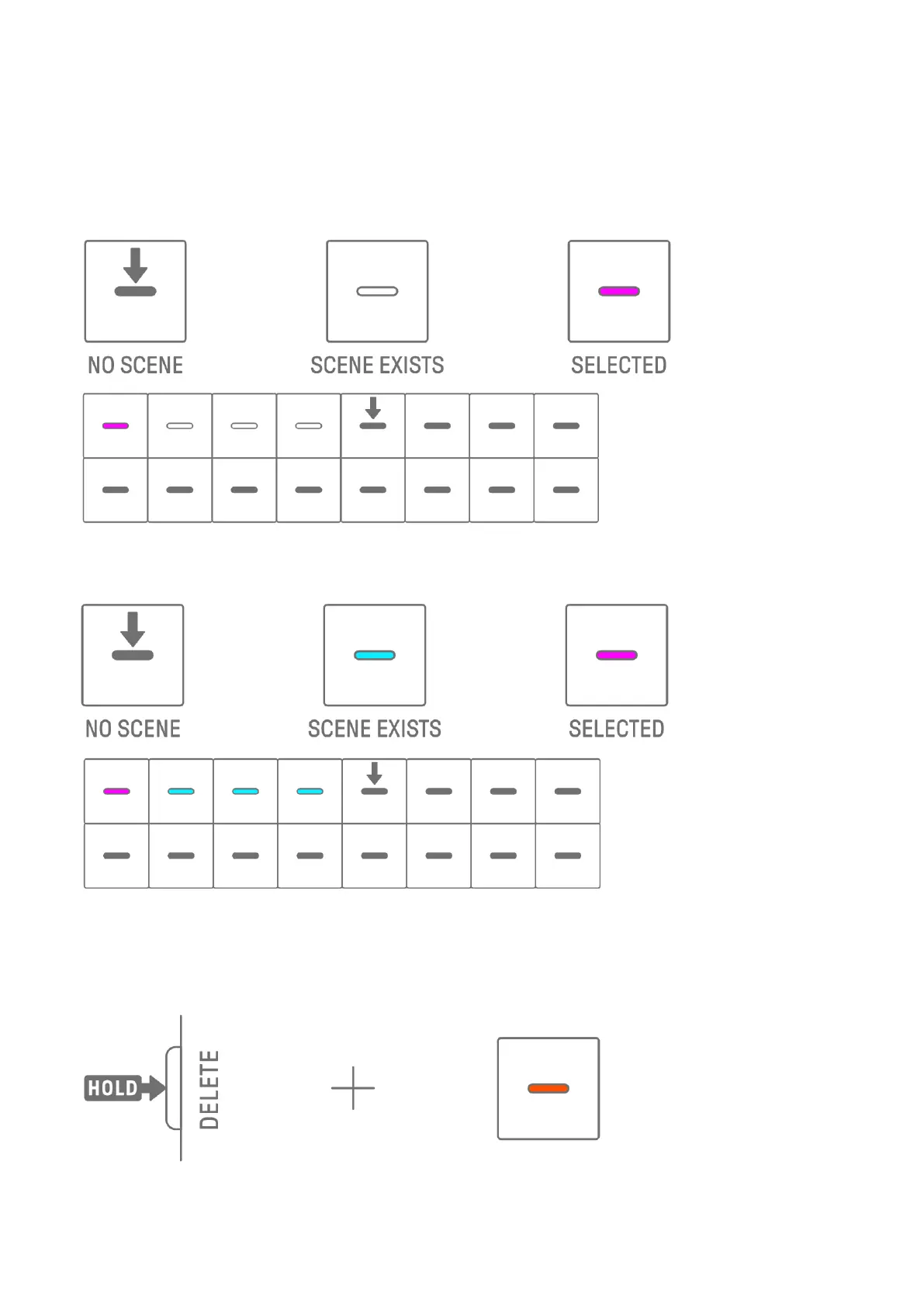
To add a scene, press a Drum key that is not lit (an empty scene). You can add up to 16
scenes. The selected scene will be copied to the new scene.
Song mode
Scene mode [Ver. 1.1]
12.4 Deleting a Scene
To delete a scene, hold down the [DELETE] button and press the Drum key that is lit in red.
Scenes behind the deleted scene will be moved forward in order.
NOTE
・ The scene being played back will not be deleted.



 To Next Page