SEQTRAK User Guide
5.8 Muting and Soloing a Track
5.8.1 Mute
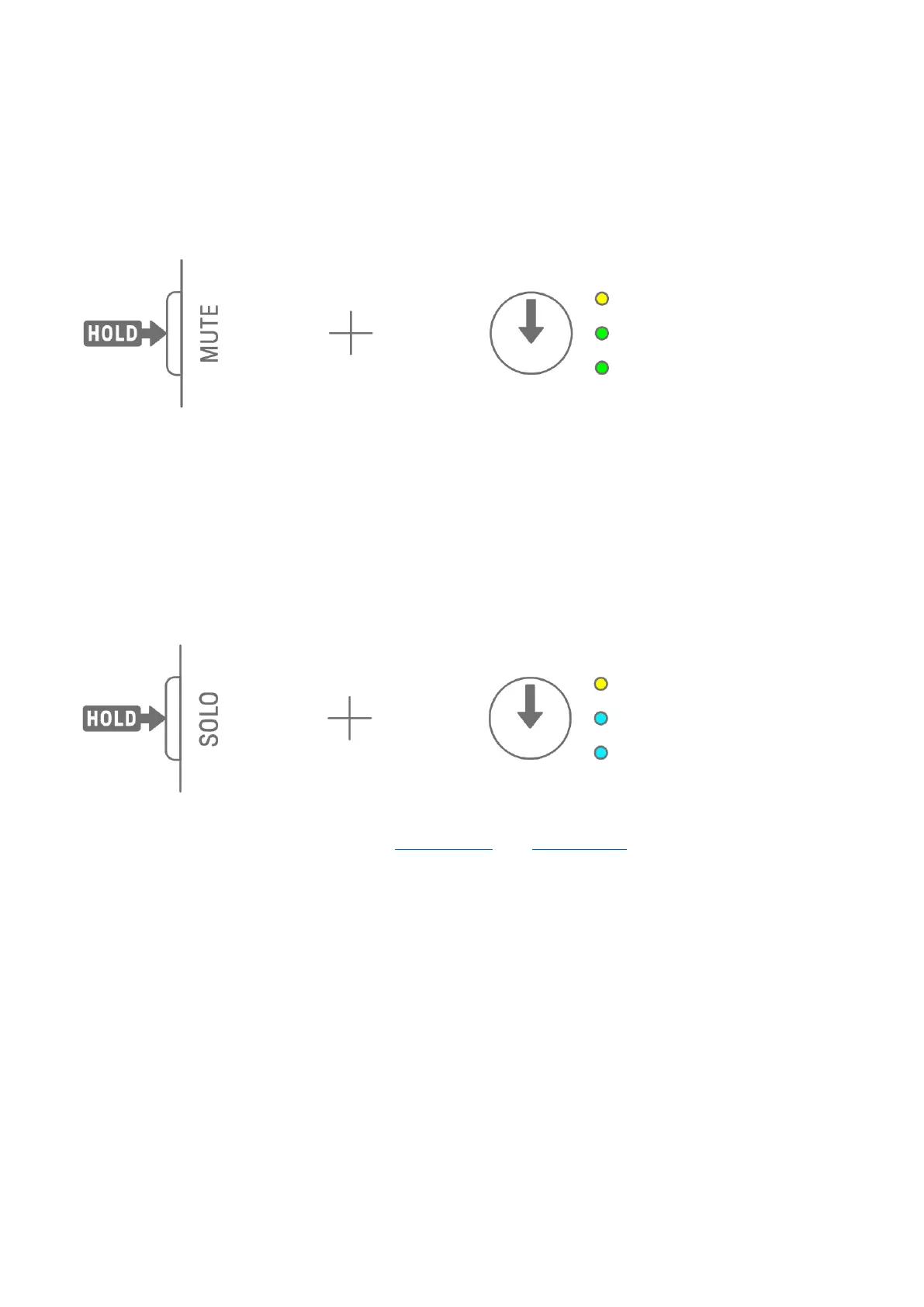
Hold down the [MUTE] button and press a Track knob to mute the currently selected track.
The LED lamp of the muted track will light in green. Press the knob again to unmute the
track.
NOTE
・ When any track is muted, hold down the [MUTE] button and press the [ALL] knob to
instantly unmute all tracks.
5.8.2 Solo
Hold down the [SOLO] button and press a Track knob to solo that track and mute all other
tracks. At this time, the LED lamp of the soloed track will light in cyan blue. Press the knob
again to un-solo the track.
NOTE
・ Mute and Solo can also be used in Mixer mode and Song mode.
・ If a track is soloed while it is muted, solo takes precedence. When the track is un-soloed,
the mute status is restored.



 To Next Page