SEQTRAK User Guide
9.3 Recording the Movement of Sound and Effect Parameters in Steps (Motion
Recording)
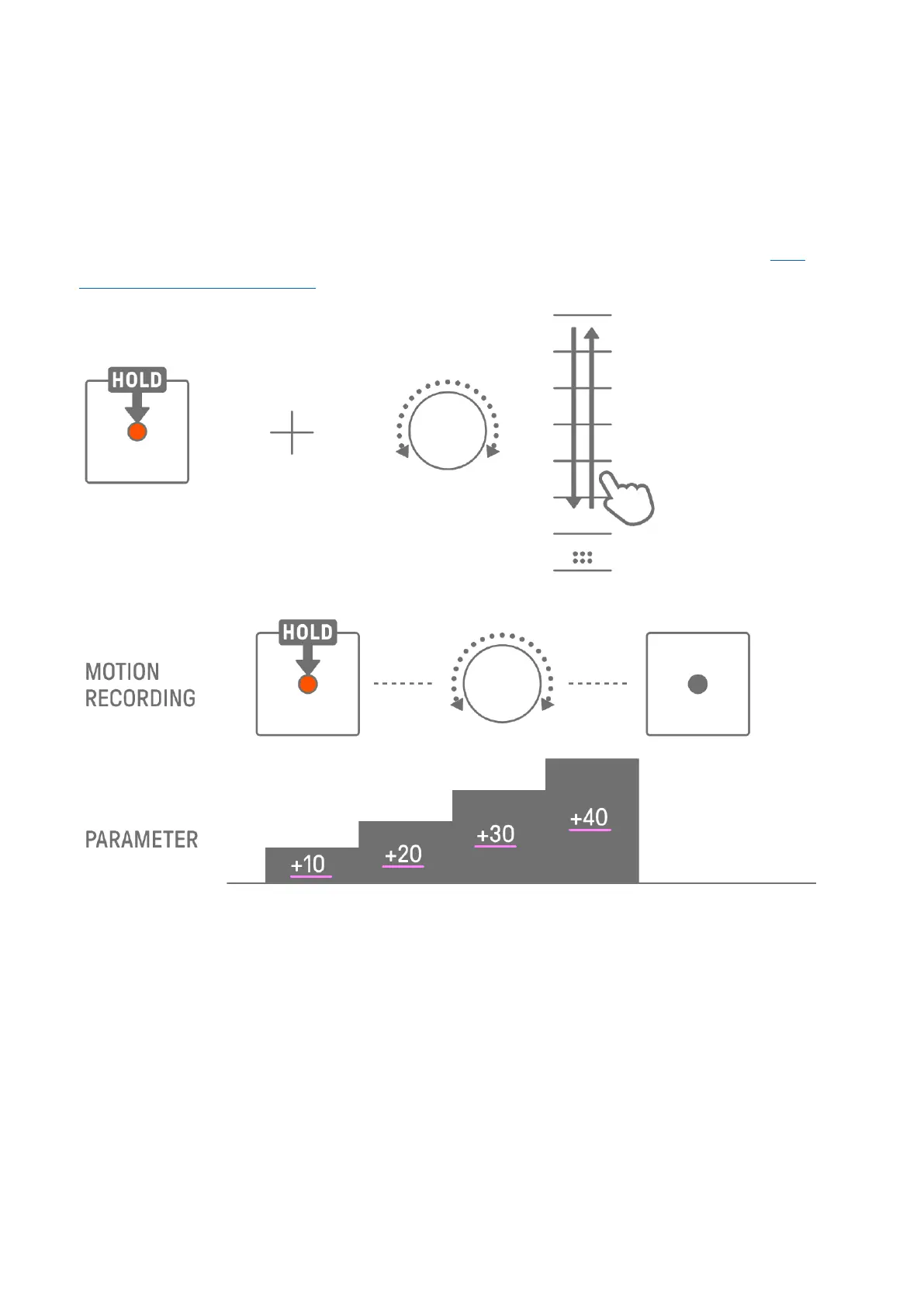
You can record the operation of the Sound Design knobs and touch sliders for single effects
in real time (Motion Recording). To execute Motion Recording, hold down the [RECORD]
button and turn Sound Design knobs 1–4 or slide the touch sliders.
For details about which sound parameters can be used with Motion Recording, see “9.1
Adjusting Sound Parameters.”
NOTE
・ The data recorded with Parameter Lock and Motion Recording is the same. If Motion
Recording is executed while Parameter Lock is applied to data, that data will be
overwritten.
9.3.1 Deleting a Motion
To delete a Motion, hold down the [DELETE] button and press the Sound Design knob or the
[FX] knob.



 To Next Page