SEQTRAK User Guide
14. Connections
14.1 Connecting to the SEQTRAK App
There are two ways to connect to the SEQTRAK app: wired and wireless (Bluetooth and Wi-
Fi).
*The availability of wireless functionality in SEQTRAK varies from country to country.
*The SEQTRAK app for Windows does not support wireless functionality.
14.1.1 Wired connection
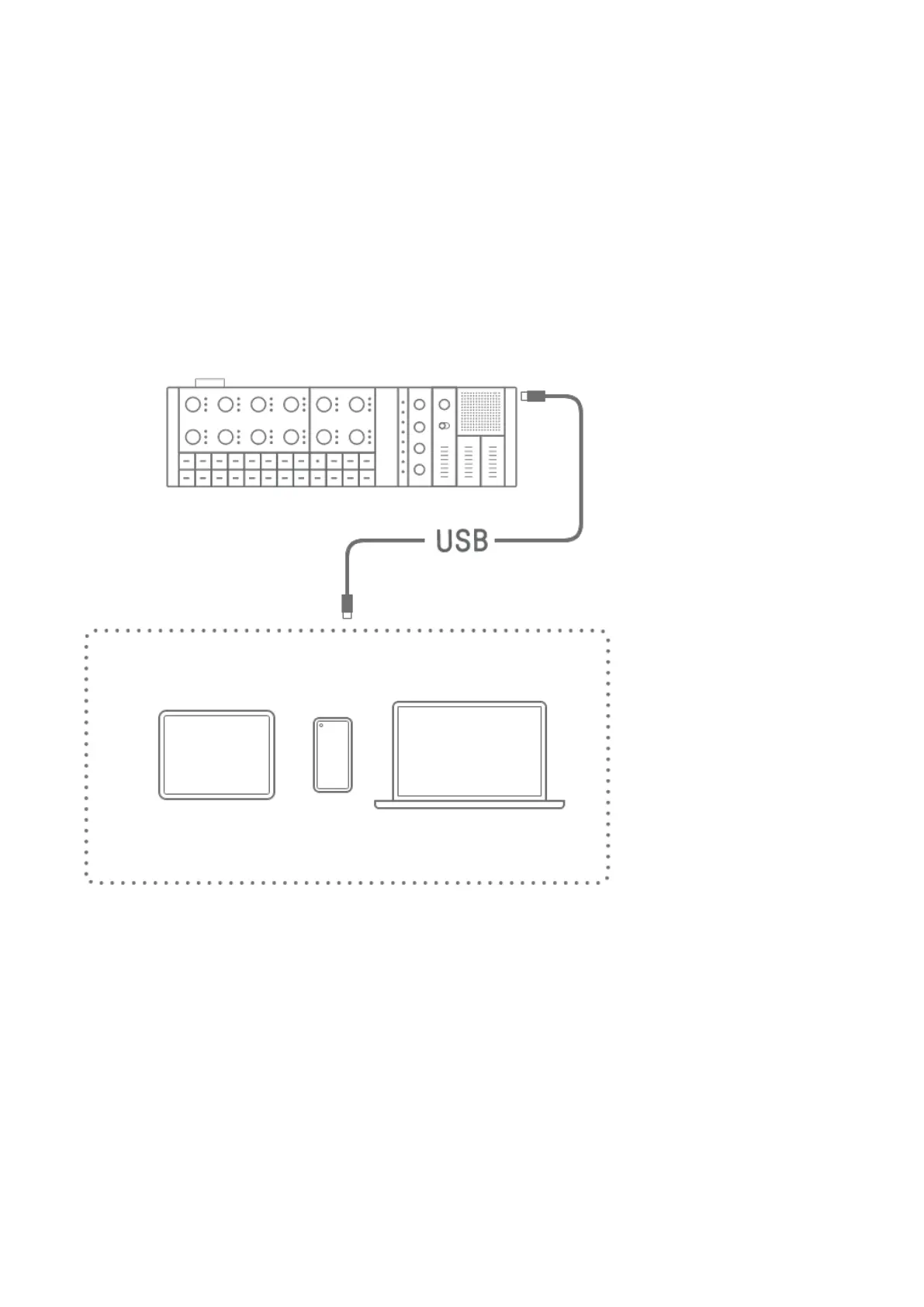
Use the included USB-C to USB-C cable to connect SEQTRAK to a smart device or computer.
NOTE
・ The Apple Lightning to USB 3 Camera Adapter (sold separately) and USB-A to USB-C
cable are required to connect to an iPhone or iPad with a Lightning connector.



 To Next Page