SEQTRAK User Guide
You can copy and paste to different tracks, as long as it is between Drum tracks or Synth
tracks (SYNTH1, SYNTH2, and DX).
NOTE
・ All parameters, including Parameter Locks and Motion Recording, can be copied and
pasted as is. However, if the effect type differs between tracks, the effect parameters will
not be pasted.
5.6 Selecting and Auditioning Tracks
Press a Track knob to select that track. Press a Track knob while playback is stopped to
audition the sound of the selected track.
5.7 Changing the Sound of a Track
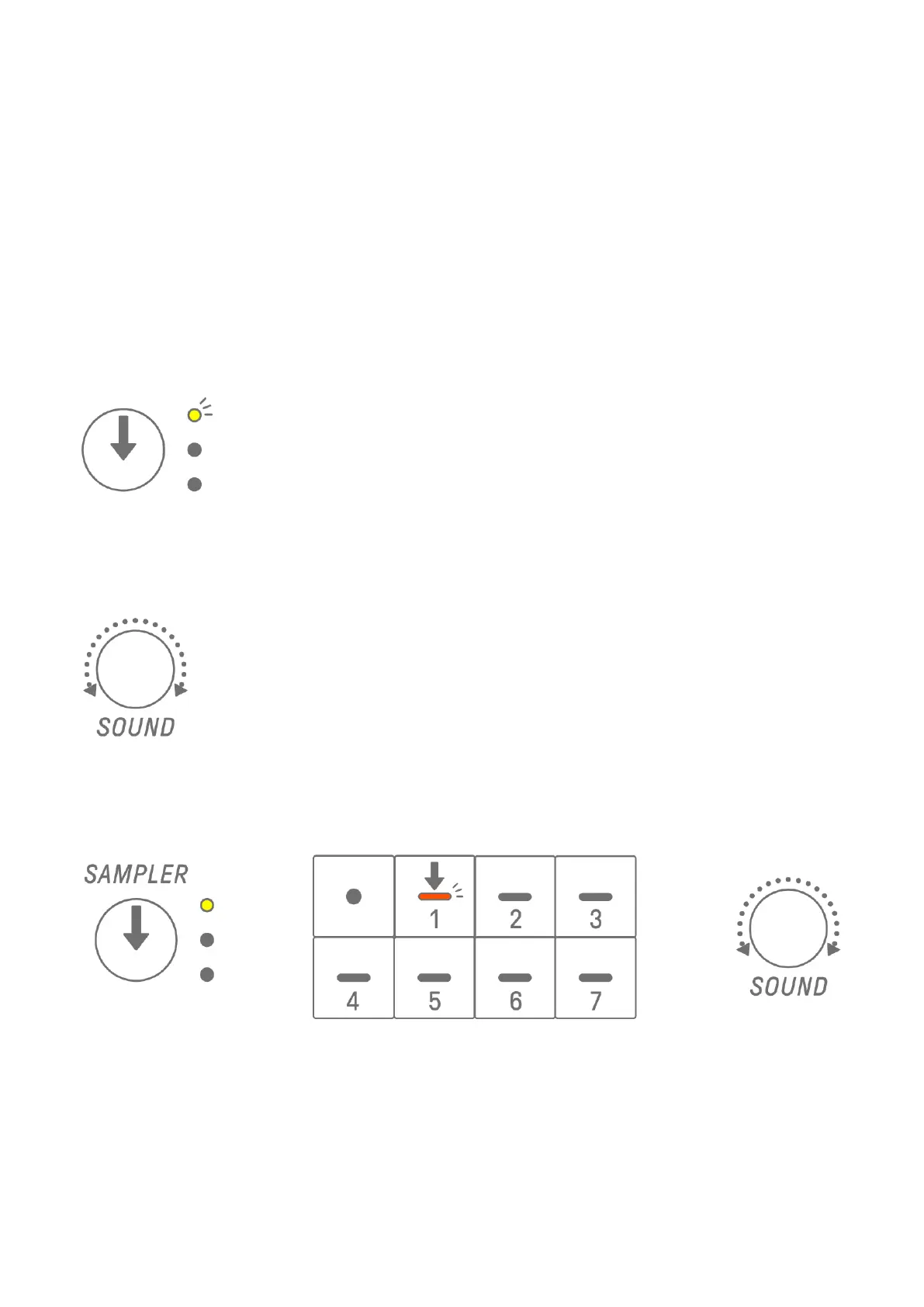
To change the sound of a Drum track or a Synth track (SYNTH 1, SYNTH 2, and DX), press a
Track knob to select that track, then turn Sound Design knob 1 on Sound Design Page 1.
The SAMPLER track has samples assigned to each of the seven Synth keys. To change the
sound of a sample, press the [SAMPLER] knob to select the SAMPLER track. Next, press a
Synth key to select a sample, and then turn Sound Design knob 1 on Sound Design Page 1.



 To Next Page