SEQTRAK User Guide
6. Drum Tracks
There are seven Drum tracks: KICK, SNARE, CLAP, HAT 1, HAT 2, PERC 1, and PERC 2. You
can produce beats by operating the corresponding Track knobs and Drum keys.
6.1 Entering Steps
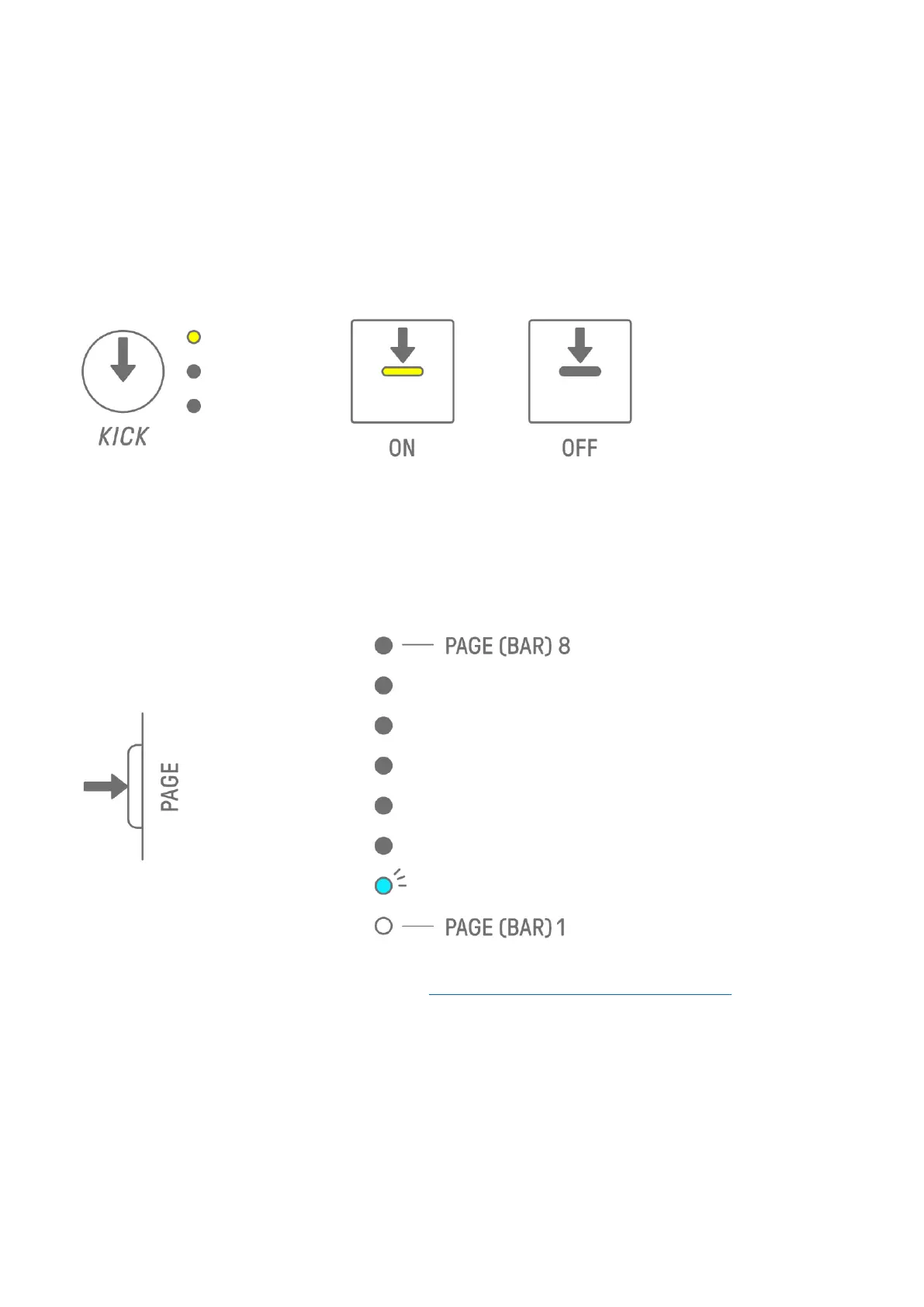
Press a Drum Track knob to select the Drum track you want to edit. Press a Drum key to turn
that step on/off.
6.2 Switching Pages
Up to 16 steps of a pattern can be displayed on the Drum keys at the same time. This is
called a page. If a pattern is 17 or more steps in length, you can switch pages.
Press the [PAGE] button to switch pages. The current page is indicated by a flashing cyan
blue on the Global Meter.
NOTE
・ To change the length of a pattern, see “5.2 Changing the Length of a Pattern.”



 To Next Page