SEQTRAK User Guide
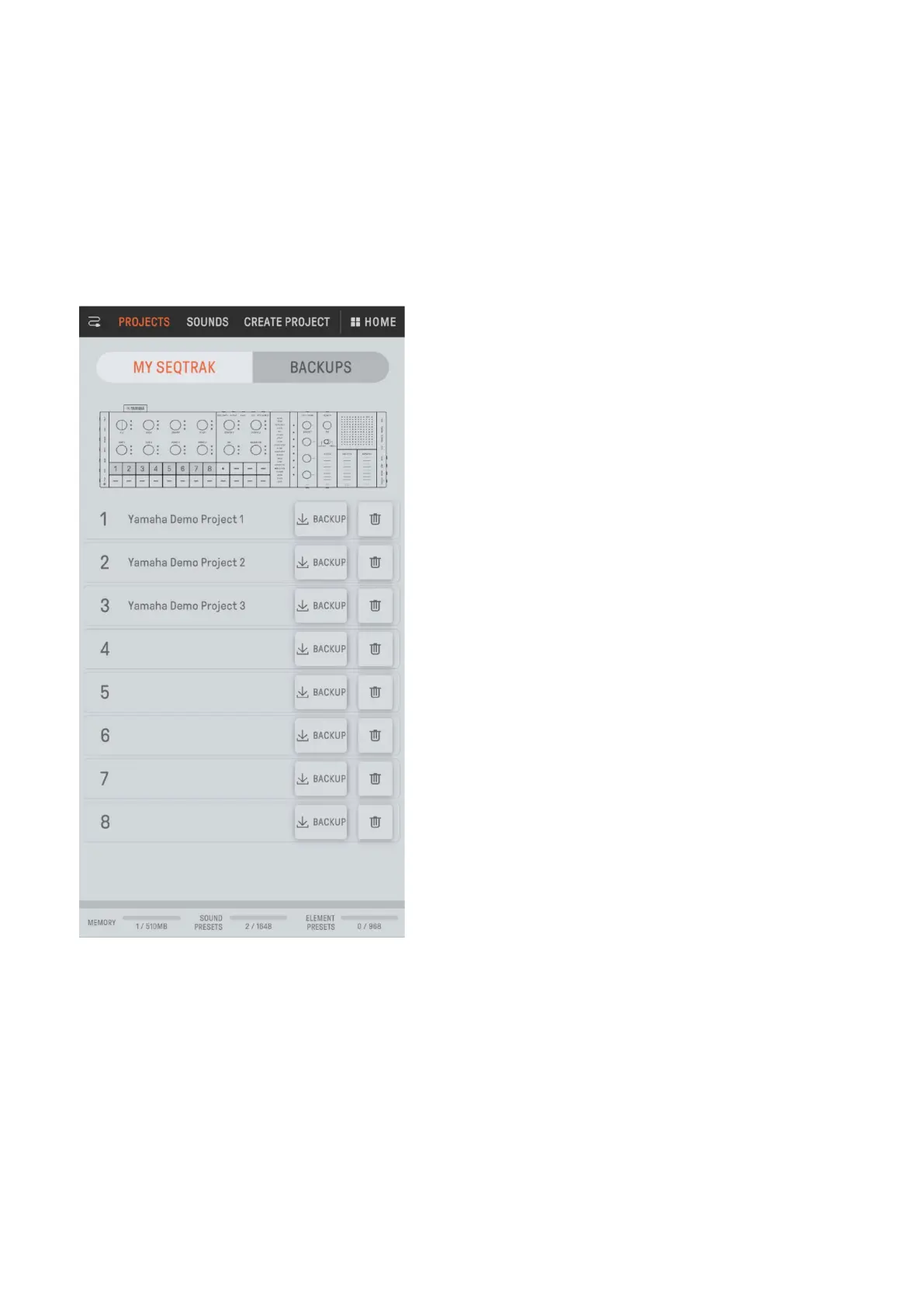
13.2 Content Management Function [PROJECT/SOUND MANAGER]
There are three main functions.
• Manage projects (back up/restore projects)
• Manage sounds (add and delete samples, download additional content, etc.)
• Create new projects with sounds specified for each track
Content management functions are available via a USB or Wi-Fi connection.
NOTE
・ When you select the content management function, the LED lamp for the [ALL] knob on
SEQTRAK lights up red and SEQTRAK enters content mode. If the connection to the
SEQTRAK app is lost, you can press the [ALL] knob to exit content mode.
・ In content mode, SEQTRAK can perform only two operations: turning off the power and
exiting content mode.



 To Next Page