SEQTRAK User Guide
NOTE
・ Hold down multiple Drum keys and turn Sound Design knobs 1–4 or sliding the [FX
LEVEL] touch slider to enable Parameter Lock for the selected steps.
・ If you enable Parameter Lock for VOLUME, the velocity of the note will change.
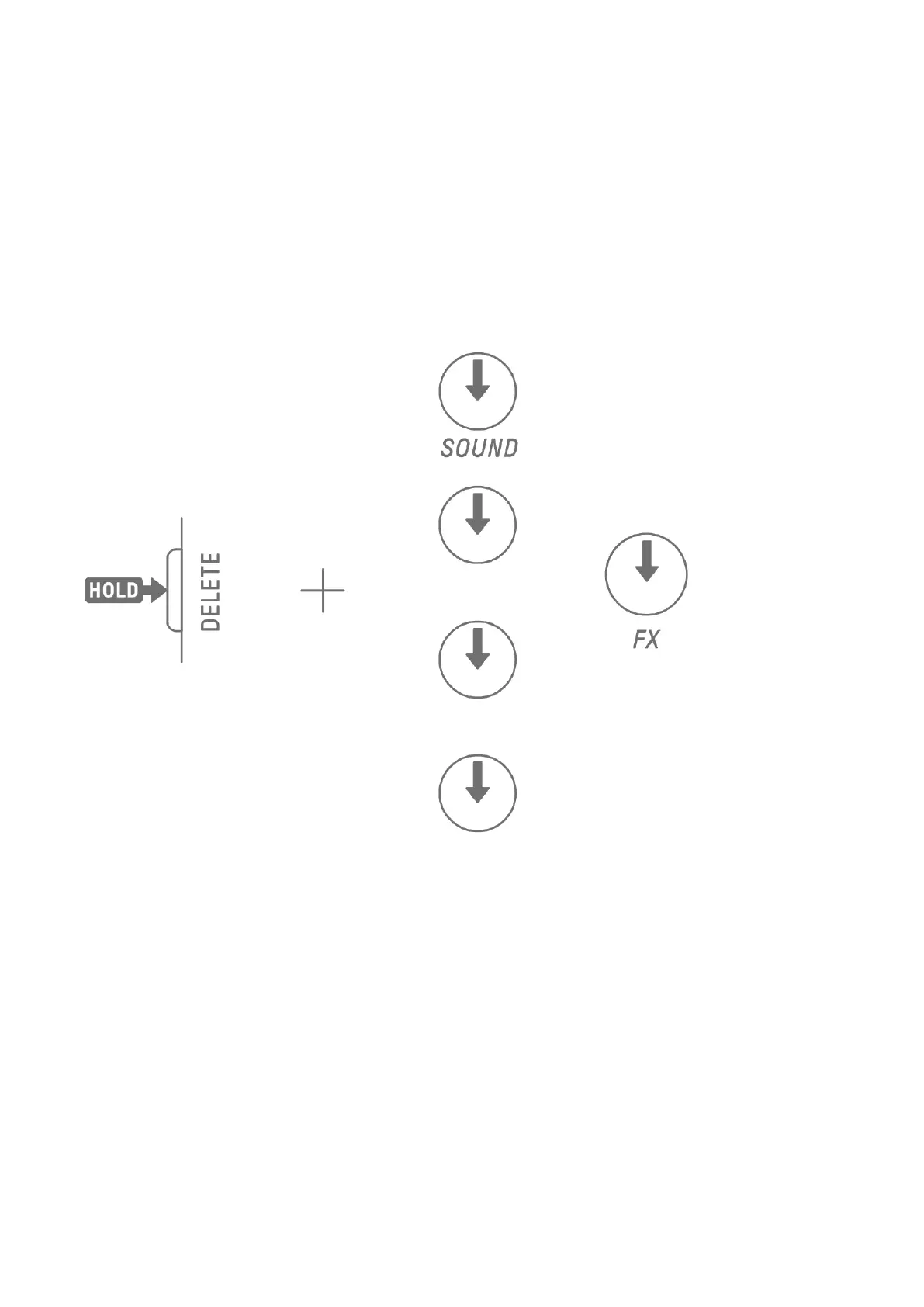
9.2.1 Deleting a Parameter Lock
To delete the Parameter Lock of the selected pattern, hold down the [DELETE] button and
press the Sound Design knob or the [FX] knob. The parameter for the corresponding knob is
deleted.



 To Next Page