SEQTRAK User Guide
6.5 Real-time Input
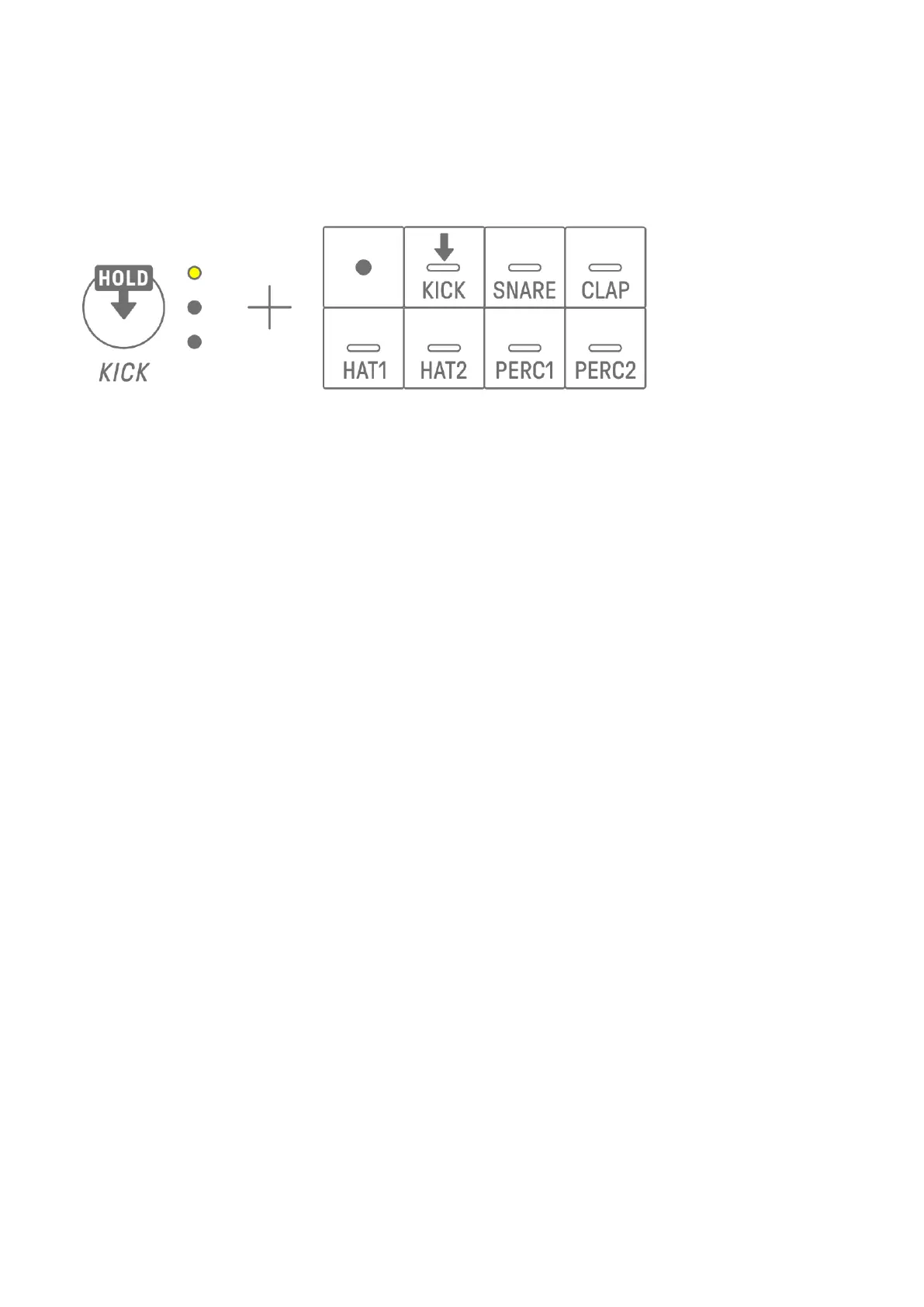
Hold down one of the Drum Track knobs and press a Synth key to enter Real-time Input
mode. In Real-time Input mode, the Synth keys can be used to play Drum tracks in real time.
Use the same procedure to exit from Real-time Input mode.
When in Real-time Input mode, press the Record key to start recording. You can record the
sounds (note) of the Drum tracks for the Synth keys you press. While recording, the Record
key flashes in red and the pattern is displayed on the Drum keys.
NOTE
・ When the power is turned off, Real-time Input mode is automatically disabled.



 To Next Page