SEQTRAK User Guide
4.5.2 Applying a swing feeling to a project
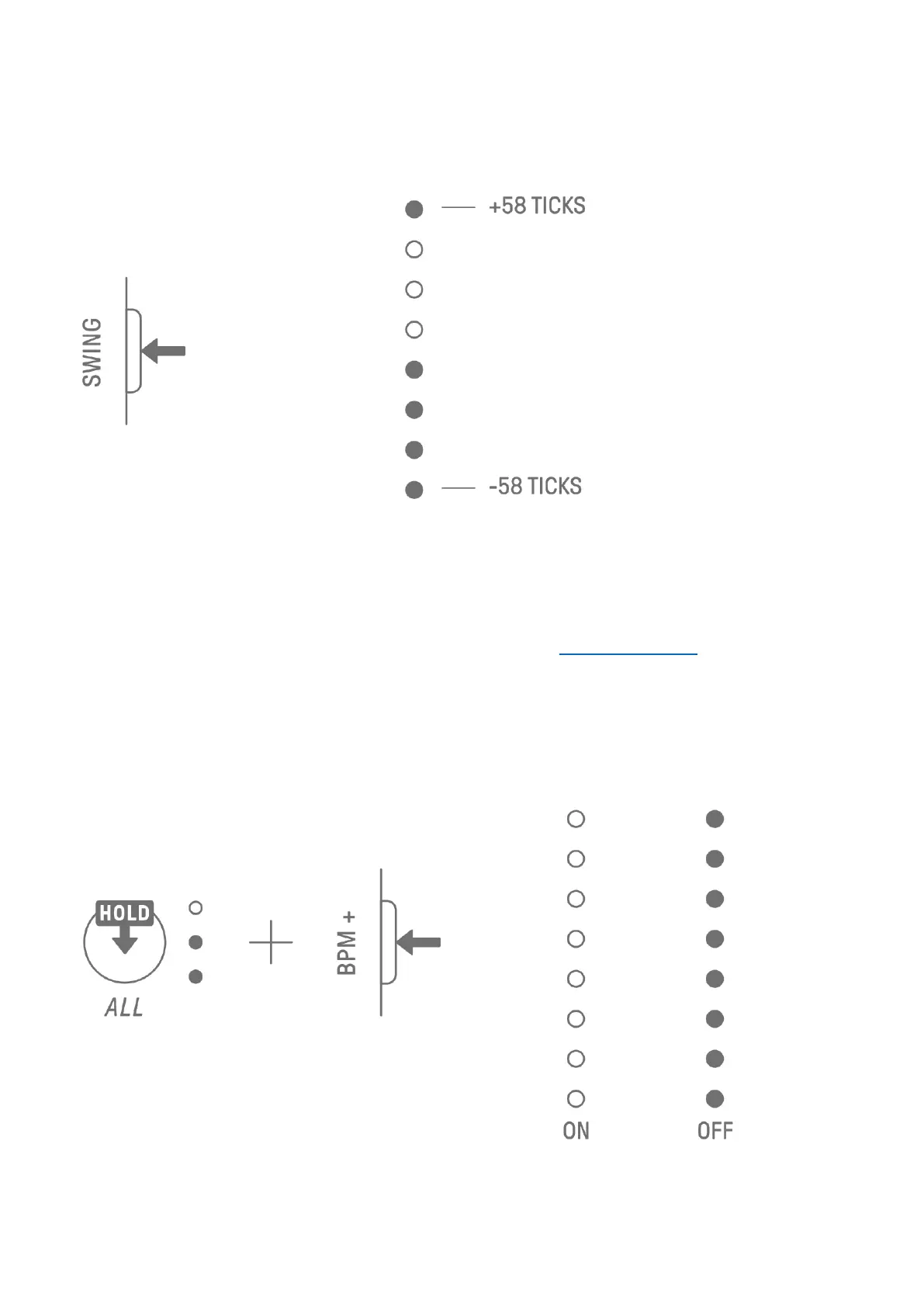
To apply a swing to a project, press the [SWING] button. The swing rate of even steps can be
set in the range from −58 ticks to +58 ticks.
NOTE
・ One step is 120 ticks.
・ Hold down the [DELETE] button and press the [SWING] button to initialize the swing rate
(reset to 0 ticks).
・ Even steps are determined according to the criteria for Launch Quantize.
4.5.3 Turning the metronome on/off
To turn the metronome on/off, hold down the [ALL] knob and press the [BPM+] button. The
Global Meter lights up white when the metronome is on and turns off when the metronome
is off.



 To Next Page