SEQTRAK User Guide
8. SAMPLER Track
The SAMPLER track is used for playing audio samples. Preset samples or samples recorded
with the built-in microphone, among other options, can be assigned to the Synth keys for
playback.
8.1 Real-Time Input
Press the [SAMPLER] knob to select the SAMPLER track.
The SAMPLER track can play up to seven samples. Press a Synth key to play the sample
assigned to that key.
Press the Record key to start recording. You can record the samples assigned to the Synth
keys. While recording, the Record key flashes in red and the current position in the pattern is
displayed on the Drum keys.
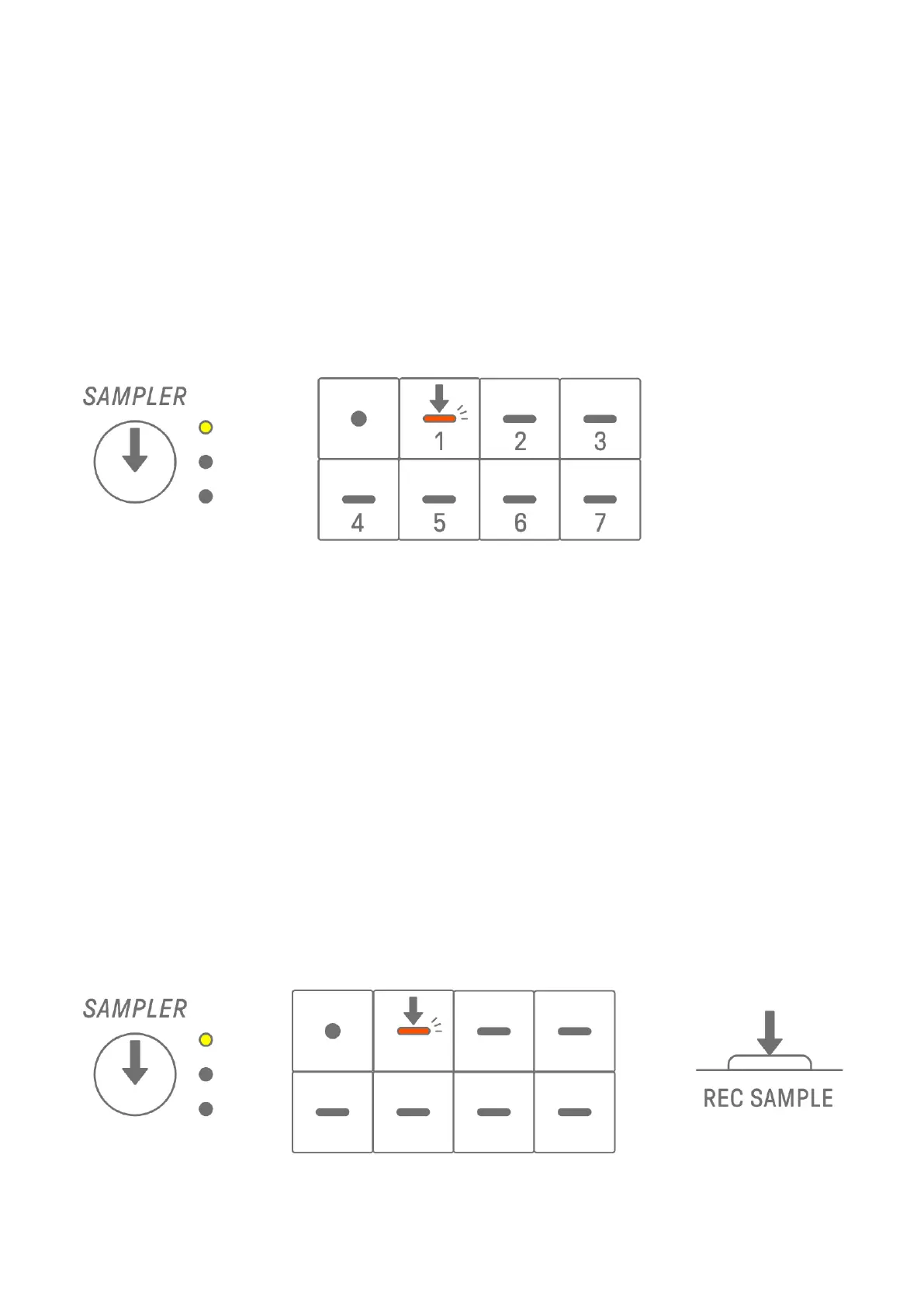
8.2 Sampling (Built-In Microphone/AUDIO IN and USB Audio Input)
Sounds that have been recorded with the built-in microphone or imported from an external
device can be played on the SAMPLER track. Press the [SAMPLER] knob to select the
SAMPLER track. Press the Synth key to which the sound to be sampled will be assigned. At
this time, the selected Synth key flashes in red.
Press the [REC SAMPLE] button to start sampling with the microphone. The recording time
for each sample is up to 16 seconds. To end sampling, press the [REC SAMPLE] button again
or let the full 16 seconds elapse.
If a cable is connected to the [AUDIO IN] jack, sampling is performed for the AUDIO IN input.
If the sampling source is USB audio input, audio that is input via the USB connection will be
sampled.



 To Next Page