SEQTRAK User Guide
12.2 Playing/Stopping a Scene
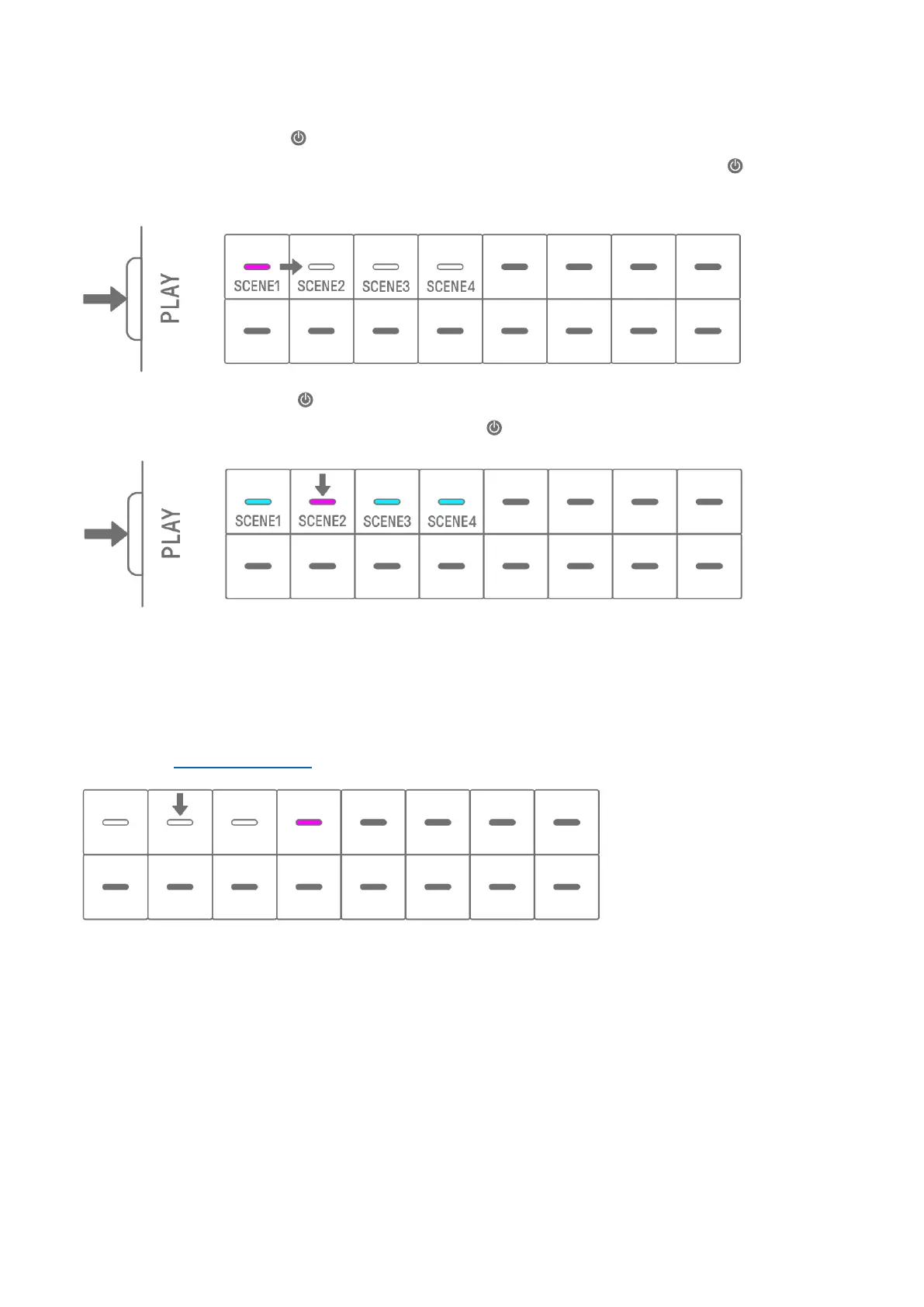
In Song mode, press the [ /PLAY] button to play the scenes in order from the beginning of
the currently selected scene. While a scene is playing back, you can press the [ /PLAY]
button to stop playback.
In scene mode, press the [ /PLAY] button to repeat the selected scene (loop playback).
While a scene is playing back, you can press the [ /PLAY] button to stop playback.
12.2.1 Changing the scene to be played back
To change the scene to be played back, press the Drum key for a scene.
In Song mode, if you make this change while a scene is playing, the selected scene will start
when the currently playing scene plays to the end. In scene mode, the selected scene will
start at the Launch Quantize timing.



 To Next Page