SEQTRAK User Guide
12.5 Editing a Scene
12.5.1 Changing the combination of patterns in a scene
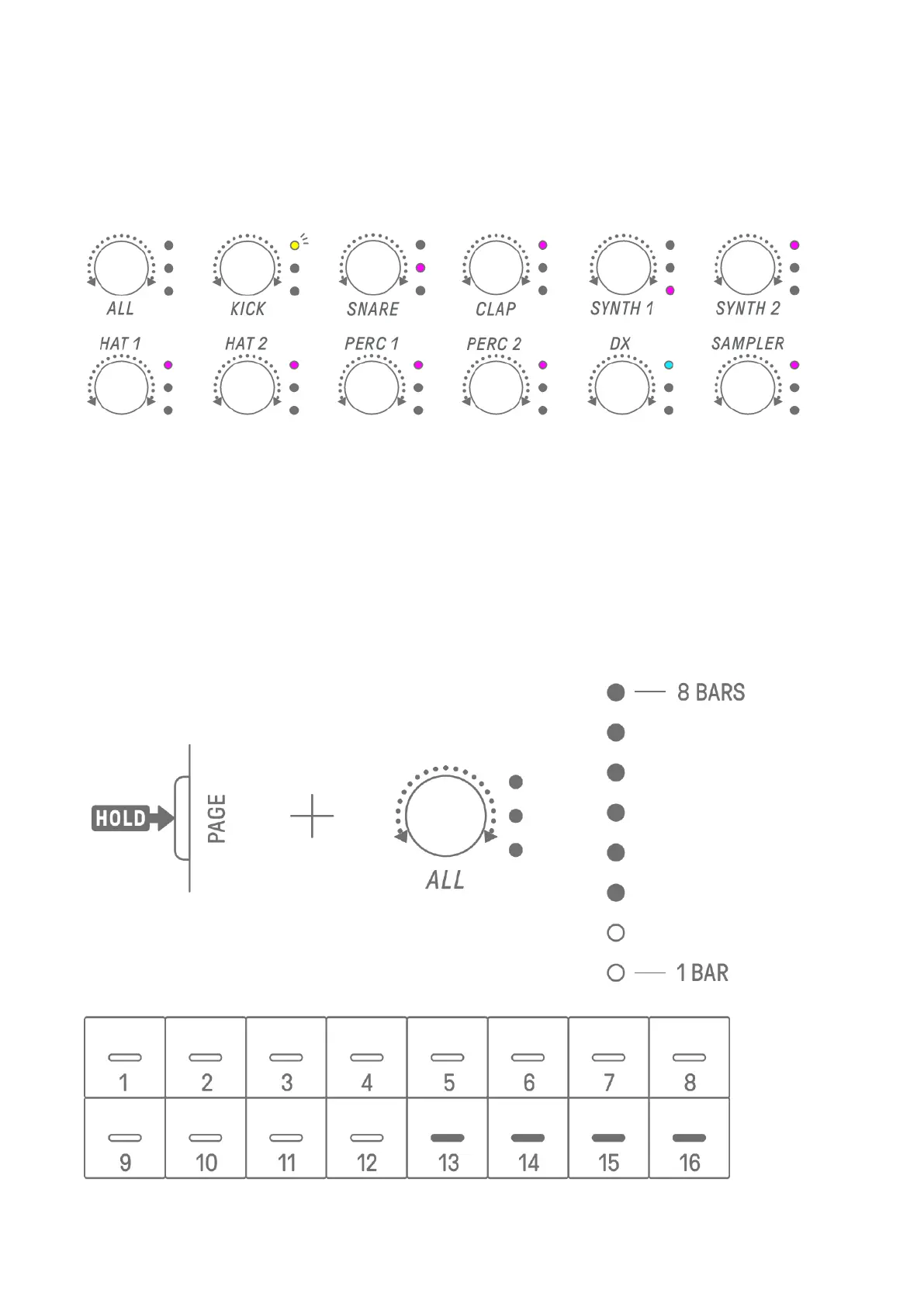
Turn the Track knobs to change the combination of patterns for the selected scene. Turn the
[ALL] knob to change all 11 tracks simultaneously.
NOTE
・ You can also enable Mute and Solo.
12.5.2 Changing the length of a scene
In Song mode, hold down the [PAGE] button and turn the [ALL] knob to change the length of
the selected scene. Press and turn the [ALL] knob to change the scene length in increments
of one measure (16 steps). The number of measures is displayed on the Global Meter, and
the number of steps is displayed on the Drum keys.



 To Next Page