SEQTRAK User Guide
7.8 Switching to Keyboard Input Mode
In the Keyboard Input mode, you can play the Drum keys as if they were a keyboard.
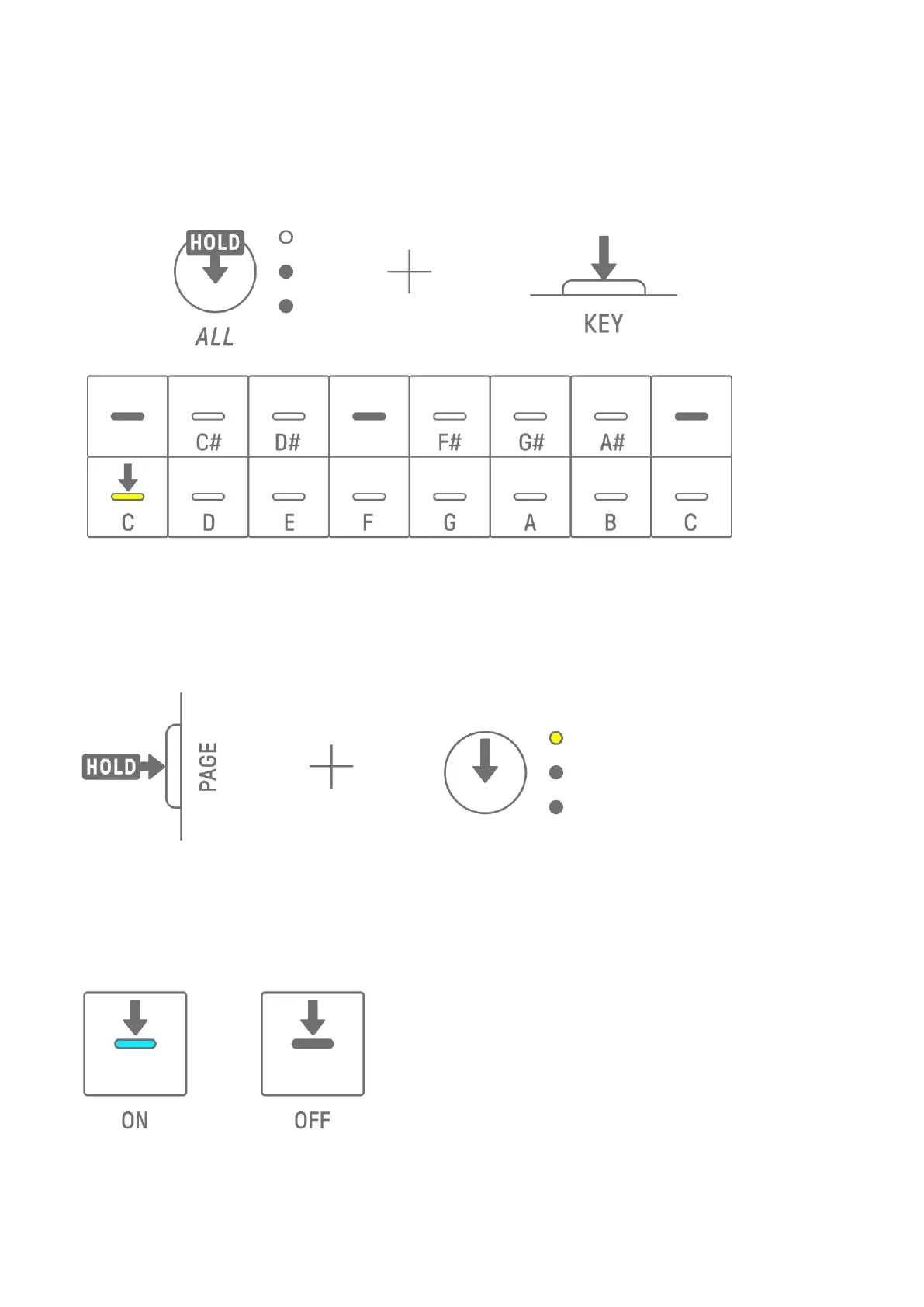
Hold down the [ALL] knob and press the [KEY] button to switch to Keyboard Input mode. At
this time, the Drum keys light in white in the shape of a keyboard.
7.9 Entering Steps [Ver. 1.1]
Synth tracks can be edited by entering steps.
Hold down the [PAGE] button and press the Synth Track knob or the [SAMPLER] knob to enter
Step Input mode. Use the same procedure to exit Step Input mode.
Press a Drum key to turn the corresponding step on/off. The step contains the last note
played via Synth key/keyboard input mode/external MIDI device for the currently selected
track. If multiple notes are played simultaneously, such as when MONO/POLY/CHORD is set
to CHORD, all selected notes are entered for that step.



 To Next Page