SEQTRAK User Guide
12.2.2 Repeating a scene (Loop Playback)
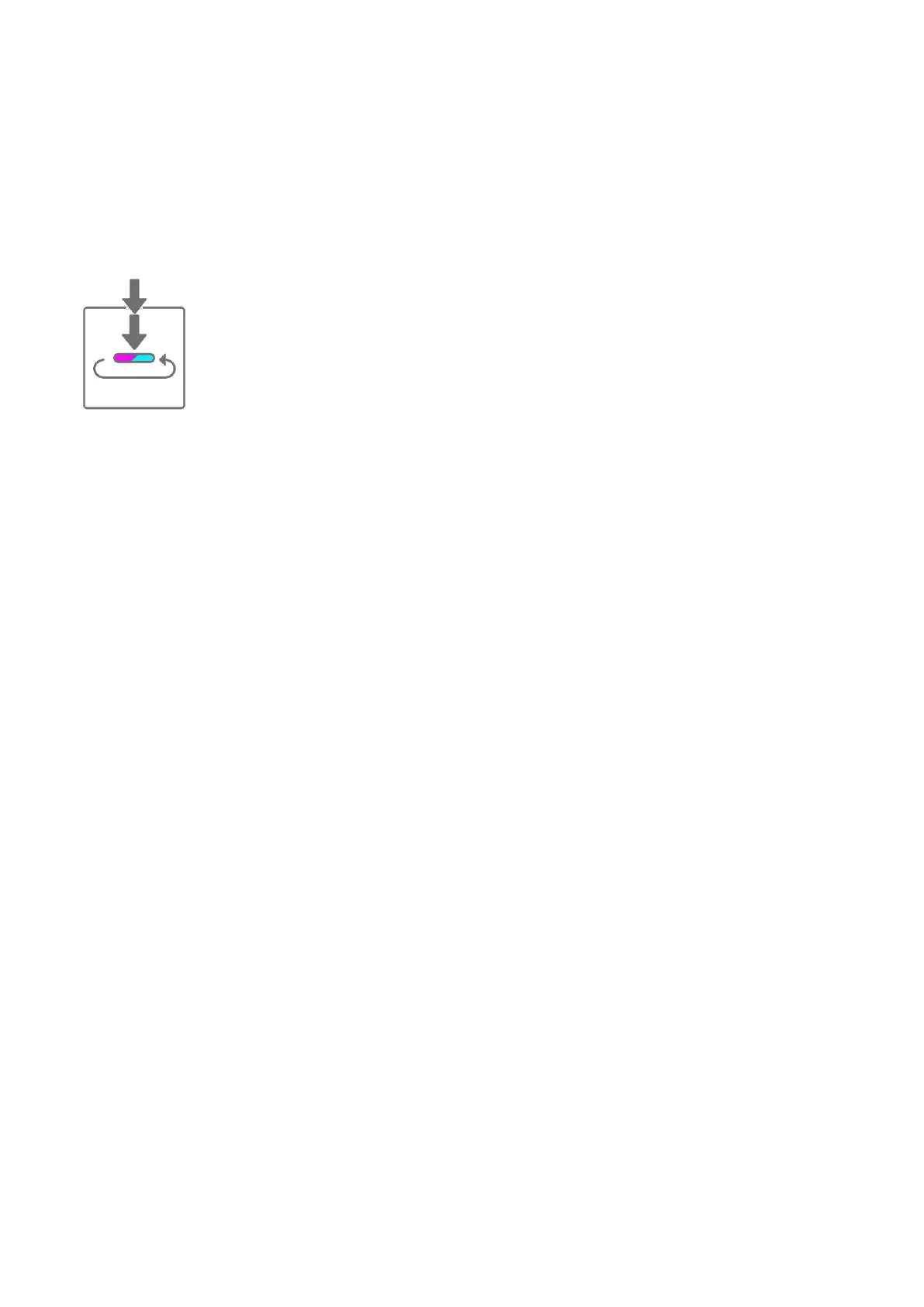
In Song mode, double-tap the Drum key while a scene is playing to loop that scene. During
loop playback, the corresponding Drum key lights up alternately in purple and cyan blue.
If you double-tap another scene while a scene is playing, the currently playing scene will play
to the end, and then the other scene you selected will loop.
To cancel loop playback, press the Drum key or select another scene.
12.2.3 Repeating an entire song (Loop Playback)
You can use the SEQTRAK app to loop an entire song. The default setting is off, which means
that song playback stops when the last scene finishes playing.



 To Next Page