3 - 10 VC80 User Guide
Quick Setup for VC80 Windows 7
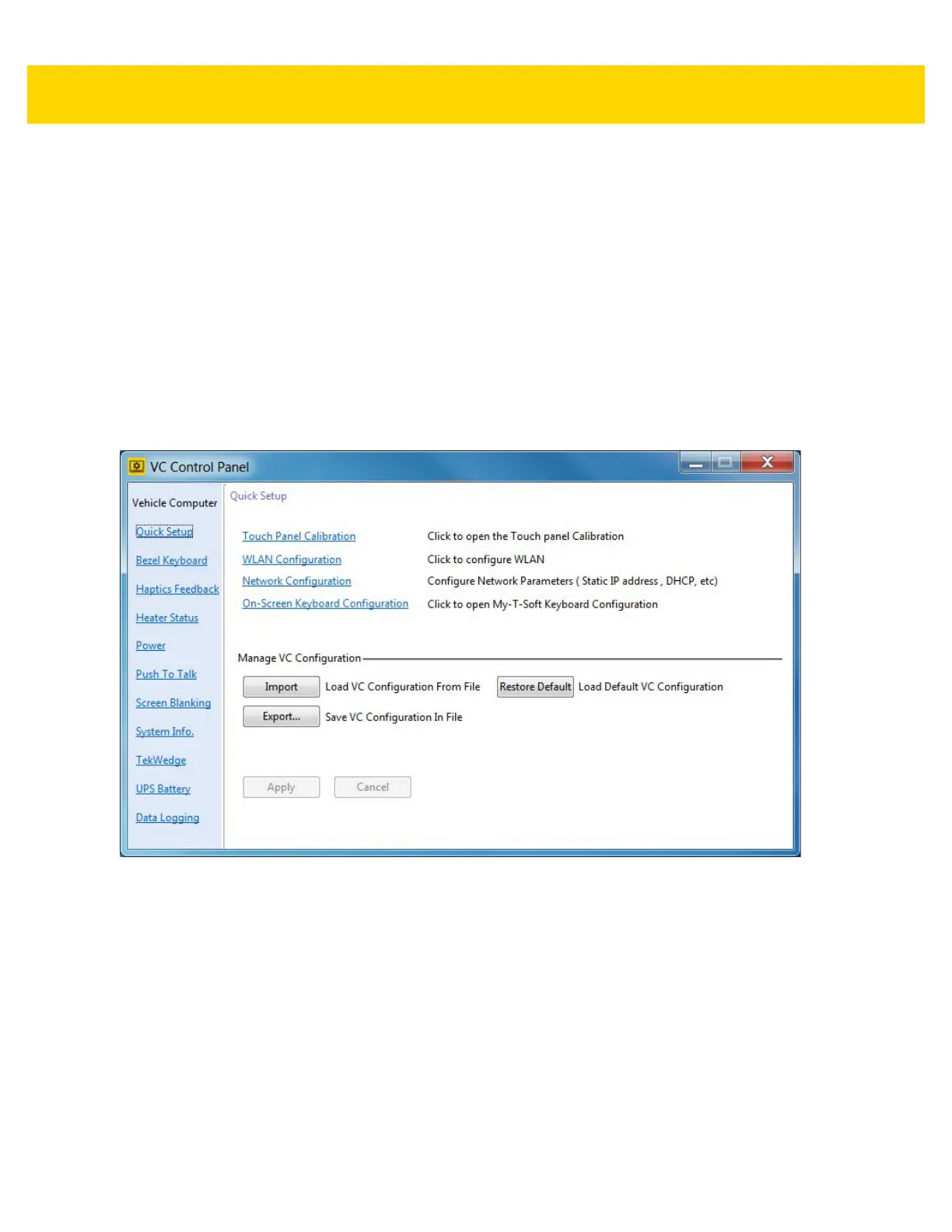
Select Start Menu > VC Control Panel > Quick Setup to configure the following quick setup options.
Links to Microsoft or third party utilities:
•
Touch Panel Calibration - Calibrate the touch panel.
•
WLAN Configuration - Configure WLAN.
•
Network Configuration - Configure network parameters such as, Static IP address and DHCP.
•
On-Screen Keyboard Configuration - My-T-Soft Keyboard configuration.
VC80 control panel:
•
Manage VC Configuration - Load or save configuration files.
Figure 3-10 Quick Setup Settings (VC80 with Windows 7)



 To Next Page