3 - 18 VC80 User Guide
Haptic Feedback for VC80 Windows 7
•
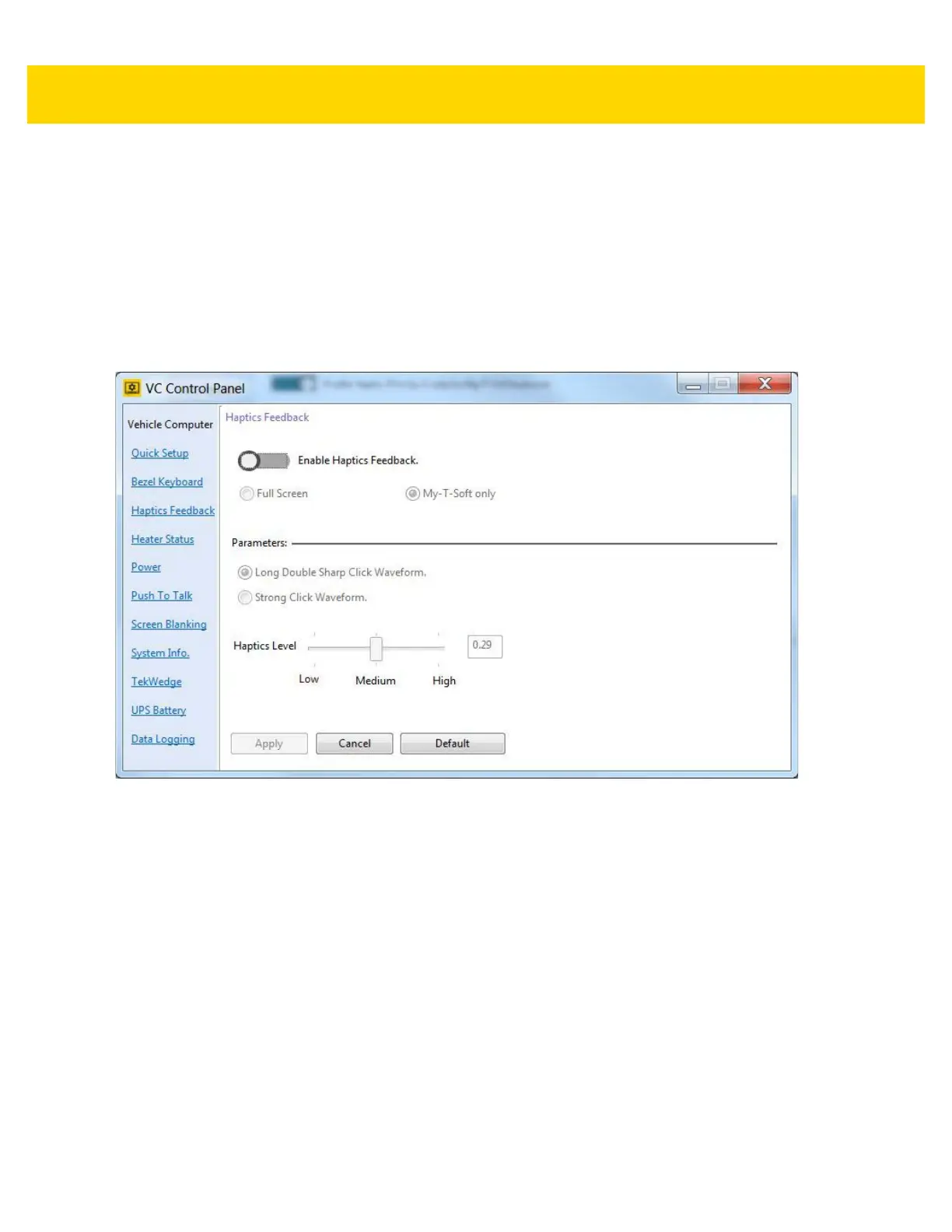
Haptics Feedback
• Enable/disable Haptics Feedback.
• Select Full Screen or My-T-Soft Only.
•
Parameters
• Select the haptics waveform type: Long Double Sharp Click Waveform or Strong Click Waveform.
• Select the haptics waveform level.
Figure 3-18 Haptics Feedback Settings (VC80 with Windows 7)



 To Next Page